
Most “free stock photo prompts” lists are either painfully generic (“a person smiling at laptop”) or so artsy that you can’t actually use the result on a landing page without it looking like a film poster. I wanted something in the middle: black and white stock photos you can generate quickly, that still feel like they belong in real content.
Also, monochrome is weirdly forgiving. When color isn’t doing the heavy lifting, composition, lighting, and texture matter more, and your image starts to look intentional instead of “AI tried its best.” Even when the output is imperfect, black and white often makes it usable.
So below are 20 copy-paste prompt examples (plus a bunch of practical notes) you can run in Stockimg.ai’s stock photo generator. They’re “free” in the sense that you’re not hunting through libraries and paying per download. You just generate what you need, in your exact framing, and you can retry until it fits.
How I actually use these prompts (so they don’t come out looking like AI soup)
I’m going to give you the prompts first (scroll if you want), but a quick reality check helps: black and white photography ideas work when you commit to a few specifics. If you write “black and white photo of business,” the model has too much freedom. Freedom is where it starts inventing nonsense.
Pick one “photography anchor” per image
I try to anchor each prompt with one of these:
- a lens feel: “35mm documentary,” “medium format studio,” “telephoto candid”
- lighting: “hard side light,” “window light,” “overcast soft light,” “low-key”
- texture: “film grain,” “matte paper,” “wet asphalt,” “linen fabric”
When I skip anchors, I get that glossy, over-smooth look that screams “generated.” Sometimes that’s fine, but for stock photo examples, you usually want believable.
Decide upfront: commercial-clean or editorial-gritty
My annoying habit is mixing tones in one prompt. I’ll ask for “luxury” and also “gritty film grain,” and then I’m mad when it looks confused.
If you want commercial-clean, say things like:
- “high-key studio lighting”
- “clean background”
- “sharp focus, minimal noise”
If you want editorial-gritty, say:
- “documentary style”
- “35mm film grain”
- “slight motion blur”
Use Stockimg.ai like a scratchpad, not a slot machine
If you only generate once, it feels like luck. The better workflow is: generate 4-8 variations, pick what’s close, then re-prompt with one change. “Same scene, tighter crop,” or “same but more negative space left.”
That’s the part people skip, and it’s why they conclude AI stock images are all unusable. You need a little iteration, but it’s still faster than browsing 40 pages of a stock site and realizing the “perfect” image has the vibe of 2014 startup culture.
20 black and white stock photo prompt examples (copy-paste + tweak)
Below are 20 creative photo prompts grouped by use case. Every prompt is written so you can paste it directly into Stockimg.ai. After each one, I’ll tell you what it’s good for, and what I usually tweak when it comes out slightly wrong.
Workspace and “maker” energy (good for blogs, SaaS, newsletters)
Prompt: "black and white stock photo of a minimalist desk setup, open laptop at a slight angle, ceramic coffee mug, soft window light from the side, shallow depth of field, realistic documentary photography, subtle 35mm film grain"
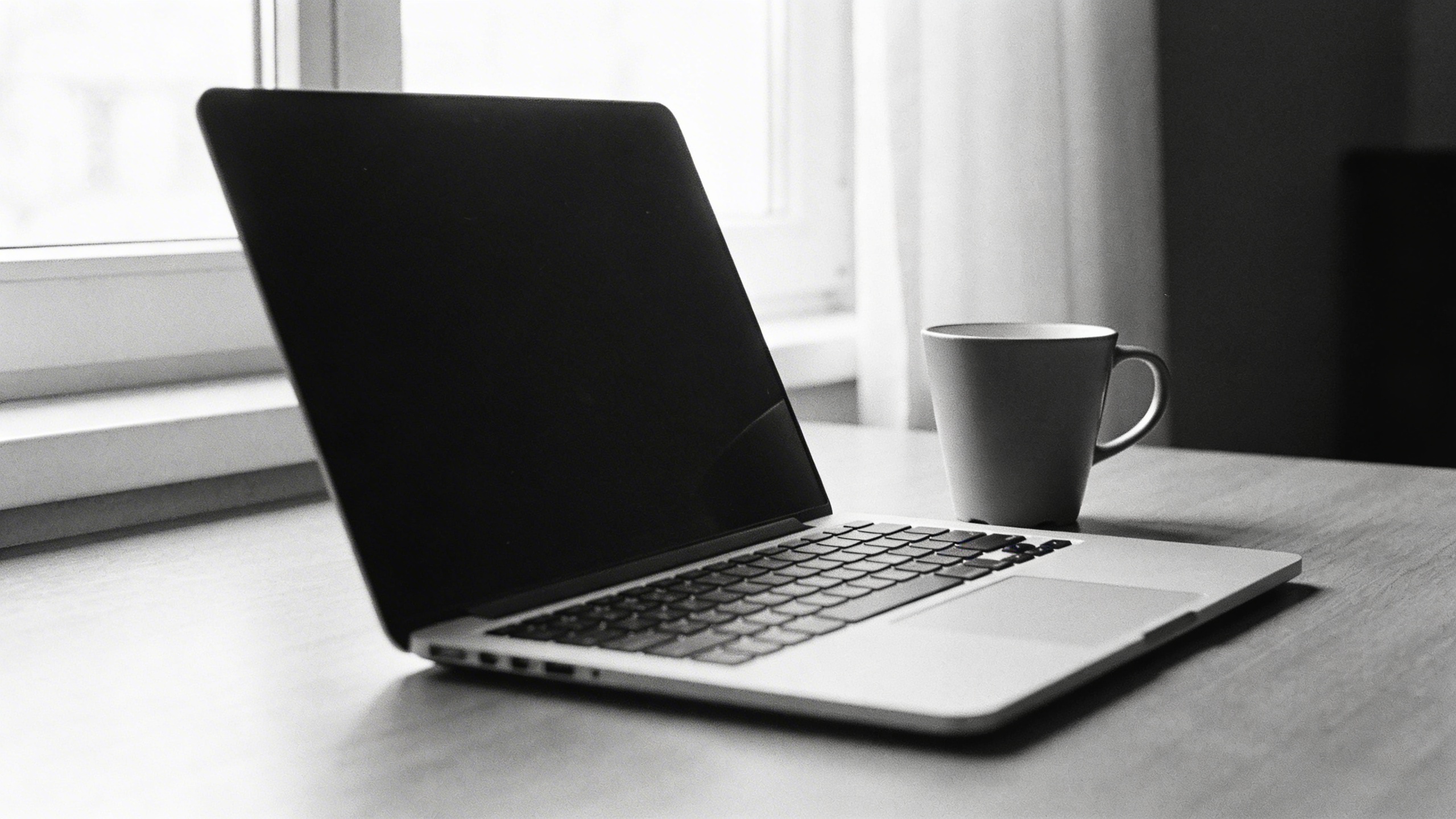
This one is the classic. If it feels too generic, swap the mug for something specific: “metal moka pot” or “crumpled sticky notes.” Specific props create believability.
Prompt: "monochrome stock image of hands writing in a notebook with a fountain pen, desk lamp creating hard shadows, close-up crop, high contrast black and white, editorial style, crisp paper texture"
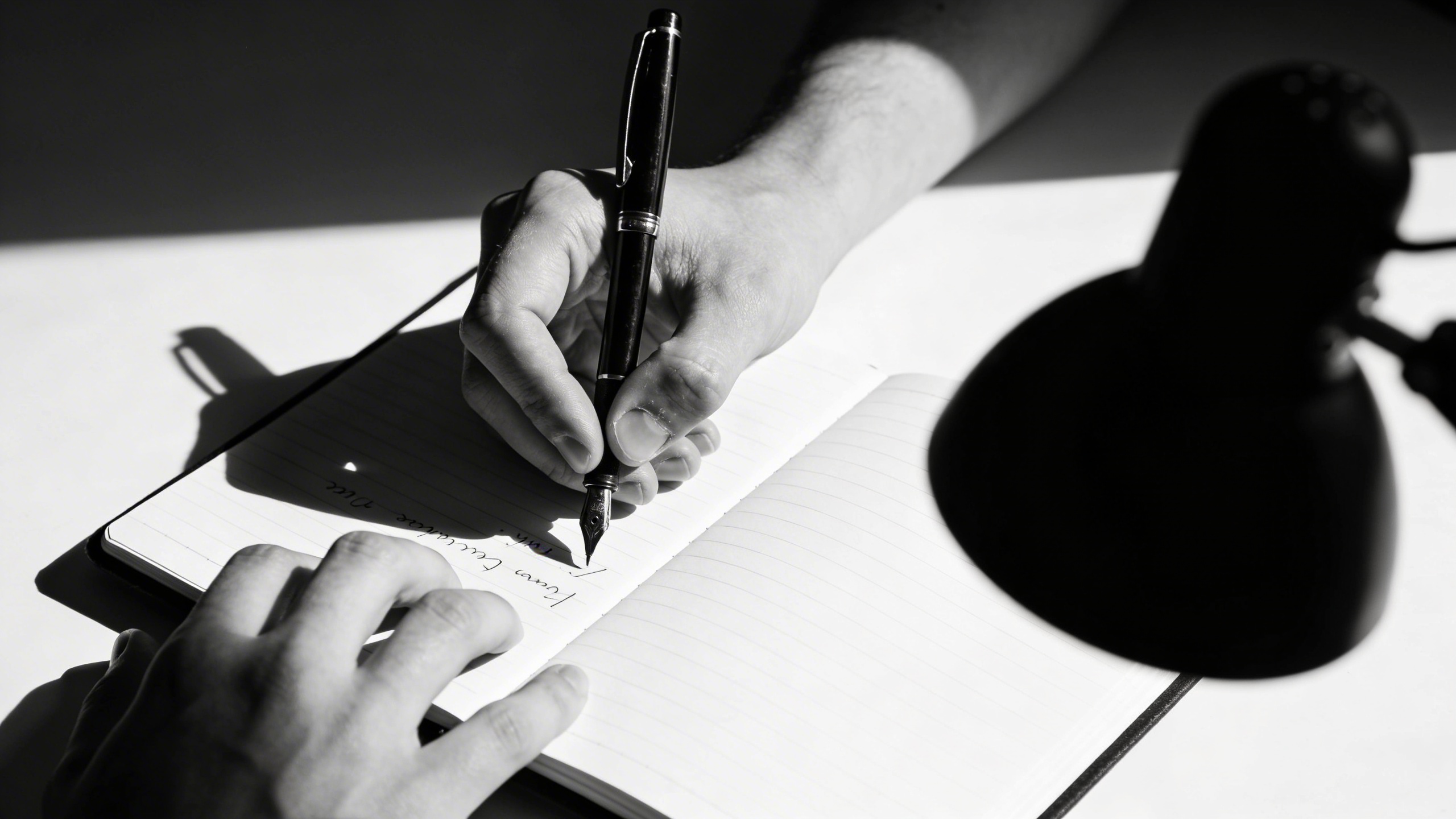
I use this for “process” posts. If you need more copy space, add “negative space on the right side.”
Prompt: "black and white stock photo of a designer’s messy workspace, scattered sketches, cutting mat, ruler, utility knife, strong overhead light, realistic grain, candid documentary feel"

This prompt is where the model sometimes invents weird tools. If that happens, strip props down: “scattered sketches, pencil, ruler” only.
Prompt: "black and white photography idea: laptop and smartphone on a wooden table, reflections and shadow patterns from window blinds, cinematic contrast, clean composition, realistic photo"
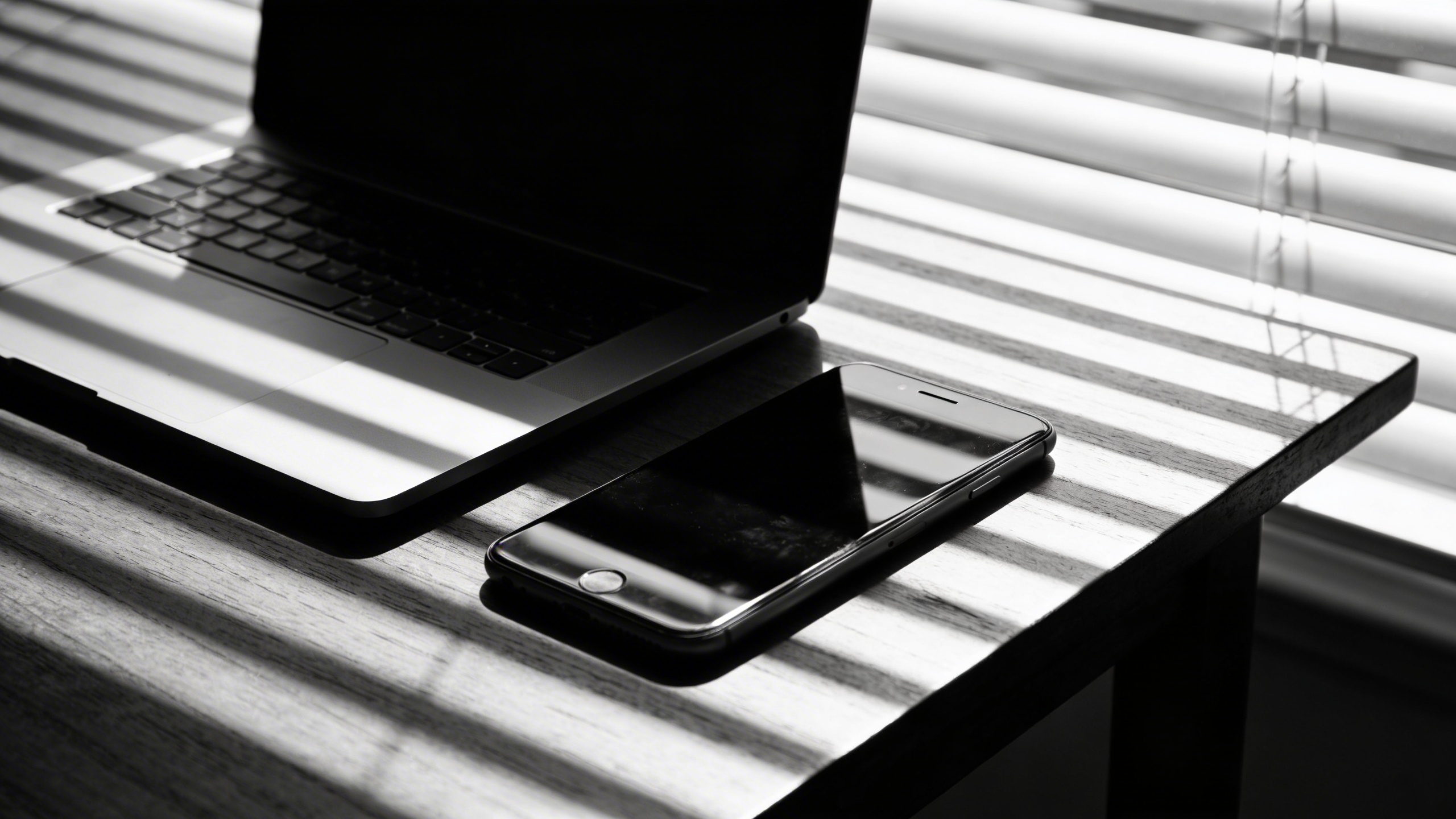
Blinds shadows are basically cheat codes for making something feel photographed. Great for landing pages when you want “moody but not dramatic.”
Business concepts that don’t feel like cheesy stock
Prompt: "black and white stock photo of a handshake, close-up crop with faces not visible, soft natural light, realistic skin texture, shallow depth of field, corporate but authentic"

If you’ve ever hunted for handshake photos, you’ve seen the cursed ones. Keeping faces out helps avoid uncanny expressions. It also makes it more universal.
Prompt: "monochrome stock image of a person in a blazer walking through a modern office hallway, motion blur, candid editorial photography, high contrast, reflections on glass"
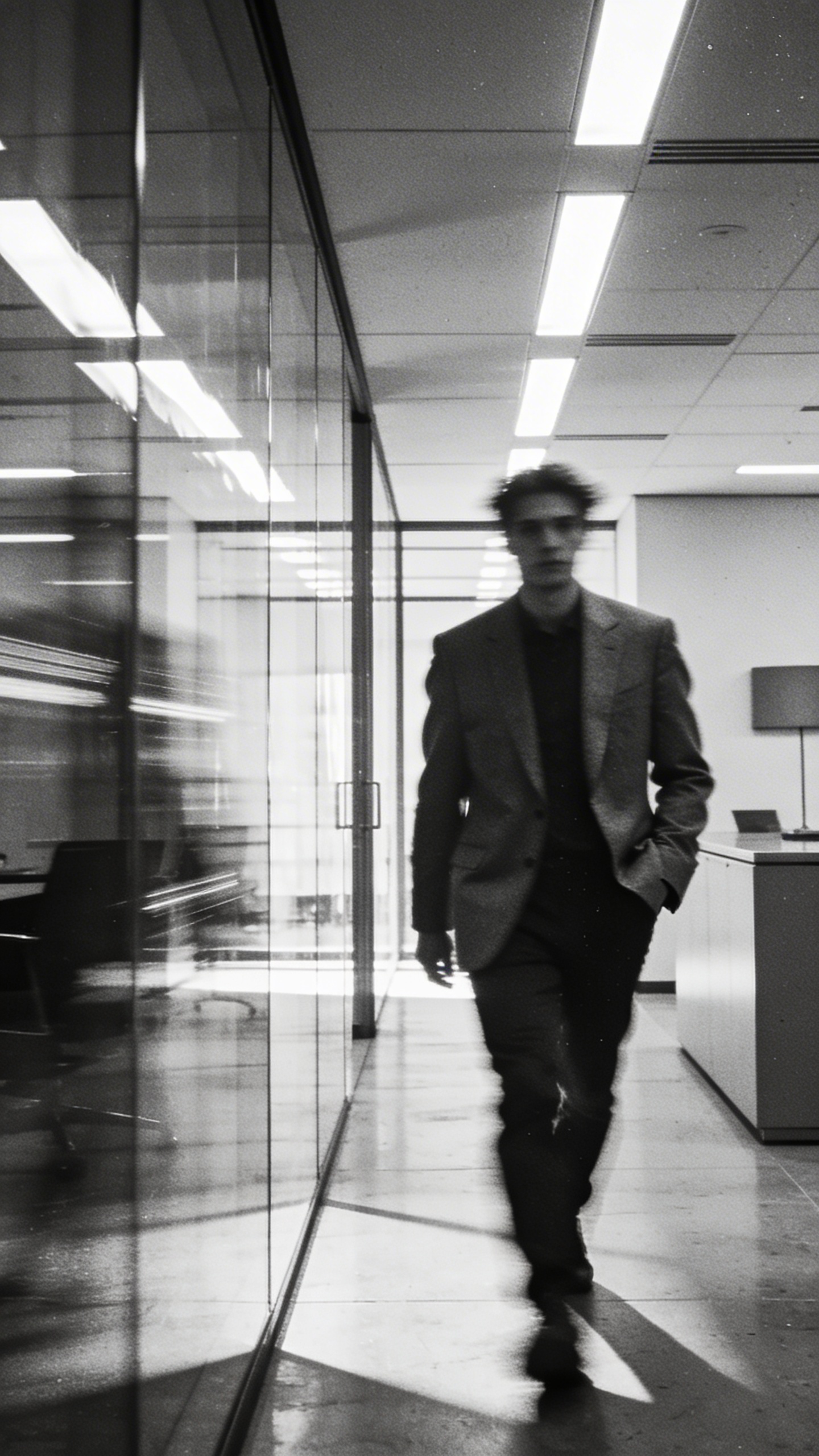
Motion blur covers a lot of AI sins. If the body looks odd, increase blur: “stronger motion blur, slower shutter look.”
Prompt: "black and white stock photo of a meeting table with notebooks and printed charts, people implied by hands only, overhead light, clean corporate style, sharp focus, minimal clutter"

“Hands only” is my favorite trick for stock photo examples because it reduces face weirdness and keeps it brand-neutral.
Prompt: "black and white stock photo concept of decision making, person holding two sticky notes, one blank notebook, strong side light, minimalism, lots of negative space"
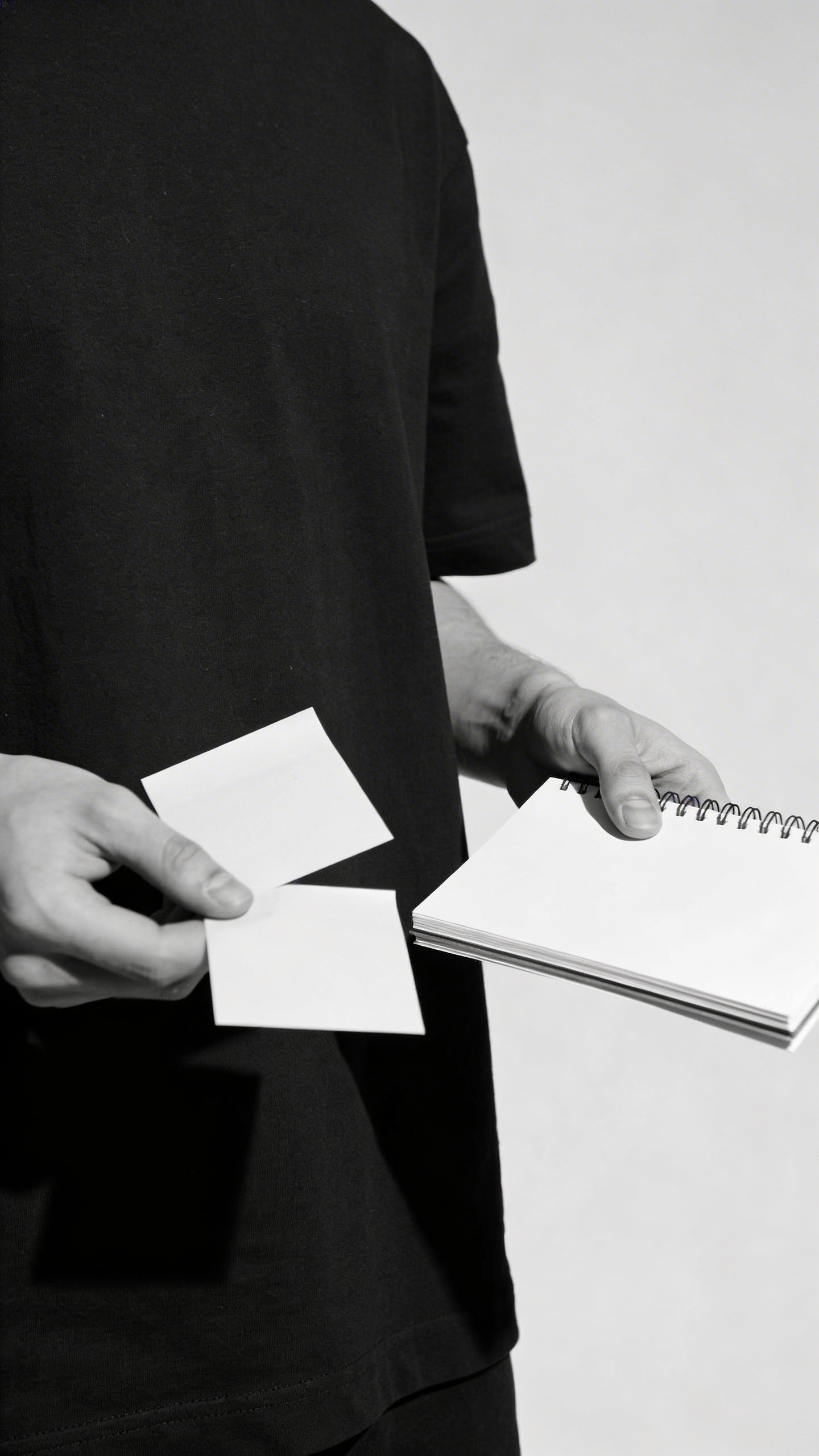
Sticky notes sometimes turn into unreadable glyphs. If that bugs you, specify “blank sticky notes with no writing.”
Lifestyle + calm everyday scenes (usable across niches)
Prompt: "black and white stock photo of a morning kitchen scene, hands pouring coffee into a mug, steam visible, soft window light, cozy documentary style, realistic film grain"
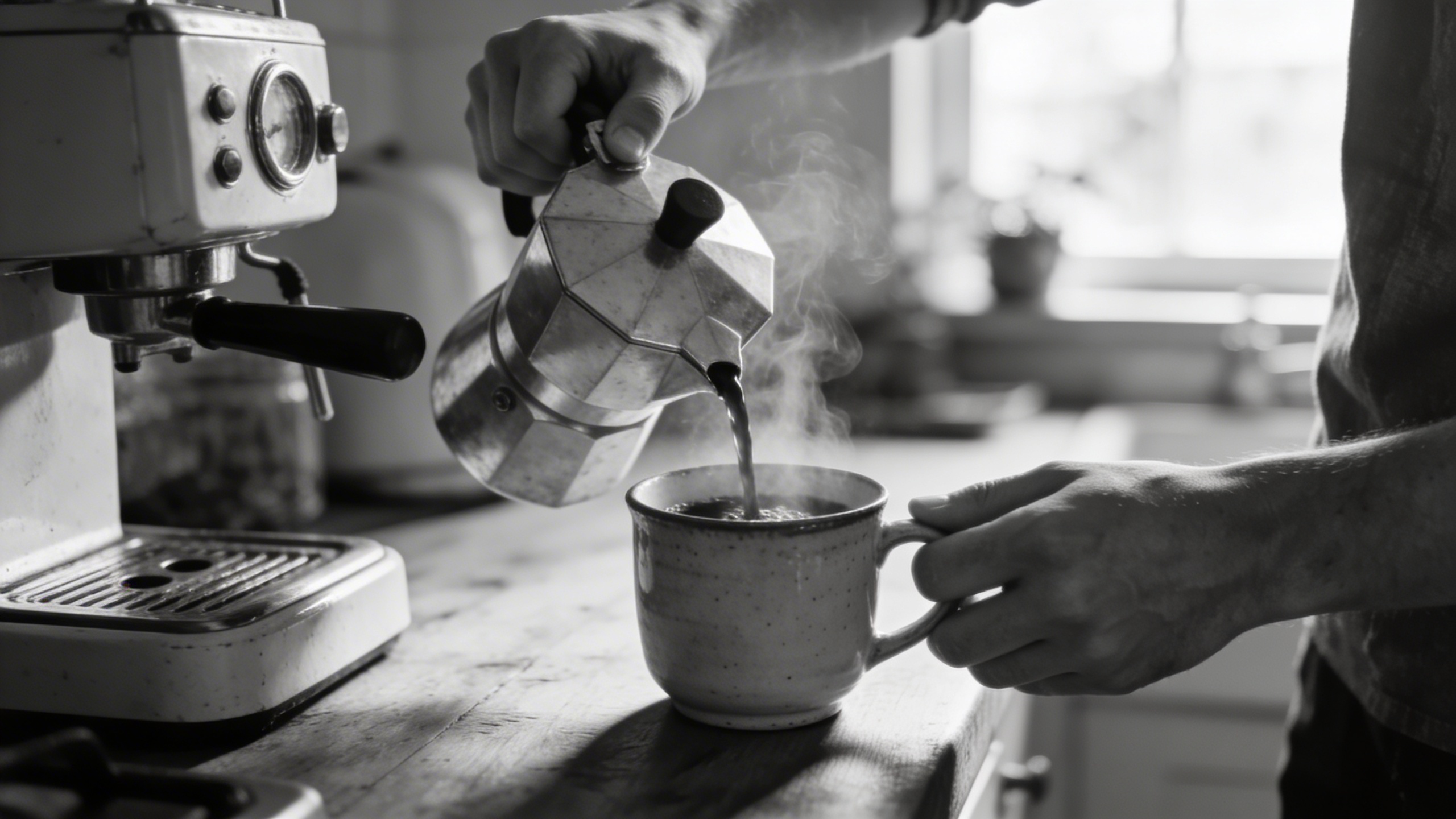
Steam is another cheat code. If steam looks fake, ask for “subtle steam” or remove it and lean on reflections.
Prompt: "monochrome stock image of running shoes on concrete with dramatic shadows, low angle, gritty texture, high contrast black and white, urban sports editorial photo"
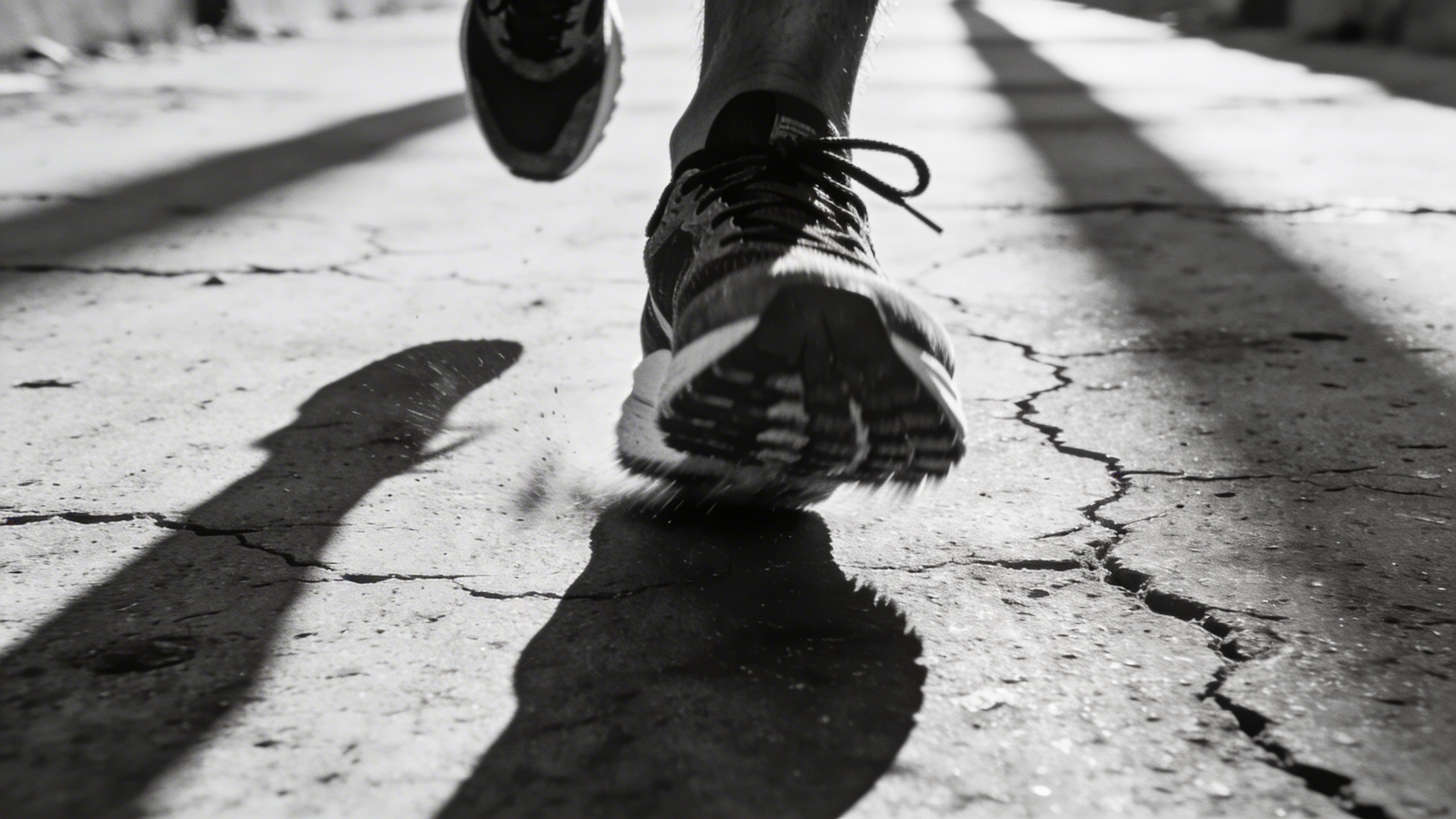
This works for fitness, habits, motivation, even productivity posts. If the shoes look too brand-specific, say “unbranded running shoes.”
Prompt: "black and white photography idea of a person reading a book by a window, face out of frame, soft light, quiet mood, shallow depth of field, realistic photo"
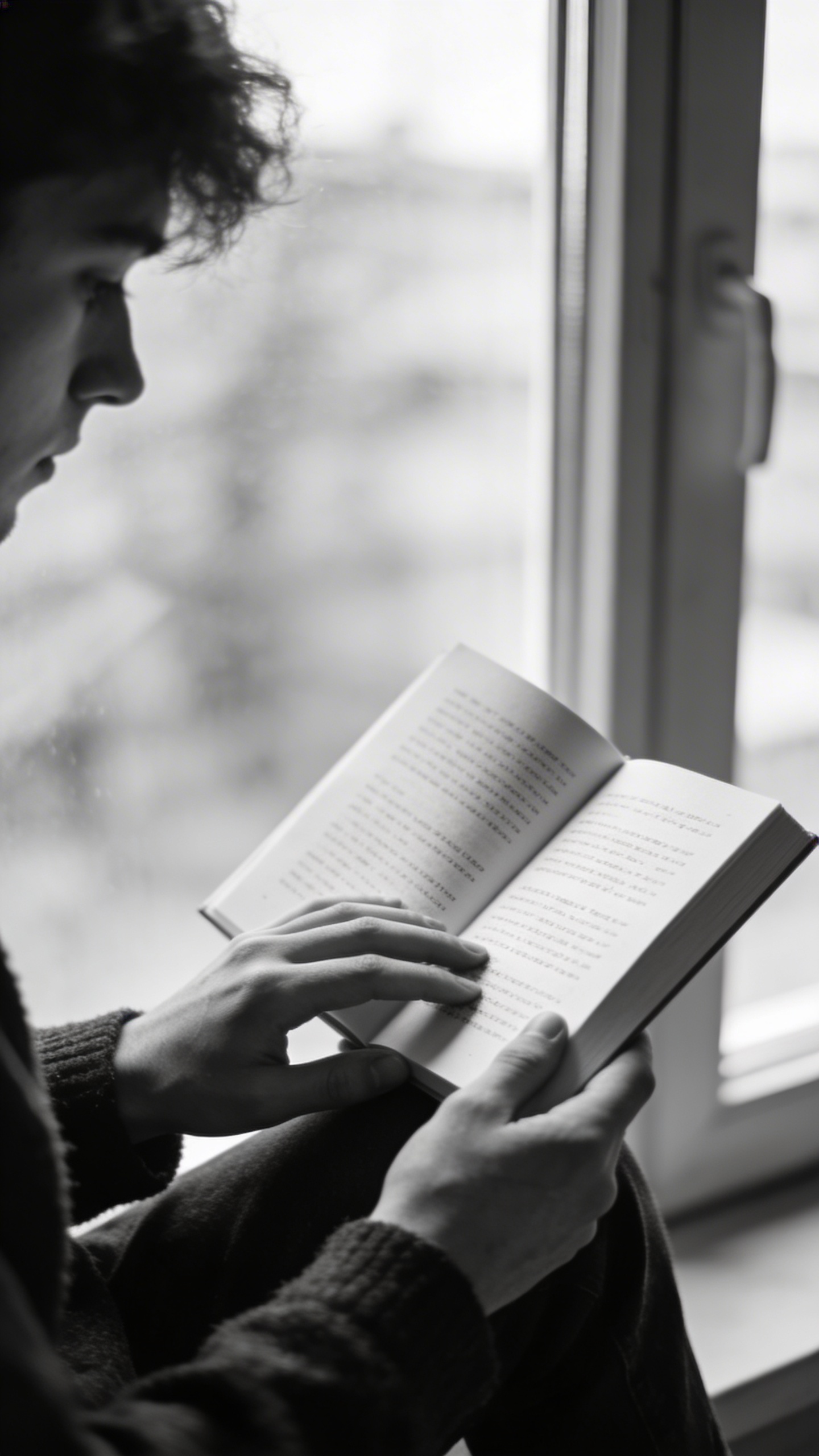
Face out of frame again. It’s not just about AI limitations, it’s also more universal. You can sell “calm focus” without implying a specific identity.
Prompt: "black and white stock photo of hands holding a smartphone at night, city bokeh lights in background, high contrast, moody cinematic look, realistic noise, shallow depth of field"

Night scenes are tricky because models sometimes overdo the glow. If it looks too sci-fi, specify “subtle bokeh, natural lens flare.”
Product and object shots (clean, ad-friendly monochrome stock images)
Prompt: "black and white stock photo of a matte black perfume bottle on a stone surface, studio lighting with rim light, soft shadow, luxury minimal product photography"
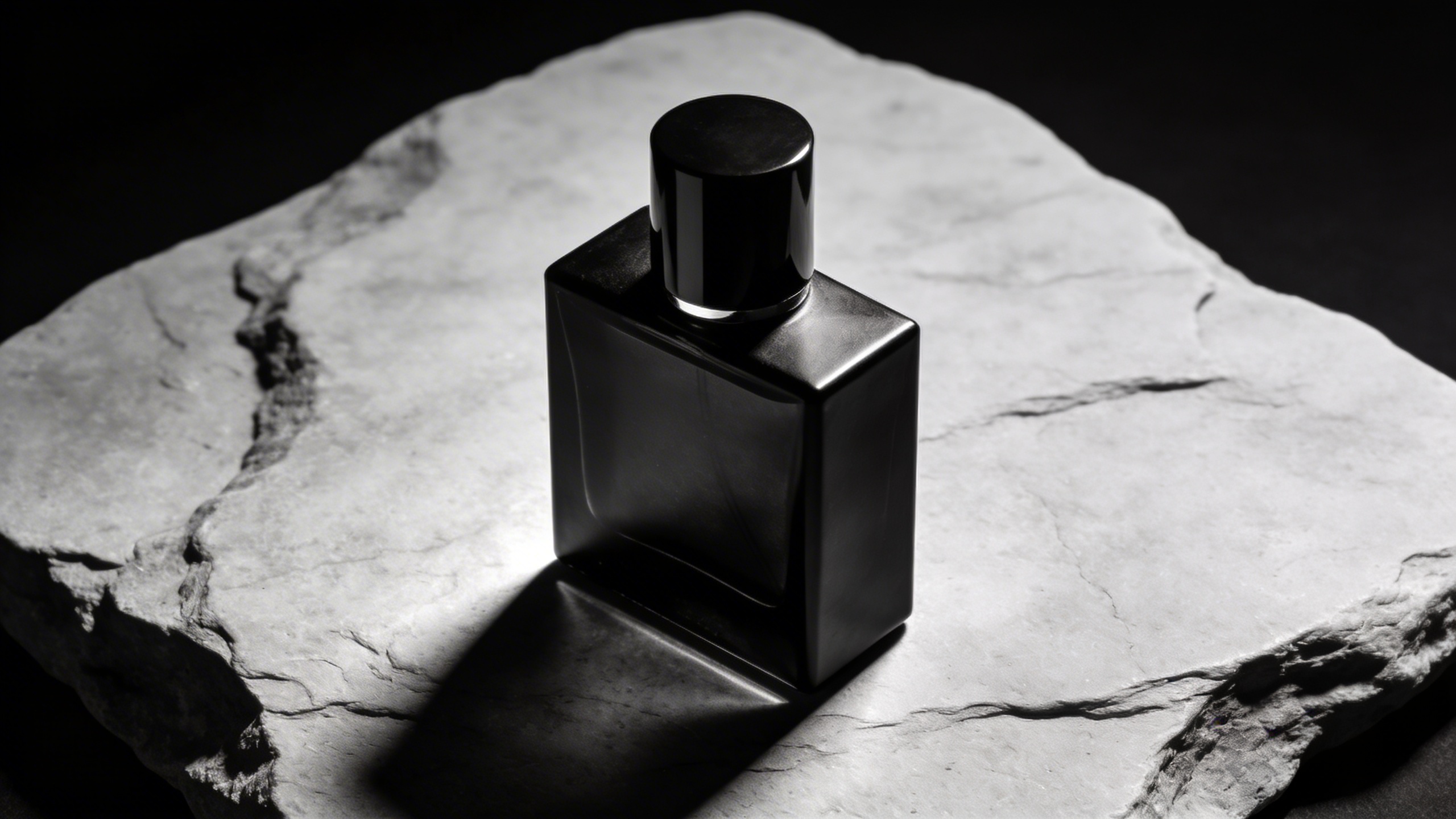
You can swap perfume for almost anything. If you want e-commerce vibes, add “pure white seamless background.”
Prompt: "monochrome stock image of a blank skincare tube standing upright, high-key studio lighting, clean background, crisp edges, subtle reflection, product photography"
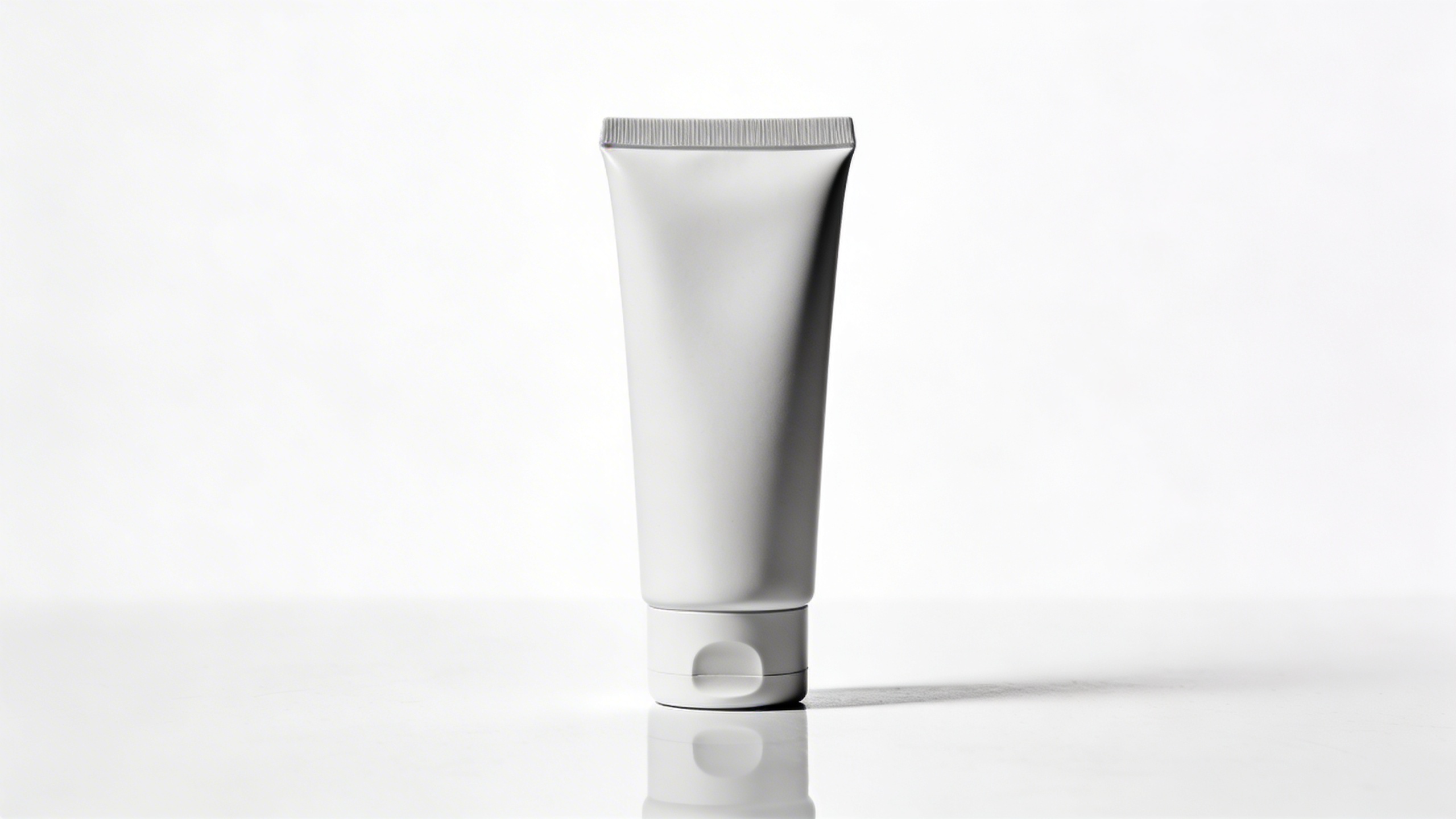
“Blank” is important so you don’t get fake labels. If it still shows text-like marks, add “no logo, no label.”
Prompt: "black and white stock photo of a ceramic plate with a single croissant, top-down food photography, soft diffused light, fine grain, editorial café style"
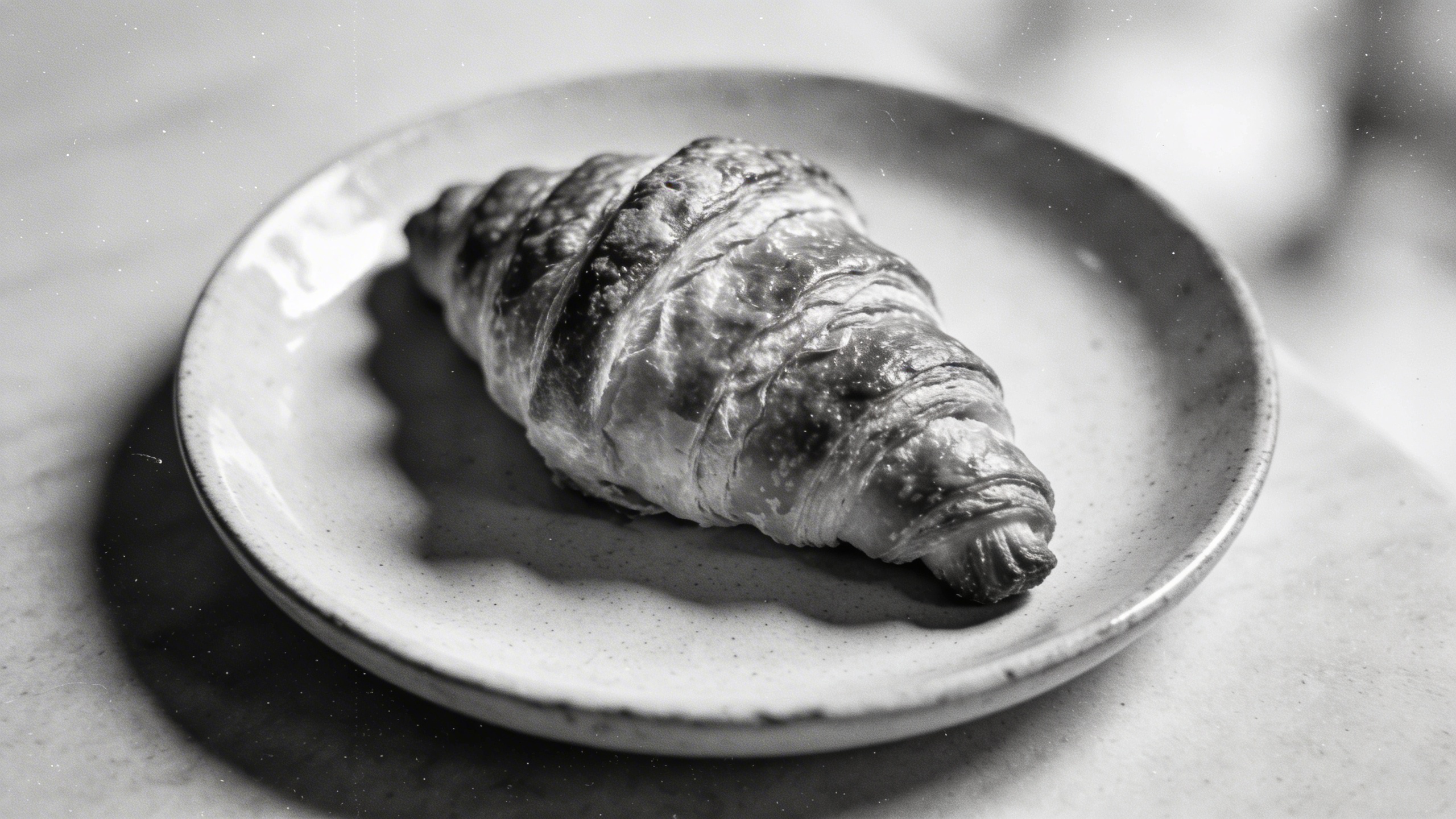
Food in black and white is underrated. It looks expensive even when it’s basic. If it feels flat, push contrast: “deeper blacks, brighter highlights.”
“Abstract but useful” conceptual stock photo examples
Prompt: "black and white stock photo concept of growth, a small plant sprout emerging from dark soil in a simple pot, dramatic side lighting, high contrast, macro lens look, realistic texture"
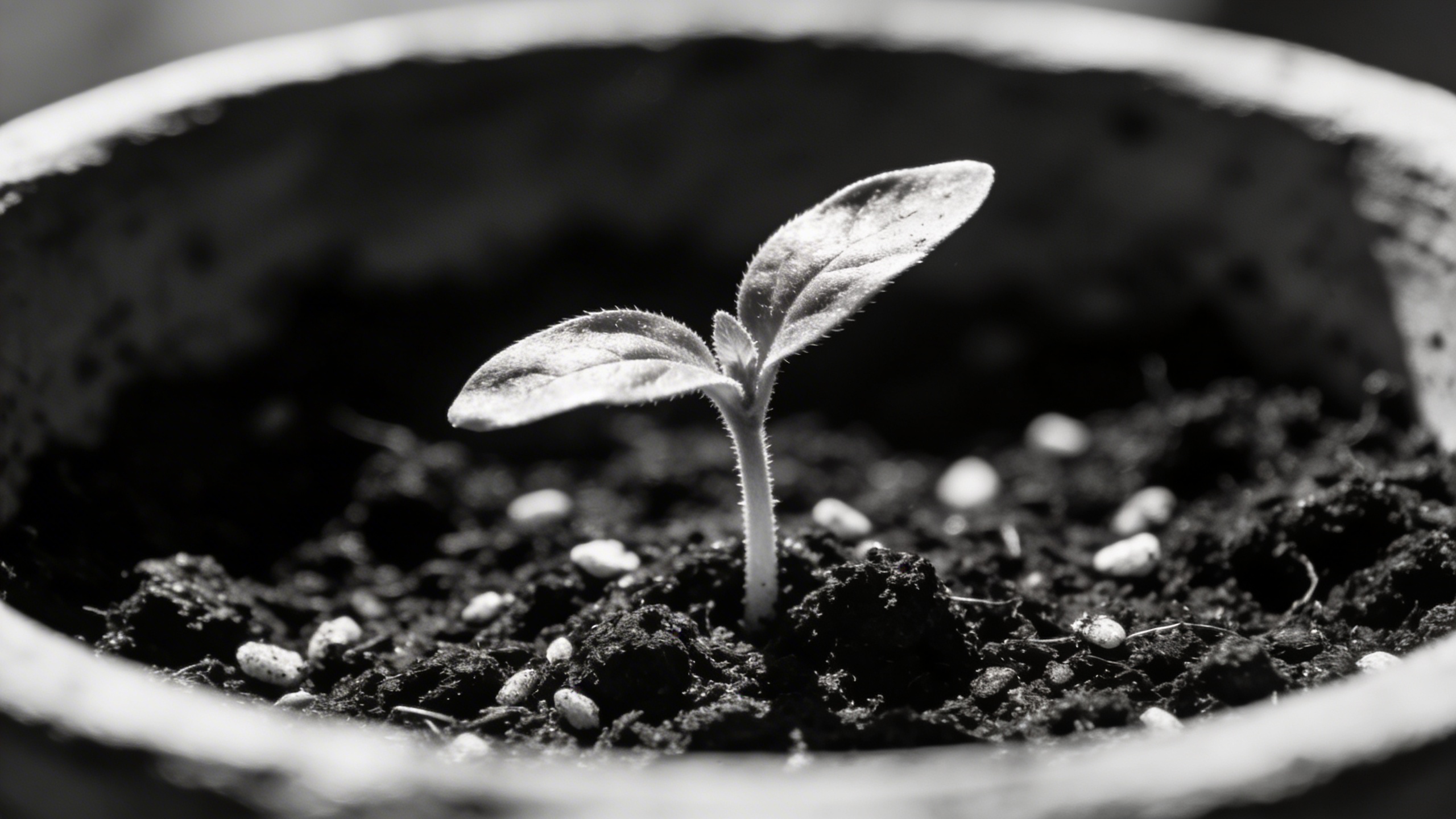
If you’re writing about growth, learning, investing, career stuff, this works without being cheesy. Sometimes sprouts look plastic; add “slightly imperfect leaves, natural soil crumbs.”
Prompt: "monochrome stock image concept of cybersecurity, close-up of a padlock on a laptop keyboard, low-key lighting, strong shadows, realistic metal texture, shallow depth of field"

Cybersecurity visuals are notorious. This one is safe, even if slightly cliché. You can modernize it by saying “biometric fingerprint sensor” instead of a padlock.
Prompt: "black and white stock photo concept of time management, analog wristwatch next to a to-do list on paper, overhead light, crisp textures, editorial minimalism"
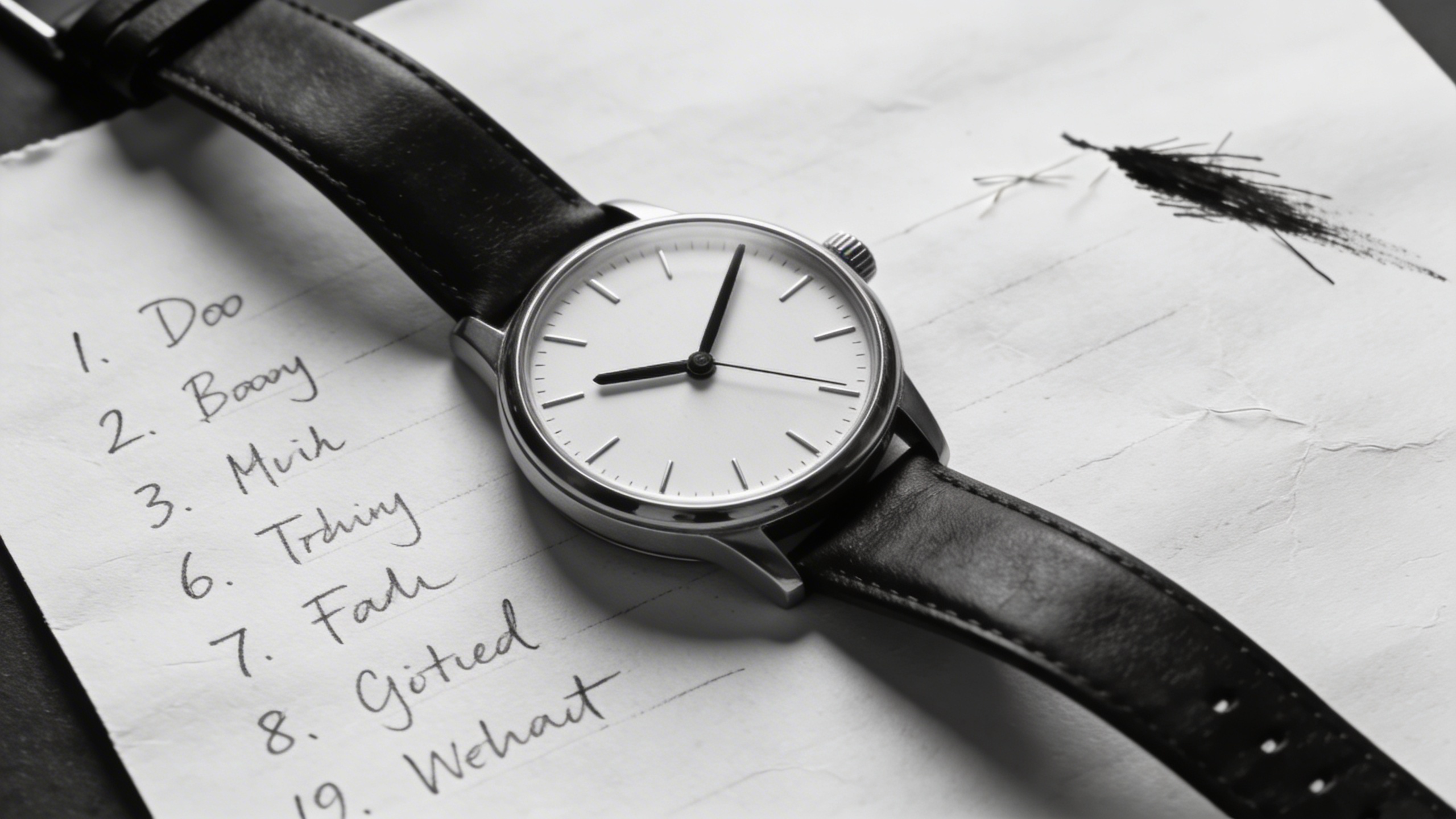
If the model writes gibberish on the to-do list, specify “blank checklist with empty boxes, no text.”
Prompt: "monochrome stock image of a lonely chair in a sunlit room, long shadows on wooden floor, quiet minimalist interior, cinematic contrast, subtle dust in light rays"
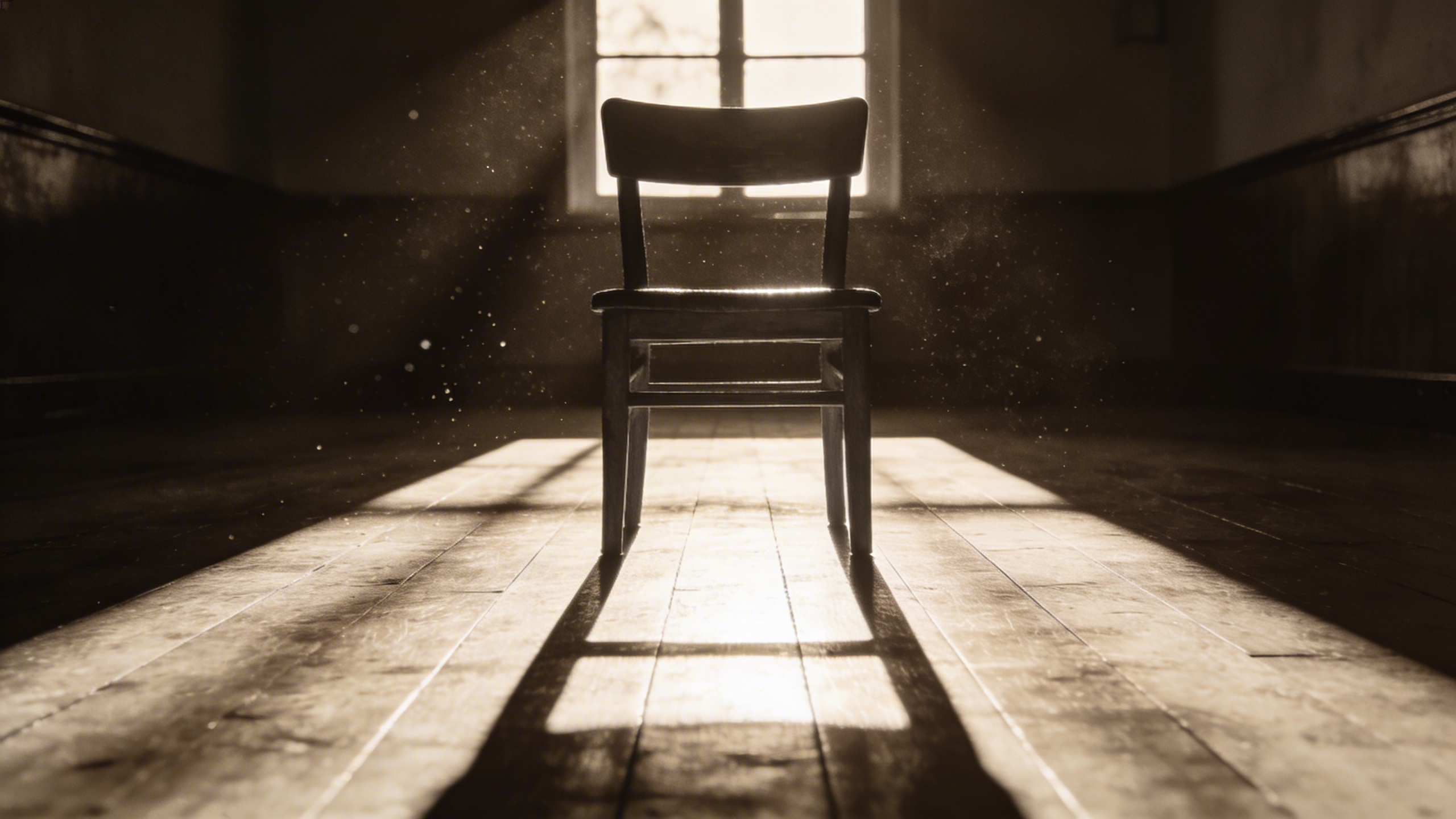
This is my “editorial mood” fallback. It fits mental health articles, storytelling, essays, even product marketing when you want spaciousness.
People, but without the uncanny valley trap
Prompt: "black and white stock photo portrait silhouette of a person in profile near a bright window, face mostly in shadow, soft haze, film grain, artistic but realistic"
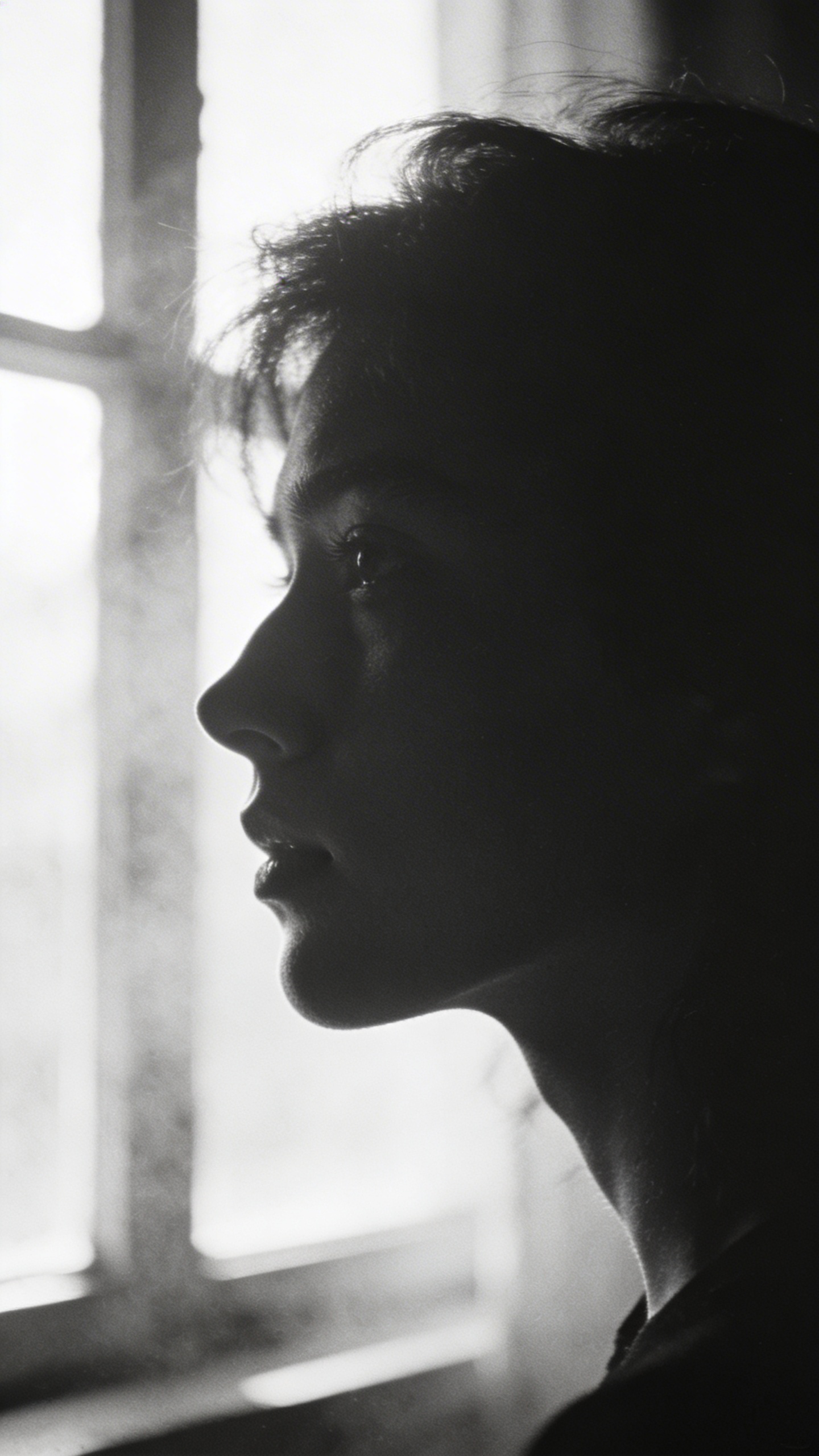
Silhouette portraits reduce weird facial details. If it comes out too artsy, ask for “commercial portrait, neutral expression.”
Prompt: "monochrome stock image of a barista’s hands tamping espresso in a portafilter, close-up, hard side light, high contrast, realistic metal highlights"
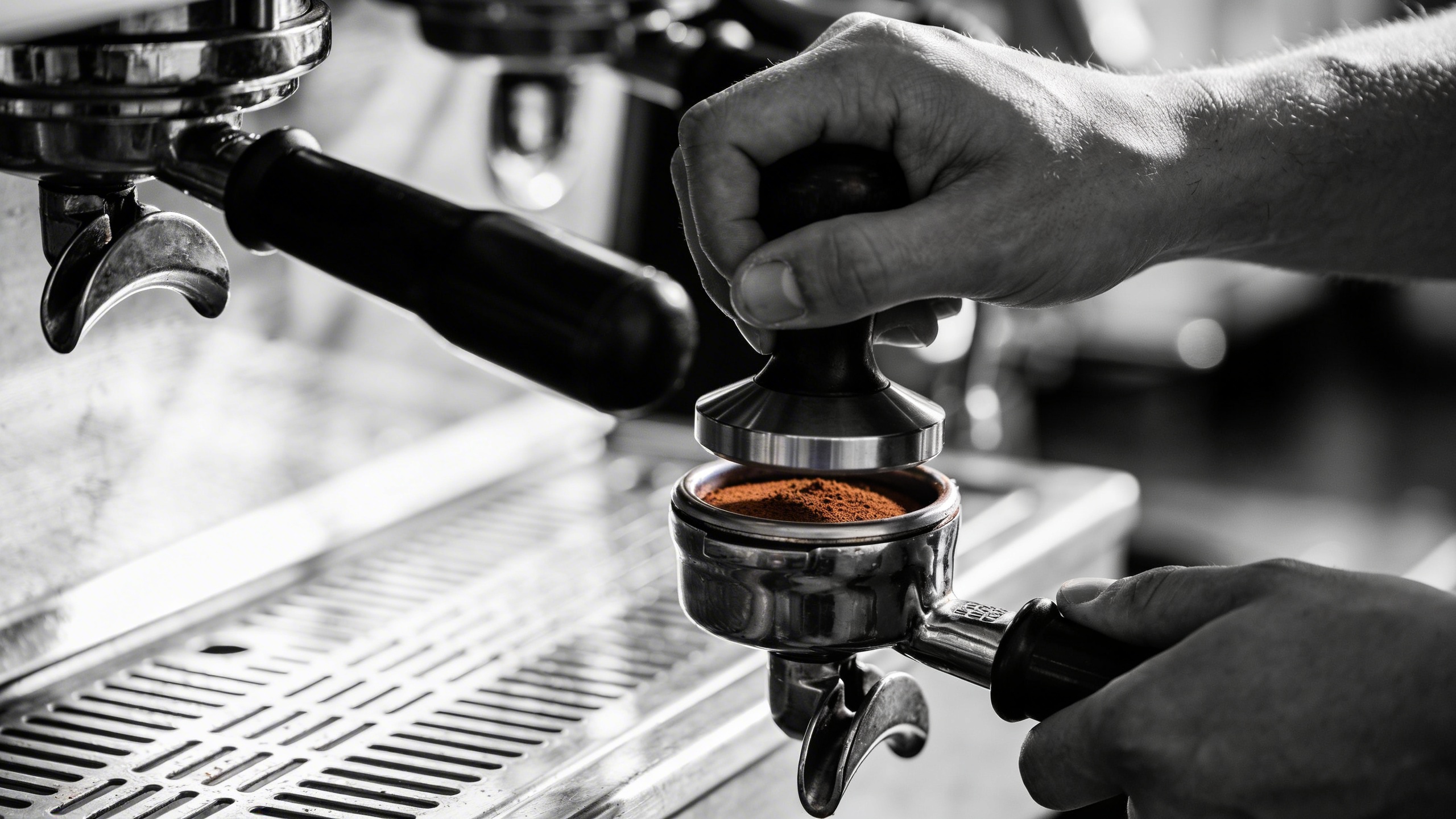
Hands + craft is always good. If the espresso tool looks wrong, simplify: “hands holding a coffee tamper over a portafilter.”
One extra: the “unreasonably useful” blank background hero
This last one is boring, which is why you’ll use it.
Prompt: "black and white stock photo of a textured concrete wall background with subtle gradient lighting, minimal, high resolution, empty space for text, realistic surface detail"
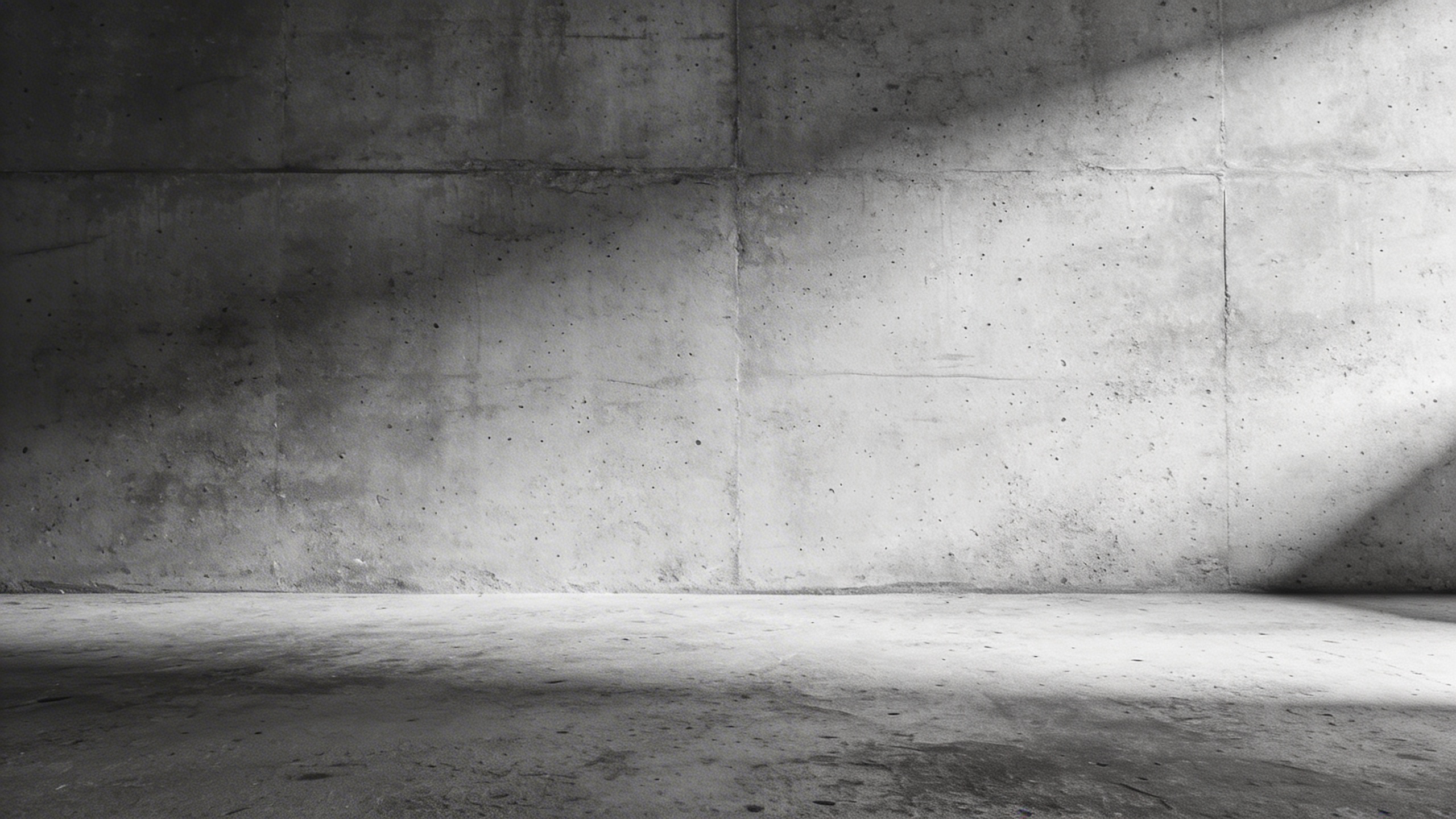
This is your hero section background when you want monochrome stock images that don’t distract from typography. I’ve generated versions of this for banners, YouTube thumbnails, and PDF covers. It’s wildly practical.
The workflow: turn prompts into a reusable black and white stock photo library (without losing your mind)
You can generate one image at a time, download it, repeat forever. That works. But if you do any consistent publishing (blog posts, templates, client work), you’ll eventually want a small set of “your” images that you reuse and remix.
1) Start with 3 “base styles” you like
If you scroll back up, you’ll notice I keep circling a few looks:
- soft window light + shallow depth of field + gentle grain
- hard side light + high contrast + texture
- high-key studio + clean background + crisp edges
Pick three and commit. This is the part where you stop chasing novelty and start building coherence. I resisted this for a while because it felt boring, but the moment your visuals look consistent, your site looks more expensive even if nothing else changes.
2) Generate in batches, not one-offs
When I’m generating with Stockimg.ai, I’ll pick a theme like “workspaces” and generate 10 variations in one sitting. Same camera feel, different props. Then I export the top 4, and I have a mini-pack.
This also helps you notice what the model is good at. For example, I’ve had runs where hands looked perfect and faces looked haunted, and other runs where it was the other way around. I still don’t understand why. I just adapt and move on.
3) Crop and reuse intentionally
A lot of stock photography inspiration is really just “crop inspiration.” Take one good image and use it three ways:
- wide header crop with negative space for title
- square crop for social
- tight crop for inline blog image
If you want that “stock site consistency,” crop before you decide you hate the image. Sometimes you don’t need a better image, you need a better crop.
4) Save your prompts like recipes
This sounds obvious but I didn’t do it at first. I’d generate something great, then two weeks later I couldn’t reproduce it.
Create a small text file called bw-stock-prompts.txt and write:
- the prompt
- any style notes (“more grain,” “wider frame,” “less contrast”)
- where you used it (“pricing page hero,” “newsletter issue 12”)
It’s not glamorous. Neither is searching your download folder at midnight for “final_final2.jpg.”
A few practical knobs to twist (when your monochrome images look off)
You’ll hit a few recurring problems. Here’s what I tweak, in the exact order I usually try things.
“It looks too glossy and AI-clean”
Add: “subtle film grain, matte blacks, realistic noise, slight vignette”
Or specify a capture style: “35mm documentary photography” or “black and white darkroom print look.”
“The shadows are muddy”
Add: “high contrast, deep blacks, crisp highlights”
And remove too many soft words. If you have “soft, cozy, gentle, diffused” all together, it can muddy the result. Keep one.
“I need space for text”
Add: “negative space on the left” (or right), and specify composition:
- “subject on the lower right third”
- “wide shot with empty background”
It sounds like art directing because it is.
“Hands have extra fingers”
I know. It still happens.
Fixes that sometimes help:
- “hands partially out of frame”
- “hands blurred in motion”
- “wearing gloves”
- “fingers not visible” (yes, really)
Or just pivot to objects and imply people with props. Not every stock photo needs a human.
“It generated text on papers or screens”
Add: “blank screen, no UI, no text” Add: “blank paper, no writing, no letters”
If it still shows scribbles, swap the object. I’ve wasted time fighting a notebook page when I could have used a coffee cup and a shadow and been done.
Using Stockimg.ai for these prompts (the simple way)
If you’re new to generating monochrome stock images, keep it basic:
- Open Stockimg.ai and choose the Stock Photo category.
- Paste one of the prompts above.
- Generate a small set of variations first, not a single image.
- When you get one that’s close, re-run your prompt with one new instruction (crop, contrast, lens, or negative space).
- Download and keep your prompt with the final version so you can reproduce the vibe.
What I like about doing this in Stockimg.ai specifically is that it’s oriented around common “I need an asset now” categories, so you’re not tricking a general art model into behaving like stock photography. You’re starting closer to the target.
Where these black and white stock photos actually get used (and where they don’t)
This is personal preference, but I’ll tell you where I keep landing.
Places monochrome shines
- Blog headers where color would clash with your brand palette.
- Case studies where you want the text and numbers to be the hero, not the photo.
- Email newsletters because black and white compresses well and still looks good.
- Print PDFs and one-pagers. Black and white tends to survive cheap office printing better than color.
Places it can feel wrong
- E-commerce product pages where buyers need accurate color cues (skincare shades, clothing tone).
- Kids or playful brands where monochrome can look too serious.
- Anything where the “realness” matters like healthcare imagery. You may still prefer actual photography or paid libraries with releases.
I’m not saying you can’t use AI-generated monochrome for those. I just know what makes me nervous in practice.
And if you’ve ever had to explain a visual choice to a stakeholder, you know that nervousness matters. It’s not purely rational.
Frequently Asked Questions (FAQs)
Can I use these black and white stock photo prompts commercially?
Yes, the prompts themselves are just text ideas. Your ability to use the generated images commercially depends on the tool’s license and your plan, so check Stockimg.ai’s current usage rights inside your account before you ship a big campaign.
Why does the same prompt give different results each time?
Because the model introduces randomness on purpose. If you want consistency, keep your prompt stable and change only one variable at a time (like “wider crop” or “harder light”), and save the exact text that produced your best result.
How do I stop it from adding fake text to notebooks, screens, or labels?
Add constraints like “blank screen, no UI, no text” and “blank paper, no writing, no letters.” If it still sneaks in text-like marks, switch to props that don’t contain surfaces that “want” to be written on, like stone, fabric, glass, or metal.
What resolution do I need for printing monochrome stock images?
For print, aim for 300 DPI at the final physical size. If you’re printing an 8x10 inch image, you generally want around 2400x3000 pixels or more.
Why do my black and white images look gray and flat?
Your prompt likely lacks contrast direction. Add “high contrast, deep blacks, bright highlights,” and mention a lighting style like “hard side light” or “low-key lighting,” then regenerate a few variations.
Do black and white stock photos perform better than color for marketing?
Sometimes. Black and white can make a page look more premium and focused, but it can also reduce scroll-stopping impact on platforms where color is doing most of the attention work, so you usually have to test it for your audience.
What’s the easiest way to build a consistent monochrome style across my site?
Pick 2-3 lighting and lens “recipes” (like soft window light + grain, or studio high-key) and reuse them, even if you get bored. Consistency is what makes your visuals feel intentional.