
I used to think “best seller t-shirt design” was a secret club. Like you needed some mysterious design taste, a fancy iPad setup, and the ability to predict human behavior months in advance. Then I actually sold shirts online for a while and realized the truth is less romantic: most “best sellers” are just boringly well-executed ideas that match a very specific buyer moment.
The buyer moment is what people skip. They jump straight to fonts and mockups and whether the shirt is Comfort Colors or Bella+Canvas, but what makes an Etsy t-shirt sell is usually something like: a mom needing a last-minute gift for a coach, a newly engaged couple wanting matching shirts for a trip, or someone who saw a phrase on TikTok and wants it on cotton by Friday.
AI just makes the iteration phase way less annoying. You still have to pick a lane, make a design that reads from six feet away, and list it like you actually want someone to find it. I’m going to walk you through the exact workflow I’d use today to create t-shirts with AI and put them on Etsy in a way that has a shot at becoming a best seller, or at least not dying on page 17 with zero views.
Start with demand
If you only take one thing from this post, take this: your design does not have to be genius. It has to be appropriate. It has to fit a niche that shops on Etsy, and it has to look like it belongs next to the other things buyers are already clicking.
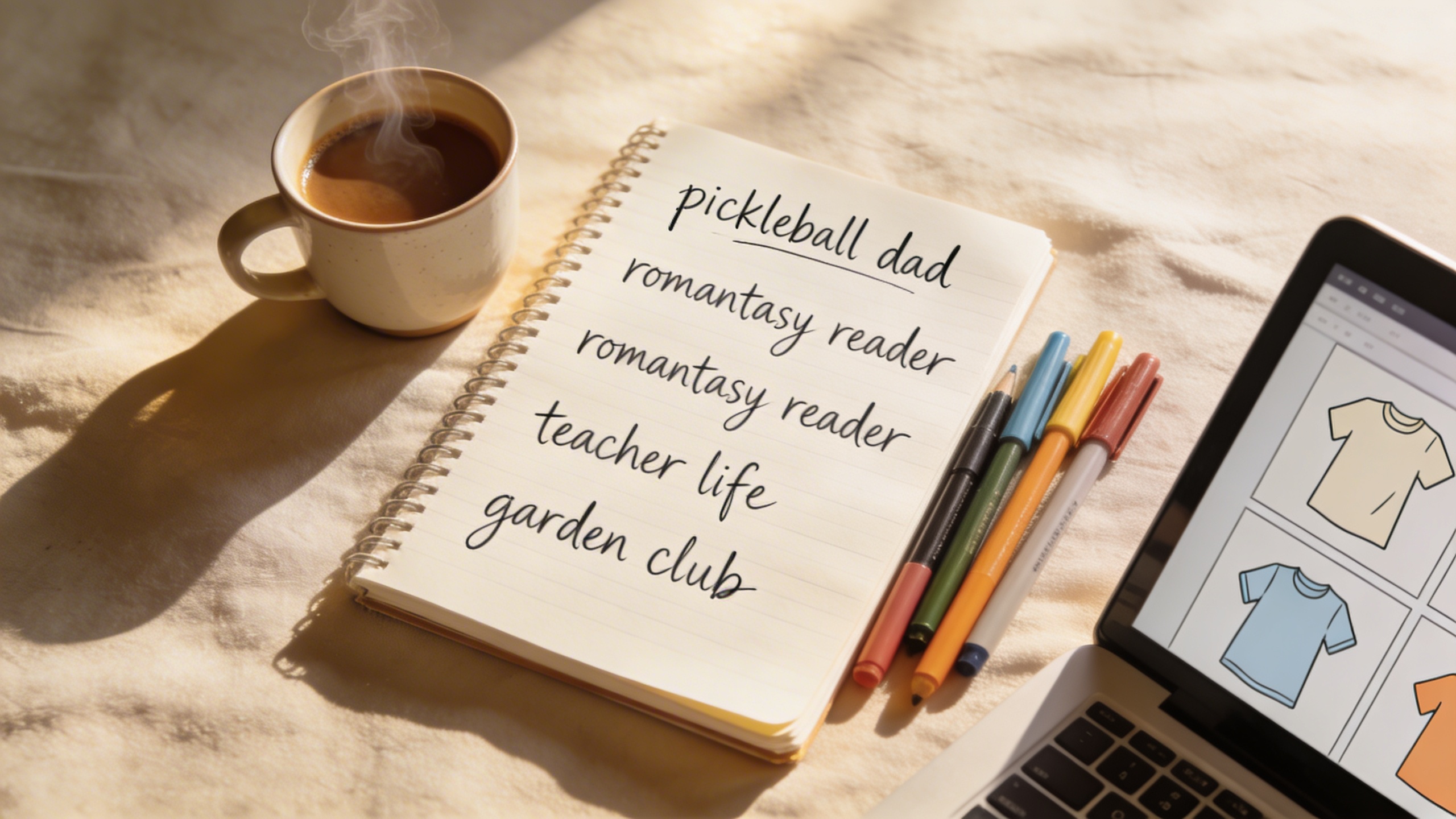
I keep a running note on my phone called “stuff people buy even if the design is mid.” It’s unglamorous. It’s like: pickleball sayings, book tropes, nurse humor, trader jokes, “in my ___ era,” and so on. Every time I see a shirt idea in real life (Target line, school pickup, gym, a weird Facebook group I forgot I joined), I toss it into the note.
Then I do a quick sanity check:
- Are people buying shirts for this niche, not just stickers or mugs?
- Is the phrase safe, or is it the kind of thing that gets you a policy headache?
- Can I make 10 variations without hating myself?
You want a niche where you can build a tiny “series,” because Etsy rewards consistency. One listing that sells is nice. Four related listings that sell a little is how your shop stops feeling random.
The best t-shirt design ideas are usually “specific + simple”
People love to say “find a niche,” but niche is not just “dogs.” Niche is “golden retriever moms who like hiking.” Or “pitbull rescue owners who foster.” The tighter you get, the less you need to compete on pure design skill.
Also: don’t make the design complicated. Shirts are not posters. The distance test is real. If it can’t be read in a mirror from three steps away, it’s going to look like a smudge in Etsy search thumbnails.
A rule I keep breaking and then re-learning: if your main text is more than 7 words, it better be extraordinarily readable (and you better have a reason for the extra words). Most shirts that sell are basically:
- One big phrase
- One short supporting line (optional)
- One icon (optional)
- A layout that looks balanced and intentional
The “best seller” design checklist (the boring parts that matter)
This is the part where you want me to give you some magical Etsy marketing strategies, but it’s really production math and legibility.
1) Pick a print method before you design
If you’re using Printful/Printify or another POD partner, your designs are usually going DTG. That changes what works.
- DTG likes clean, not-too-thin details
- Ultra distressed textures can print weird (sometimes fine, sometimes it looks like lint)
- Neon gradients can be unpredictable depending on the shirt color and provider
If you’re doing screen print transfers or DTF yourself, your tolerances change, but that’s a whole different life.
The point: you don’t design in a vacuum. The medium matters.
2) Decide on the vibe: “Etsy cute” vs “streetwear cool” vs “team mom clean”
If your niche is teachers, you can go cute. If it’s gym culture, you probably want bolder type and fewer doodles. If it’s bachelor trip shirts, don’t overdesign it.
I’ve wasted hours making a design “better” when the buyer wanted it to look like a simple team shirt. That’s a painful lesson because you feel like you worked hard, and the market responds with silence.
3) Ensure there’s a single focal point
Your listing thumbnail is tiny. Your buyer is scrolling fast. Don’t make the eye choose between four competing features.
A layout that usually works:
- Big line 1 (the hook)
- Big line 2 (the punchline or identity)
- Small line 3 (a detail like “est. 1989” or “book club”)
- Icon: small, supporting, not dominating
Generating the design with AI (the fun part that still needs boundaries)
There are a bunch of AI t-shirt design tools out there. I’m not doing a tool comparison in this post because you asked for a how-to, and also because most of the “which is best” conversation turns into people defending what they already pay for.
In my workflow, I like using Stockimg.ai because it’s fast to iterate, it’s designed around making usable marketing graphics (not just artsy images), and the editing loop is simple: generate something close, then keep nudging it in plain language until it stops looking like a toy.
The key is not “type one prompt and get a best seller.” The key is: run 15 iterations quickly, pick one direction, then refine like a human.
My prompt formula for t-shirt graphics
I keep prompts structured so the model doesn’t wander into poster-land. Here’s the kind of language that gets me closer to print-friendly results:
- Style: “vector,” “screenprint,” “minimal,” “bold typography,” “retro collegiate,” “hand-lettered”
- Colors: “2-color,” “black and white,” “cream ink,” “on black shirt”
- Layout: “centered,” “arched text,” “badge,” “stacked lines”
- Print guardrails: “high contrast,” “clean edges,” “no background,” “transparent background,” “simple shapes”
If you’re doing a statement tee, include the phrase early and keep it exact. If you want the words to be correct, you have to be annoyingly specific.
Step-by-step: create your first design concept with Stockimg.ai
-
Pick one niche and one shirt color first. I often start with black, white, or “pepper” style dark gray because the contrast is forgiving and mockups look nice.
-
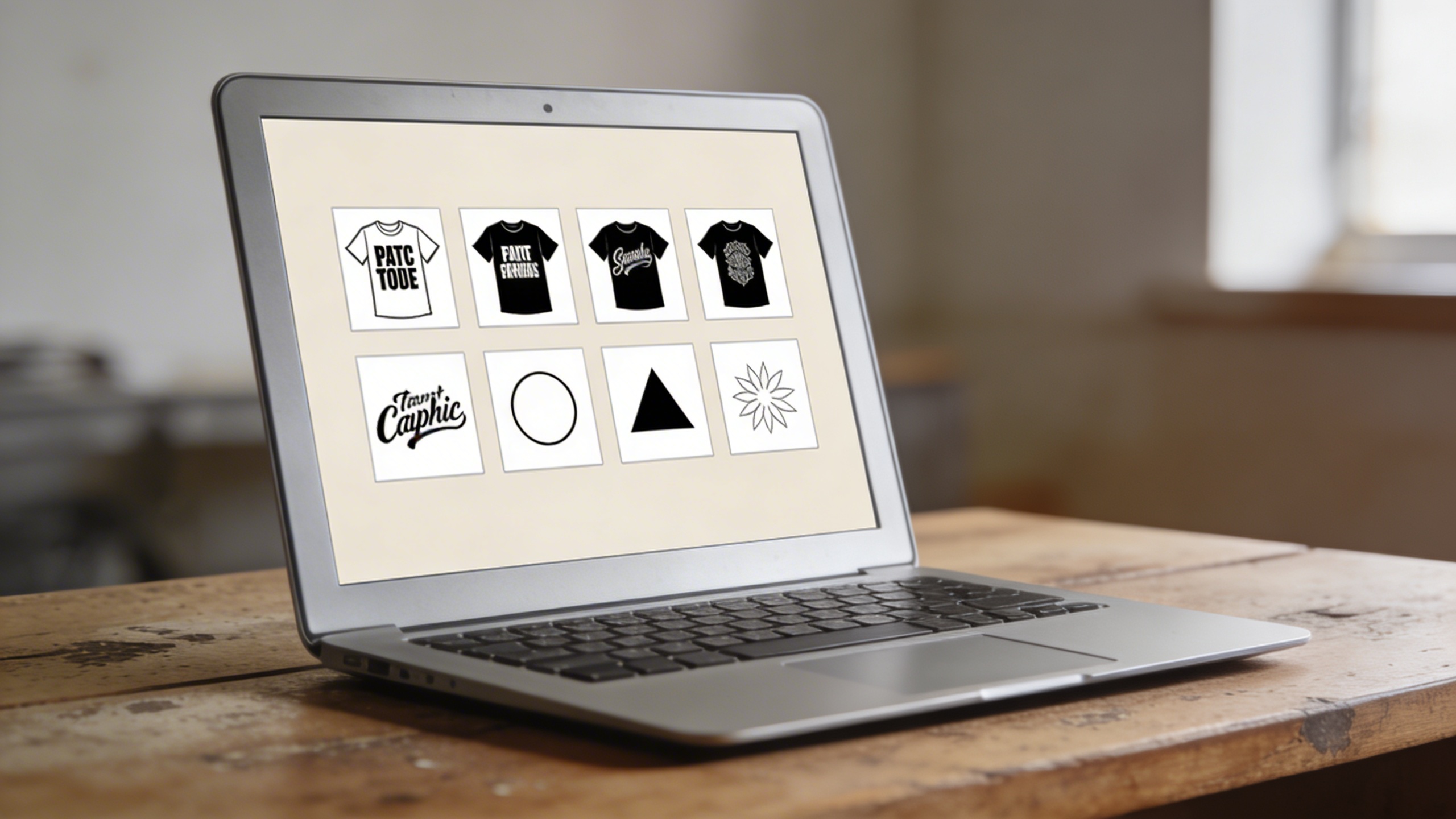
Generate 10 rough directions, not 1 perfect design. In Stockimg.ai, choose an illustration/graphics direction that suits shirts (clean vector looks, not detailed photoreal scenes). Then generate variations with different typography cues: “collegiate,” “western,” “retro groovy,” “minimal sans.”
-
Kill anything that is hard to read at thumbnail size. If you have to zoom in, it’s done. Toss it.
-
Pick one direction and tighten it. This is where you tell it “make line 1 larger,” “reduce icon size,” “make it a 2-color print,” “remove background texture,” “simplify the flourishes.”
-
Export big. For shirts you want high resolution. Aim for at least 4500 px on the longest side if you can, and keep the final artwork crisp.
I still end up doing tiny manual tweaks sometimes (spacing, punctuation, aligning baselines), but the AI is your draft engine, not your final judge.
Custom t-shirt design techniques that actually move the needle
A lot of Etsy t-shirt design tips online focus on trendy phrases. That helps, sure, but best sellers often come from execution details that are not exciting enough to go viral in a YouTube thumbnail.
Make the typography feel intentional (even if it’s simple)
Most “meh” shirts fail because the typography looks like default Canva. You can still use common font styles, but you want it to look composed, like a poster designer touched it.
Stuff I check:
- Do the letters have consistent spacing?
- Does the arched text match the curve of the badge?
- Are you mixing too many font personalities?
- Is the outline too thick?
- Does the kerning look like it’s fighting?
If you want a shortcut: pick one strong type style and ride it hard. One vibe, no apologies.
Use “micro specific” lines to reduce competition
Instead of “BOOK CLUB,” try:
- “romantasy book club”
- “slow burn enthusiast”
- “library hold champion”
- “read past my bedtime”
Same niche, different search terms, and you’re not competing with 40,000 generic “book club” tees.
Design for searching and gifting
Etsy buyers are often shopping for someone else. That changes your design choices.
- “Gift for dad who…” angles do better than “I am a dad” angles in some niches
- Year-based tees (“est. 2026”) can sell like crazy for new parents, new homeowners, newlyweds, graduations
- Occupation tees are evergreen but saturated, so you need a twist (a specific sub-role, a cringe in-joke, a hobby overlap)
I once made a “dog mom” design that I genuinely thought was nice. I spent a weirdly long time deciding whether the paw print should be inside the O in “MOM,” and I was proud of it in the way only you can be proud of a paw print decision at 1:30am. My aunt bought one. Then nothing. Meanwhile, a much uglier design that was basically “Golden Retriever Hiking Club” with a simple mountain icon got more favorites in a week, and I still don’t fully get why except that it was easier to imagine wearing in real life.
The listing workflow: don’t let your design die in the title field
You can have a great design and still get buried if your listing is vague. Etsy search is picky, and buyers skim. Your job is to make it obvious what the shirt is, who it’s for, and what problem it solves (usually: gifting or identity signaling).
What I actually do for Etsy titles (not perfect, just workable)
I write titles like a slightly obsessive person, then I shorten them until they don’t look spammy.
A good structure:
- Primary keyword phrase (what it is)
- Recipient or niche
- Gift occasion
- Style cues (optional)
- Important specifics (comfort colors, unisex, etc.) if that’s your angle
Example approach (not to copy verbatim):
“Romantasy Book Club Shirt, Fantasy Reader Tee, Bookish Gift for Her, Cozy Reading Graphic T-Shirt, Unisex”
Is it a little much? Yes. But you’re feeding both search and humans. I’m not chasing poetic titles. I’m chasing clicks that turn into purchases.
Tags and categories (the “set it once, revisit later” part)
Don’t invent tags. Use literal phrases buyers type. If your phrase is “pickleball mom,” include that exact tag.
Categories and attributes matter more than people admit. Choose the right apparel type, sleeve length, gender, occasion if applicable. It feels like bureaucracy. It is, but it helps.
Mockups: show scale and texture, not just the art
Mockups sell the shirt. Your artwork is only part of the product.
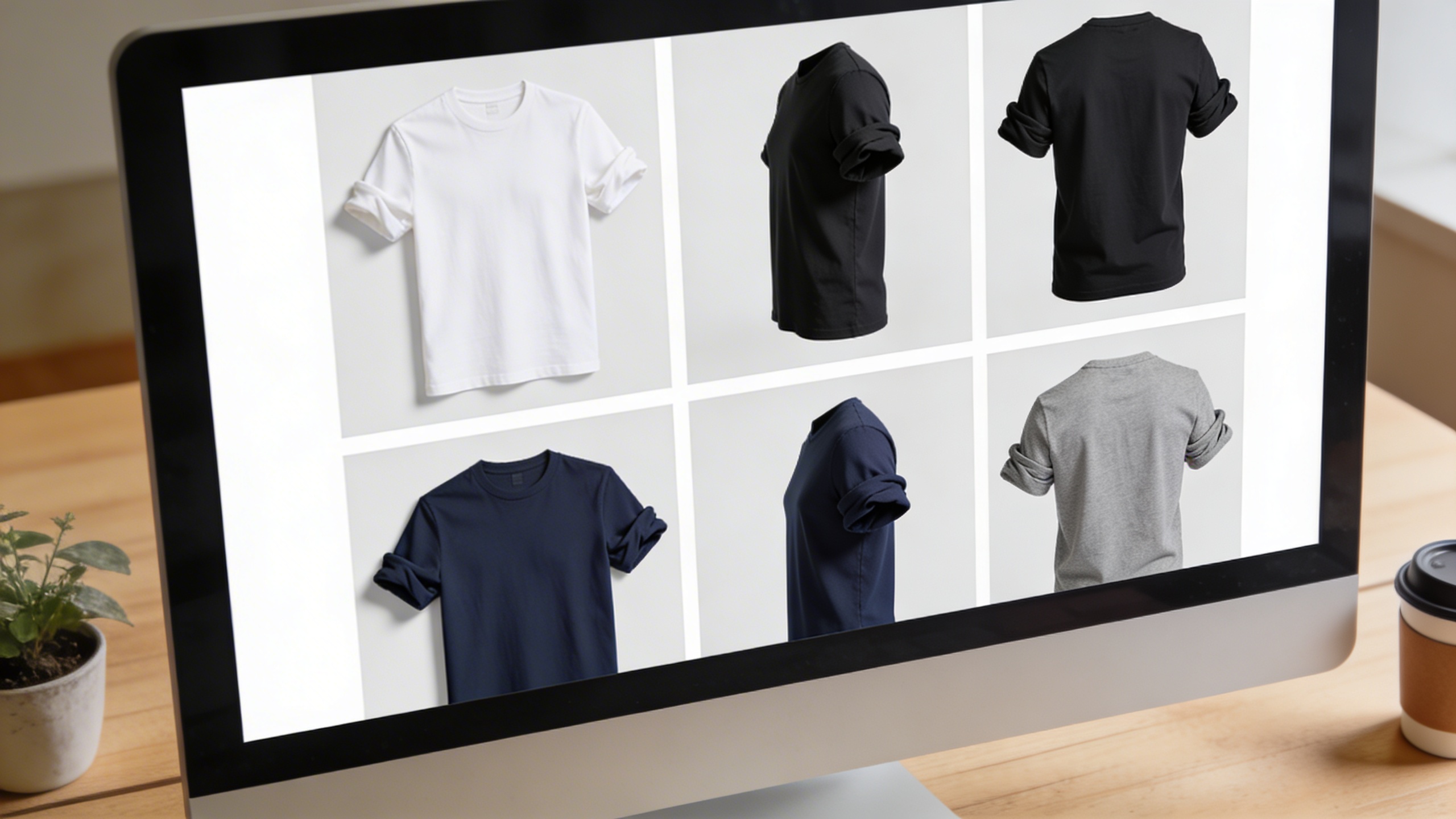
- Show 1 clean front mockup
- Show 1 lifestyle mockup (so people can imagine it)
- Show 1 close-up (so it feels real)
- Show a color chart if you offer colors
- If you do back prints, show them clearly
And do not hide the design behind folds or hair. It sounds obvious, but I still see listings where the slogan is half-covered, which is basically you paying for traffic and then refusing to show the product.
Pricing: do the Etsy math before you fall in love with low prices
This is not the sexy creative part, but it’s where shops quietly die.
As of February 13, 2026, Etsy’s standard transaction fee is 6.5% of the item price plus shipping and gift wrap. Listings cost $0.20 and expire after four months (or renew when quantities sell). Offsite Ads, if they apply, can add 12% or 15% on attributed orders depending on your shop’s annual sales threshold (and there’s a $100 cap per order for that fee). Etsy also charges payment processing fees through Etsy Payments, which vary by country. If you’re in the US, your exact processing rate can change, but you should assume there’s a percentage fee plus a fixed per-transaction amount and price accordingly. (Check your Shop Manager payment account so you don’t guess.)
So what do you do with that?
You price like a person who wants to last more than a month:
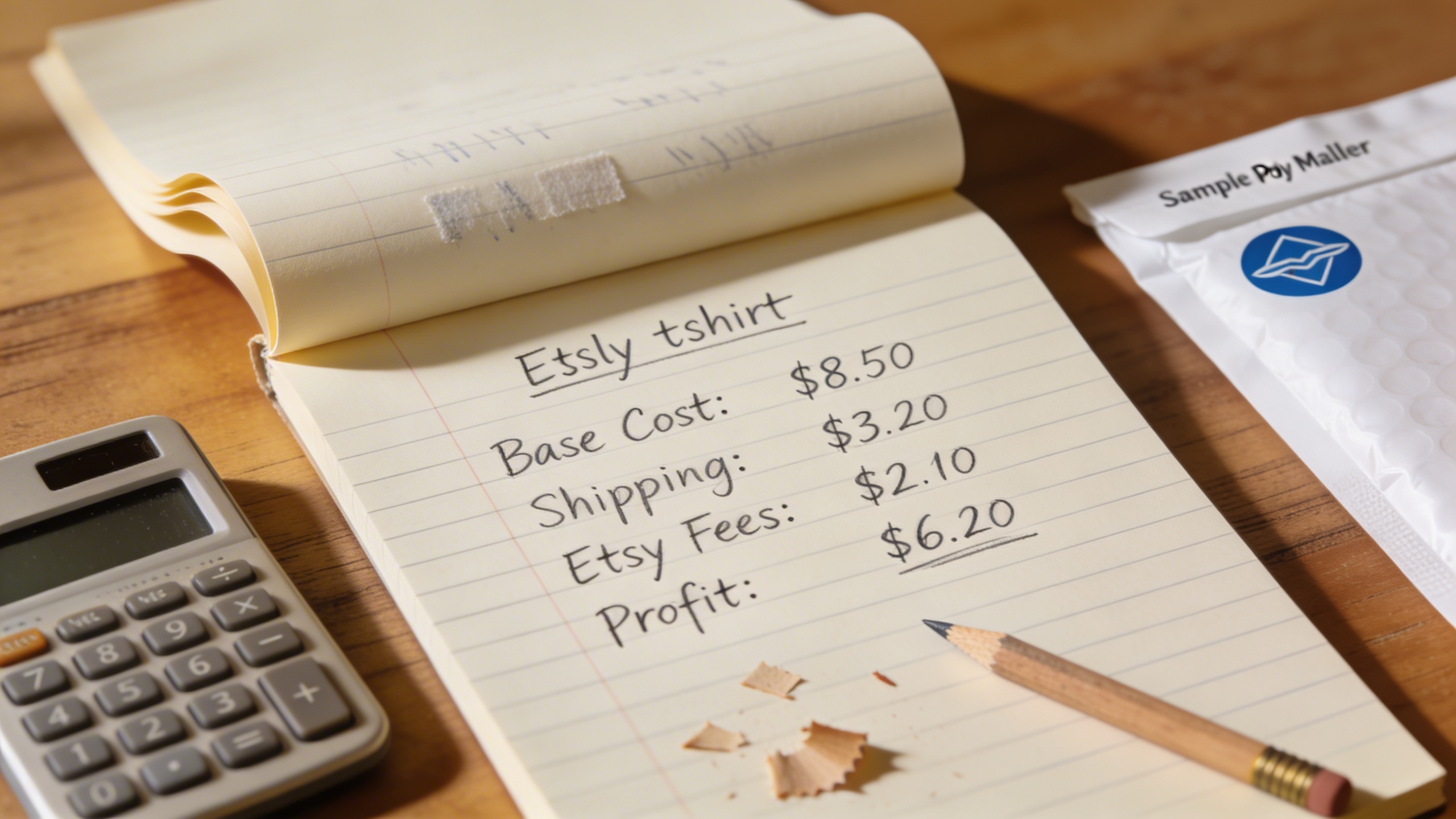
- Start with your POD base cost (blank + print + partner margin).
- Add your desired profit (be honest: is it $5 or $12?).
- Back into a retail price that can survive Etsy fees and occasional Offsite Ads hits.
I don’t have a perfect number for you because shirt costs vary, but I will say this: if you price a tee at $14.99 “to compete,” you’ve basically volunteered to run a charity that ships packages.
The annoying truth about “free shipping”
Some buyers filter for it. Some don’t care. Etsy likes it. Your margins hate it.
I usually test both: a listing with paid shipping and one with shipping baked in. Then I watch conversion rate. Sometimes the “free shipping” version wins even if it’s $2 higher, because buyers are not spreadsheets.
Make the design print-ready (or at least POD-ready)
This part is where you avoid the nightmare of a customer message that says “why is it blurry.”
Resolution and size targets
If your POD provider gives a recommended print area, follow it. A common safe target is something like 4500 x 5400 px for a full front design, but different printers have different templates.
If you’re exporting from Stockimg.ai, generate and export big, then keep the final file crisp. If you have to upscale, do it before you upload to your POD product, not after it’s already been compressed 15 times by the internet.
Transparent background isn’t optional
Unless your design is meant to be a rectangle poster print on a shirt (rare), you want transparency. Otherwise you get that ugly box.
When you’re generating art, keep repeating “no background” and “transparent background” in your refinement prompts. If you still get artifacts (gray haze, fake paper texture), regenerate. Don’t fight it for hours.
Limited colors usually print better
A six-color rainbow gradient might look cool on screen. On fabric, it can look like a faded souvenir. If you’re aiming for repeatable quality across multiple providers, fewer colors is safer.
Also, fewer colors can make a design read better in thumbnails, which is the entire point.
Publishing on Etsy: the stuff you can do in one afternoon
Once you have one solid design, your first listing is mostly mechanical. The best thing you can do is not over-engineer it.
-
Create the product with your POD partner (or your own fulfillment). I’m not picking your partner for you. I’ve switched back and forth enough times that I no longer trust my own certainty.
-
Write a description that answers questions before they ask. Include:
- fit (unisex, relaxed, etc.)
- material
- care instructions
- how long processing takes
- who it’s for (gift hints)
- size guidance (even basic)
-
Upload mockups in a deliberate order. Your first image is your billboard.
-
Publish, then immediately duplicate the listing for a second variation if you have it. Same niche, different phrase. Etsy is a momentum machine. Give it a small cluster, not a single lonely item.
Etsy marketing strategies I’d actually bother with (and the ones I’d skip)
Marketing makes people tired because it feels infinite. You can spend all day “promoting” and never touch product. I prefer a small set of repeatable loops.
1) Pinterest is still weirdly good for shirts (if your niche is visual)
Not every niche works on Pinterest, but if your designs are giftable and your audience pins ideas (teachers, moms, bridal, home, hobbies), it can do more for you than posting into the Instagram void.
Make 5 pins per design:
- Clean mockup (simple)
- Close-up crop (texture)
- “Gift for ___” angle
- Seasonal angle (Mother’s Day, graduation, fall)
- Color options collage
If you’re consistent for a month, you’ll at least learn if it’s dead for your niche.
2) Etsy Ads: test it, don’t marry it
Etsy Ads can help you find which keywords convert. I treat it like paid research for the first week.
- Run ads on your best 3 listings only
- Use a small daily budget
- Pause anything that gets clicks but no carts
Click spend with no sales can happen even with good listings, but you don’t want to fund that situation for weeks out of stubbornness.
3) Offsite Ads: know the fee, then sweat less
Offsite Ads fees can sting, especially at 15% when you are under the $10k threshold. But I’ve also seen those orders come in as higher AOV, like a buyer who adds two shirts because they found you from Google and decided you’re the answer. You can’t control it much. You can control your pricing and your product quality.
4) Email list? Maybe later
If you’re doing POD shirts, you’re not building a subscription business (usually). I’m not against an email list, I just rarely see it pay off early unless you have a content engine or a very tight fandom niche.
If you want something simpler: include a package insert with a discount code and a QR code back to your shop. That’s enough.
A quick “best seller” series strategy (how you turn one design into a small catalog)
You don’t need 200 listings. You need 12 good ones that share a logic.
Here’s what I do when I find a niche that responds:
- One hero phrase (the obvious one)
- Three variations (same vibe, different angle)
- One minimalist version (for people who hate loud shirts)
- One “gift for” version (same design, phrased as gifting)
- One seasonal hit (Halloween, Christmas, summer trip, back to school)
It’s the same concept, just packaged differently, and you get way more data per niche.
Stockimg.ai helps here because you can keep the same design language and iterate fast: same badge shape, same font family vibe, swap the phrase, tweak the icon, export again. If you do that manually from scratch, you either burn out or you start cutting corners in a way buyers can feel.
The part I still don’t have a perfect answer for: trends vs evergreen
Evergreen designs are safer. Trends can pop fast then die, and you’re left with listings that look dated. But trends also teach Etsy’s algorithm that your shop can sell, which can lift the rest of your catalog.
My messy compromise:
- 70% evergreen niche designs
- 20% seasonal
- 10% “this might be a trend, I’m not sure”
If the trend dies, I don’t cry about it. I just don’t build my whole shop around it.
Frequently Asked Questions (FAQs)
Can I sell AI-generated t-shirt designs on Etsy?
In most cases, yes, but you need to make sure you have the rights to use the artwork commercially (based on the AI tool’s terms) and your design does not include trademarked phrases, brands, or copyrighted characters.
What file format should I upload for a POD t-shirt?
PNG with a transparent background is the default for most POD platforms. If your provider accepts it, a high-resolution PNG is typically the least painful option.
What size should my t-shirt design be for clean printing?
Aim for a large, print-ready file (often around 4500 px on the longest side or matching your POD provider’s template). If your print looks fuzzy in the mockup preview, it will look fuzzy in real life.
Why does the same AI prompt give me different designs every time?
Because generation is probabilistic. Treat it like brainstorming, not a vending machine. Save the version that works, then refine from there instead of trying to recreate it perfectly later.
How do I avoid getting in trouble with trademarks on Etsy shirts?
Don’t use brand names, franchise names, celebrity names, or protected slogans in your designs, titles, or tags. If a phrase is strongly associated with a brand or a pop culture property, assume it’s risky until you verify it.
Should I turn on Etsy Ads right away for a new shirt listing?
I like running a small test budget after your listing photos and SEO are solid, because ads can amplify a bad listing just as efficiently as a good one.
What’s a realistic timeline to get your first Etsy t-shirt sale?
If your niche has demand and your listing is clean, you can get a sale in days. If you picked a crowded niche or your mockups look off, it can take weeks. The fastest way to speed it up is to launch a small cluster of related designs instead of one lonely listing.
Can I switch from one POD provider to another without losing reviews?
You can keep the Etsy listing and swap production behind the scenes, but you need to re-check colors, sizing, and processing times carefully so you don’t accidentally introduce quality issues that trigger bad reviews.