You can spot a 2026 logo mistake from across the room now. Not because the designer is “bad,” but because everybody is pulling from the same three aesthetics, using the same three fonts, and taking the same shortcuts to make sure the mark “works at favicon size.” Result: a lot of competent logos that feel weirdly interchangeable.
I’ve been on both sides of that. I’ve shipped clean minimalist logos I was proud of for about a week, right up until I saw five near-twins on a single scroll through a SaaS directory. And I’ve also shipped loud, character-heavy logos that got compliments from designers and polite silence from actual customers. You learn fast that looking trendy and looking trustworthy are not the same job.
This post is basically my current prompt stash, cleaned up enough that you can use it without reading my mind. It’s “12” in the title, but you’ll get more than that, because if I only gave you 12 prompts you’d run them once, hate 8 outputs, and blame the tool instead of the prompt. You’re getting the core prompts plus the variations that make them actually usable for brand logo design work in 2026.
Before you copy-paste prompts: what “good” looks like in 2026
A logo prompt that works is rarely poetic. It’s picky. It’s the boring details where things stop looking like an AI doodle and start looking like a mark you can put on an invoice, a hat, a storefront window, and a tiny app icon without it collapsing into mush.
When you type “modern minimalist logo,” you get a modern minimalist logo. And it will look like 2019, because that prompt is basically an invitation for generic geometry and a safe sans-serif wordmark. If you want modern logo concepts in 2026, you have to be specific about personality, construction, constraints, and usage.
A few prompt constraints I keep repeating because they save time:
- Ask for “vector style, flat colors, clean edges” when you mean it. Otherwise you’ll get soft shading and painterly edges that are hard to reproduce.
- Mention “simple silhouette” when you want the mark to survive a one-color stamp.
- Mention “no mockup, no 3D render, no text overlay” unless you actually want the logo presented on a wall or business card.
- If the brand name matters, include it. If it doesn’t (you just need a symbol direction), don’t. Half the “AI text is messy” complaints come from forcing long names into tiny spaces.
I generate most of my initial directions in Stockimg.ai because it’s fast to iterate and it nudges you toward categories that make sense for branding, like logos and icons. The first time I used it I honestly expected “cool pictures” and instead I got a few marks that were close enough that my main job became deciding what to remove, not what to add.
The prompt “recipe” I actually use (and keep rewriting)
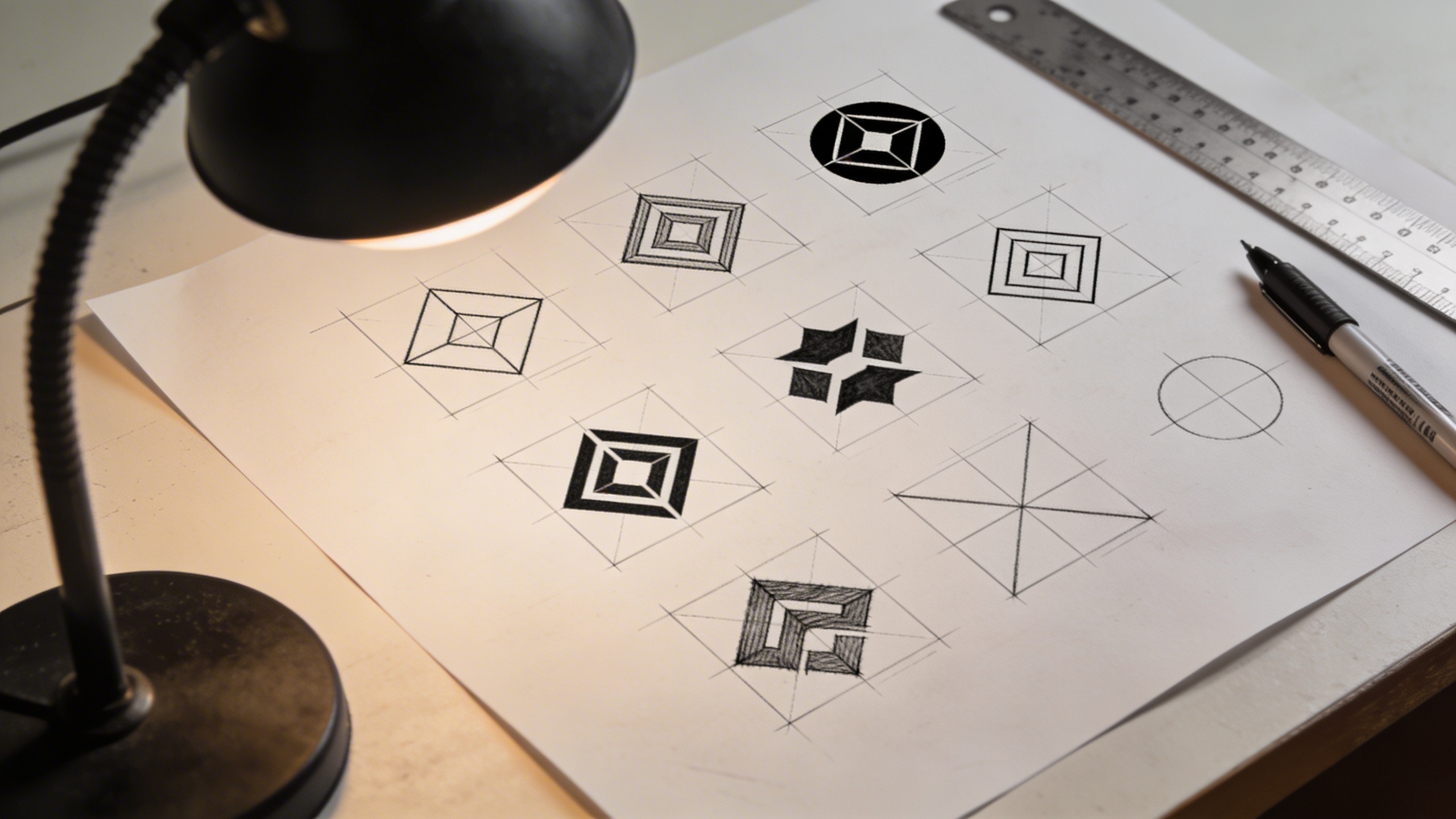
When I’m not feeling lazy, I build logo design prompts in this order:
- Brand vibe in plain language: calm, premium, playful, industrial, cozy, rebellious.
- Logo type: symbol mark, wordmark, monogram, badge, mascot, modular system.
- Visual ingredients: shape language (circles, sharp angles), motifs (leaf, bolt, star), negative space trick, line weight.
- Execution constraints: vector style, flat colors, scalable, works in one color, minimal detail.
- Color palette: 2-3 colors max (and I often specify one neutral).
- Typography direction (if wordmark): geometric sans, high-contrast serif, rounded grotesk, condensed uppercase.
- Exclusions: no gradients, no shadows, no photorealism, no mockups.
That’s it. Still messy, still subjective, but you’ll get repeatable results and you can tweak one part at a time instead of exploding everything.
The 12 prompts (plus variations) you should try this year
The format below is consistent on purpose: a core prompt you can run, an explanation of why it works right now, and a couple small swaps that change the whole direction without starting over. These are creative logo ideas that map pretty cleanly to logo design trends 2026 without becoming trend-chasing cosplay.
1) Neo-minimal, but with a flaw (the “perfect but human” mark)
Prompt: "neo-minimalist brand logo symbol, slightly imperfect geometry, bold simple silhouette with one intentional asymmetry, flat vector style, clean edges, two-color palette of black and warm off-white, modern but human feel, no gradients, no shadows, no mockup"
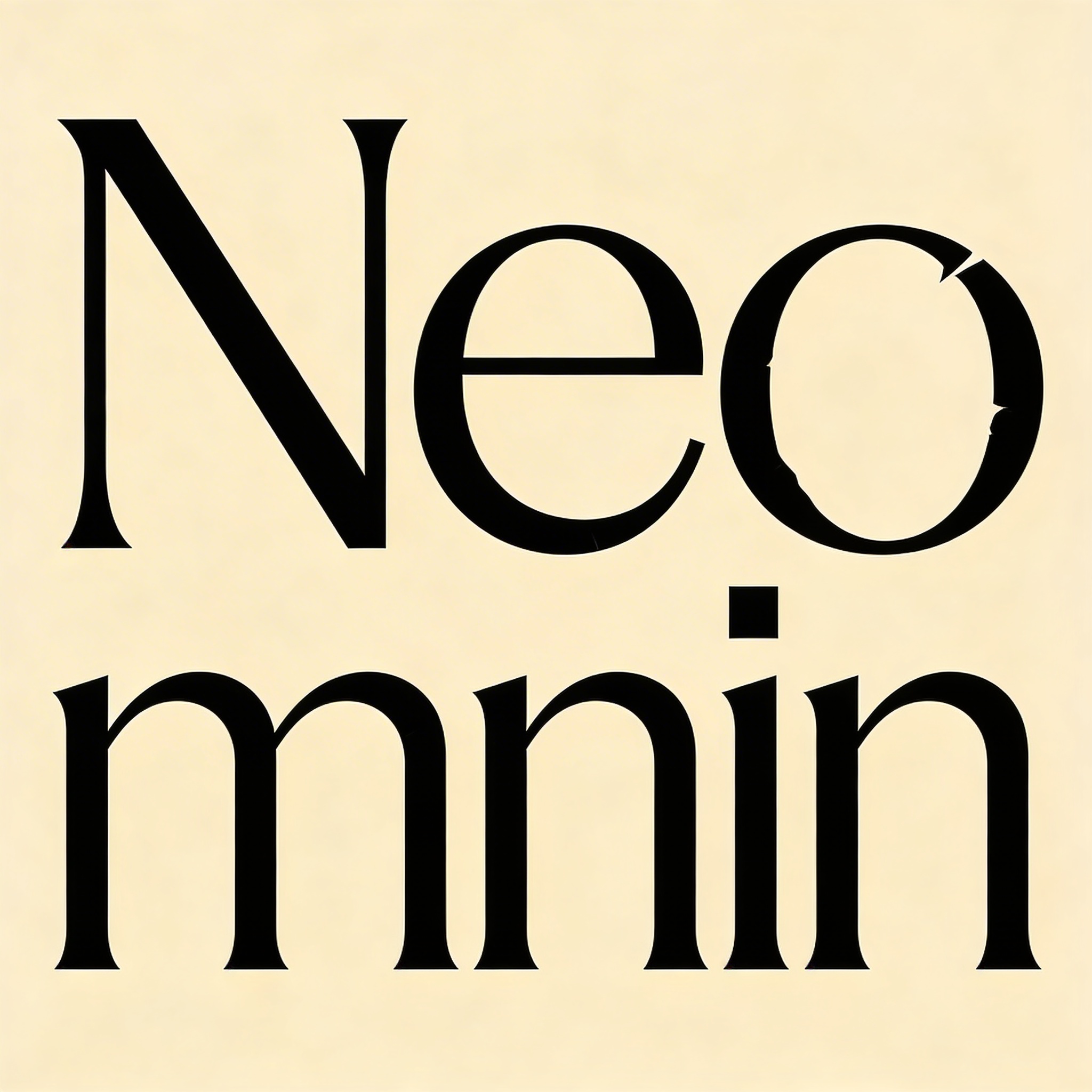
This is my “I need it to feel contemporary without looking like a template” prompt. The intentional asymmetry is doing a lot of work. It’s the difference between “generic circle+leaf” and a mark that feels like someone made a choice.
Variation ideas you can swap in:
- Replace off-white with “stone gray” or “sand beige” if you want the softer, earthy direction that’s everywhere right now.
- Change “bold simple silhouette” to “thin monoline” if you want a more delicate brand logo design, but be careful because thin lines fall apart at small sizes.
2) Adaptive logo system (one concept, multiple states)
Prompt: "adaptive modular logo system, primary symbol plus 3 simplified variations for small sizes, consistent geometry grid, flat vector style, high legibility, modern branding system, black and electric blue palette, no gradients, no shadows, no mockup"
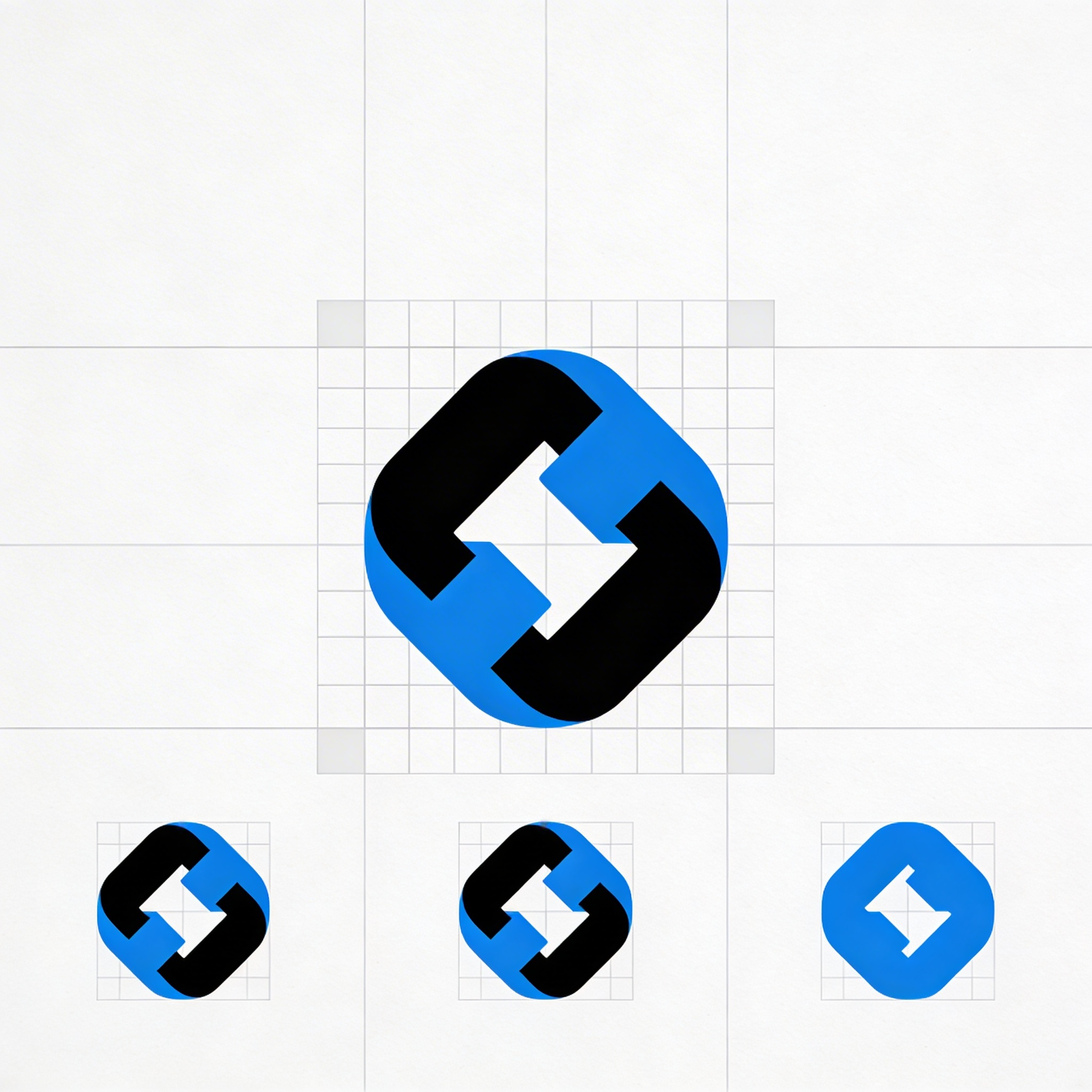
This one is a branding tip disguised as a prompt: you’re not designing “a logo,” you’re designing a set of logos that behave nicely across UI contexts. If you run a subscription app or a tool that lives in a browser tab all day, your tiny version matters more than the billboard version.
I still mess this up sometimes. I’ll fall in love with a scalloped detail that looks great on a landing page hero, then I remember it turns into a blurry smudge inside a 32x32 favicon and I hate my past self for about ten minutes.
3) High-contrast serif wordmark (quiet luxury, but not boring)
Prompt: "premium wordmark logo, high-contrast modern serif typography, refined letter spacing, subtle custom ligature, black on warm cream background, editorial fashion brand feel, vector style, no texture, no emboss, no mockup"
I don’t even love “quiet luxury” as a phrase (it sounds like a beige couch), but in logo inspiration terms this is a real request you’ll keep getting. The difference between “classy” and “dated” is usually spacing and restraint. If you make the contrast too extreme or the serifs too sharp, it starts to look like a perfume knockoff.
Two practical prompt tweaks that actually matter:
- Add “slightly rounded terminals” if it’s getting too aggressive.
- Add “custom ampersand element” if the brand name includes one and you want a distinctive detail.
4) Soft organic symbol (earthy, not crunchy)
Prompt: "modern organic brand mark, abstract leaf and river forms merged into a simple icon, smooth rounded shapes, flat vector logo, earthy palette of deep forest green and clay brown, minimal detail, scalable, no gradients, no mockup"
This is one of the 2026 logo design trends that’s both everywhere and still useful: organic forms and nature cues, but simplified enough to feel modern. The trap is going full “farmers market clipart.” Keep it abstract, keep the silhouette strong.
5) Retro-futurist geometry (not a full 80s costume)
Prompt: "retro-futuristic geometric logo symbol, 1970s aerospace inspiration, clean vector shapes, subtle 3D depth suggested with minimal flat shading only, navy and silver palette, modern tech brand feel, scalable, no photorealism, no mockup"
This prompt is for when you want heritage without looking like you bought a VHS filter pack. “Suggested depth with minimal flat shading” usually lands you in a nice middle zone: more dimensional than flat minimalism, but still reproducible.
If you’re doing brand logo design for software, I think this kind of “retro-future” direction works best when the company has a slightly nerdy angle (developer tools, robotics, data, aviation, audio gear). If it’s a wellness startup, it reads weird fast.
6) Monogram with a sharp constraint (one stroke, one rule)
Prompt: "monogram logo for two-letter brand initials, single continuous line, clever negative space, monoline vector style, consistent stroke weight, black and bright orange palette, modern and confident, no gradients, no shadows, no mockup"
Monograms are a cheat code when you either have a long name or you need something icon-like fast. The single-line rule forces the output to be simpler and more brandable.
It also forces you to make hard calls about readability. Sometimes I prefer it when the letters are not instantly obvious, as long as the mark is consistent and ownable. Your client may disagree. You’ll find out quickly.
7) Brutalist type stamp (ugly in a deliberate way)
Prompt: "brutalist typographic logo, bold condensed sans-serif, slightly misaligned baseline, raw stamp look without texture, high-contrast black and acid yellow palette, editorial graphic design vibe, vector style, no shadows, no mockup"
I’ve used this for small creative brands where looking “polished” is actually suspicious, like zines, music events, niche clothing, or a studio that wants to look like it has opinions. This is not a universal solution. It’s a vibe.
I had a client last year who wanted “brutalist” and then rejected every option that looked remotely brutal. So now I ask one annoying question upfront: “Do you want the aesthetics of brutalism, or do you want the brand to feel confident?” Those are not always the same.
8) Friendly rounded icon (app-like, but not childish)
Prompt: "friendly modern app logo icon, rounded geometric mascot-less symbol, simple abstract shape with subtle smile curve, flat vector, bright but mature palette of cobalt blue and soft coral, high legibility at small sizes, no gradients, no 3D, no mockup"
“Friendly” is a common request because a lot of modern brands are basically asking for “approachable, not sketchy.” The smile-curve trick is subtle but effective, and you can remove it later if it feels too on-the-nose.
9) Badge logo that doesn’t feel like a beer label
Prompt: "modern badge logo, circular emblem with simplified icon in center and clean curved typography, minimal border lines, flat vector style, palette of charcoal and cream with a small accent of copper, contemporary craft brand feel, no vintage ornament, no texture, no mockup"
Badges can look cheap fast because the default references are beer brands, barbershops, and generic “established 19xx” stuff. That can be great if you want it, but if you want modern logo concepts, subtract the ornaments and keep the typography clean.
Small tweak that changes everything:
- Add “thin outer ring, thick inner ring” for a more modern stamp.
- Or swap to “square badge with rounded corners” if circular feels too classic.
10) Icon + wordmark lockup (the workhorse)
Prompt: "icon + wordmark logo lockup, simple abstract symbol to the left, clean geometric sans-serif wordmark to the right, balanced spacing, flat vector style, palette of black and muted teal, modern brand identity system, no gradients, no mockup"
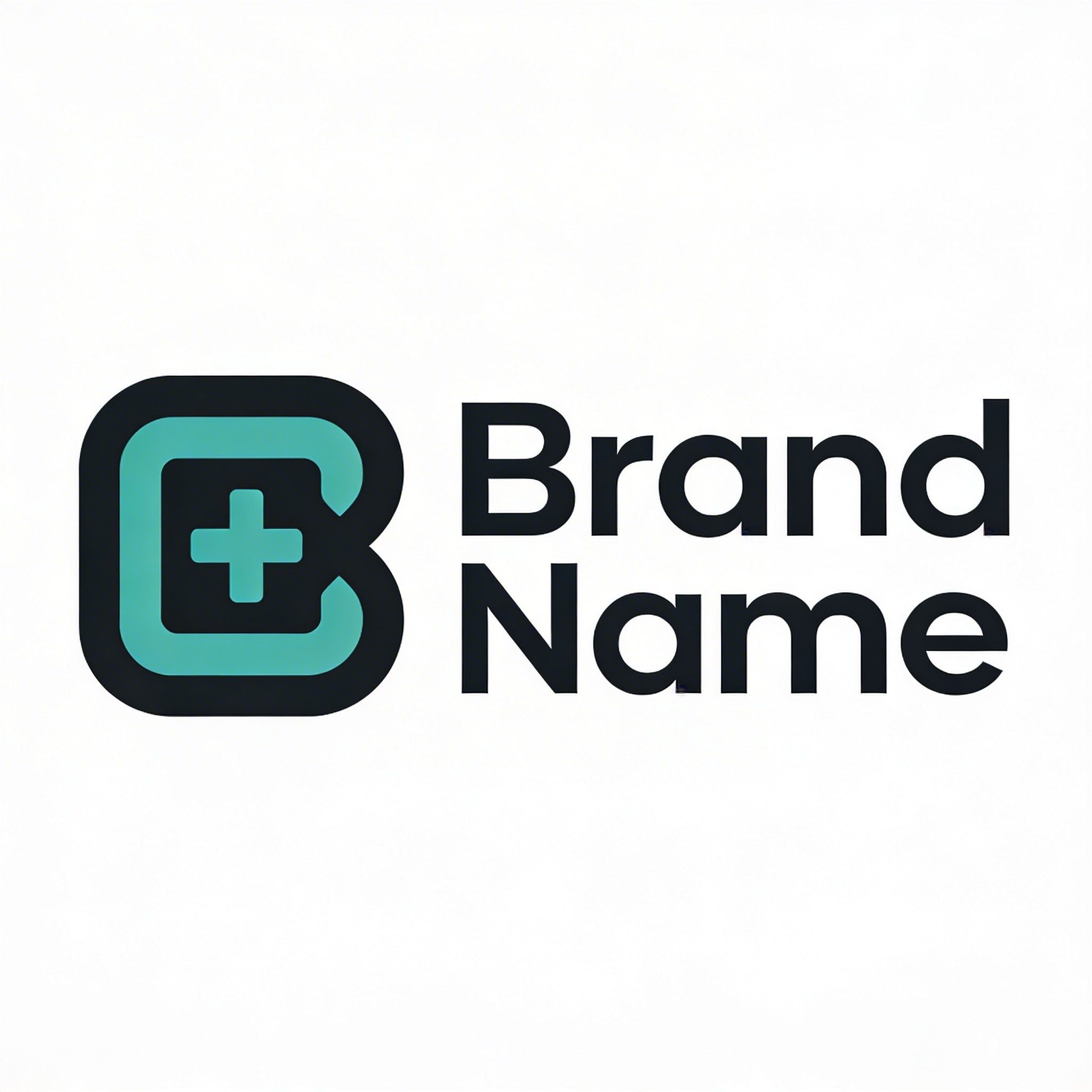
Sometimes your “creative logo ideas” have to take a day off because the business needs the most legible option on planet Earth. This lockup is what I reach for when everything else is turning into an argument.
It’s also the easiest to systematize. You can get a horizontal lockup, a stacked lockup, and an icon-only version without redesigning the universe.
11) Negative space symbol (simple, brain-tickling)
Prompt: "clever negative space logo symbol, uses two shapes to reveal a hidden secondary shape, flat vector, minimal color palette of black and sky blue, modern and intelligent feel, simple silhouette, no text, no gradients, no mockup"
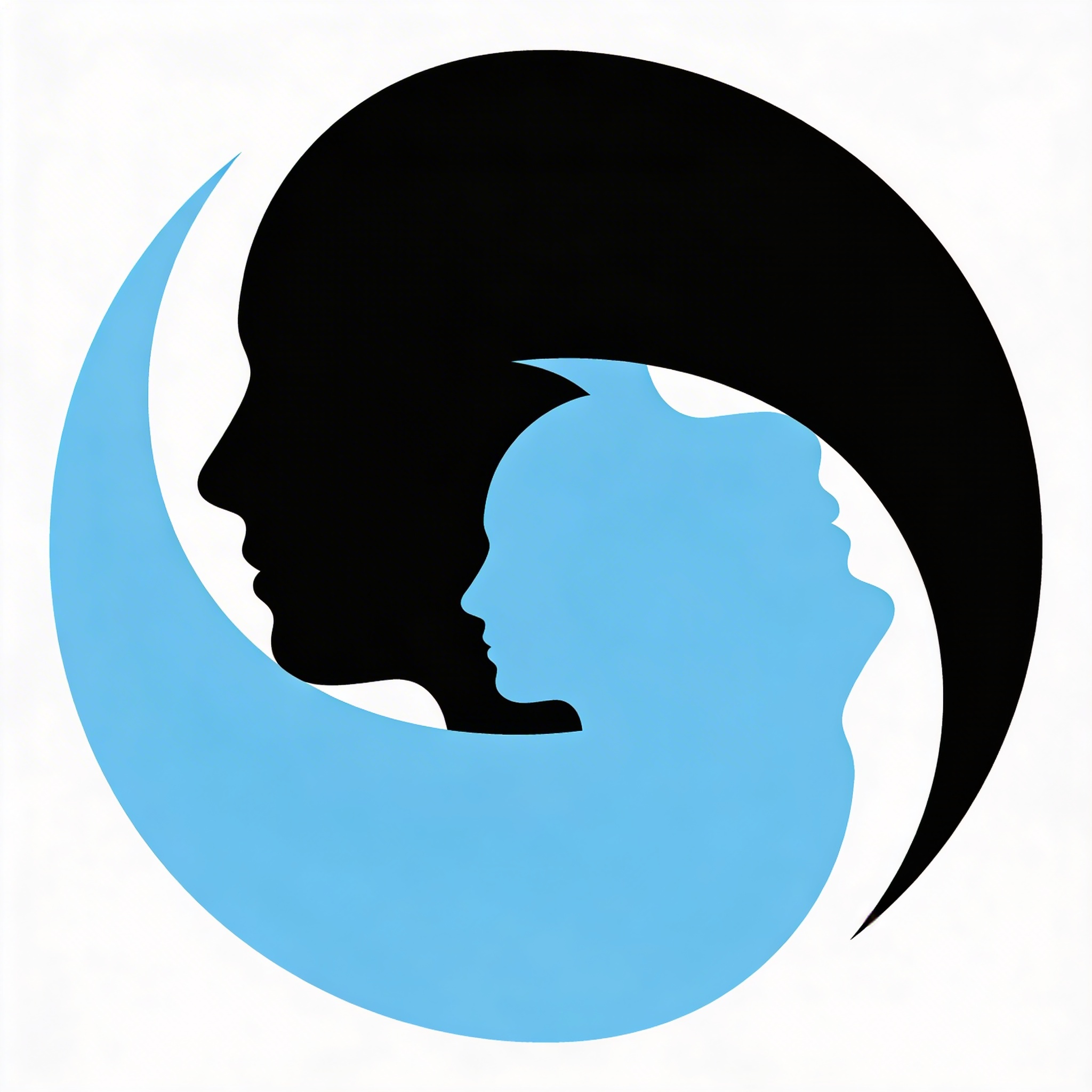
Negative space logos are risky because they can become a gimmick. But when the hidden shape relates to the name or the product, you get instant memorability with hardly any visual complexity.
If it’s turning into a “puzzle,” simplify it. If your friend can’t see the hidden element after you point at it for five seconds, it’s not clever anymore. It’s homework.
12) The “one-color first” prompt (print-proof from the start)
Prompt: "one-color logo designed for stamping and embroidery, bold shapes, no thin lines, strong silhouette, flat vector style, black only on white background, scalable, clean edges, no gradients, no mockup"
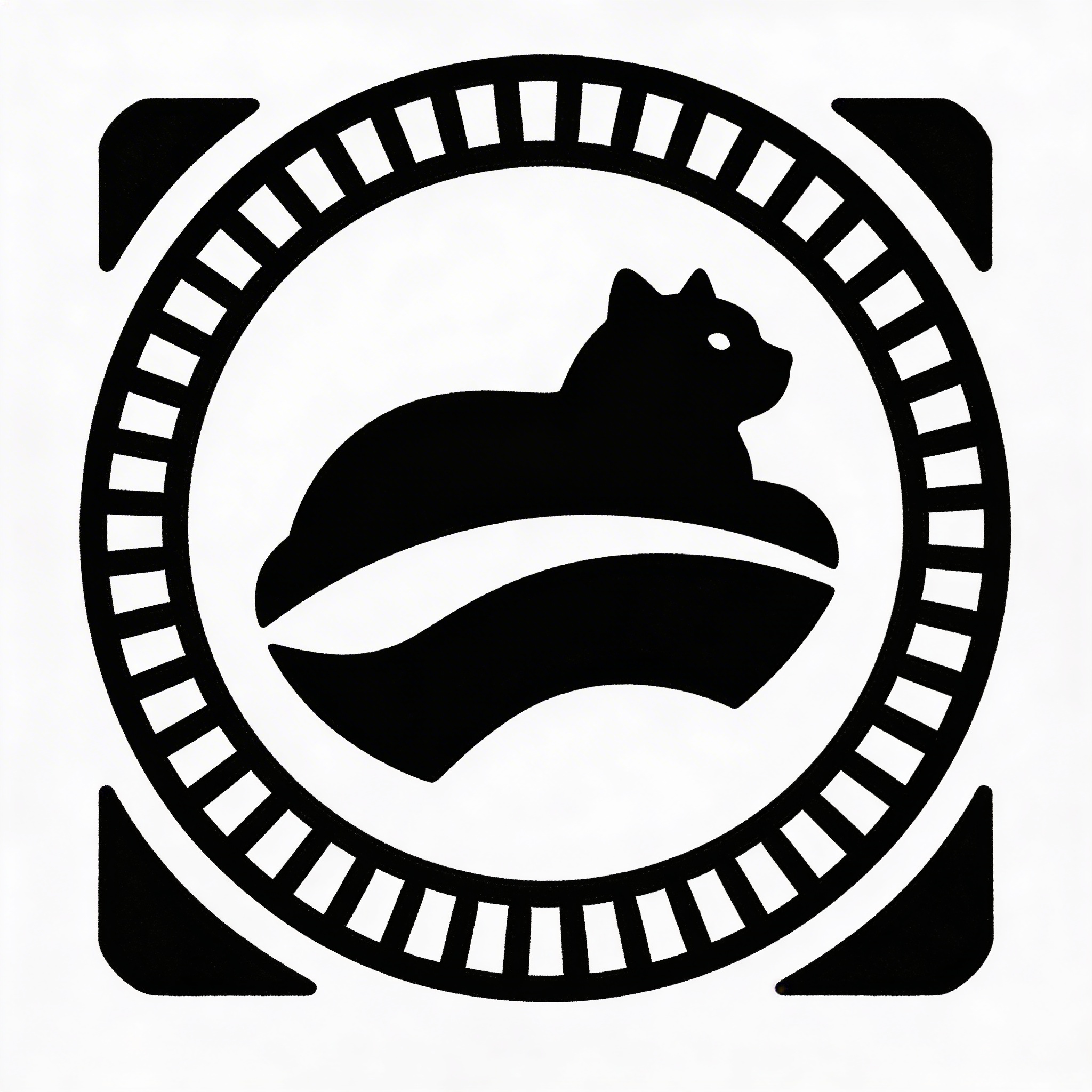
If you only run one prompt from this whole post, run this one. Too many logos look great in full color on a glowing screen and then fall apart on anything physical: embroidering hats, laser engraving, a rubber stamp on kraft packaging, a small sticker, or a black-and-white invoice header.
I used to design the “fun version” first and then do the practical version later. Now I try to do it the other way. It’s less exciting. It also saves you from redoing your entire icon because your leaf had sixteen veins.
How I turn these prompts into something you can actually ship (not just admire)
Here’s the messy part: you won’t get a final logo in one generation. You might get a direction in one generation, and that’s still a win.
The workflow I tend to follow looks like this:
Start with 3 outputs, not 30
If you generate 30 versions of a prompt, you end up scrolling and “vibe-shopping” instead of deciding. I’ve wasted ridiculous evenings doing that. The mark doesn’t get better; you just get tired.
Generate a few, pick one that has one good idea (a curve, a negative space trick, a proportion), then iterate with one specific adjustment:
- “Make the icon more symmetrical”
- “Reduce detail”
- “Make corners rounded”
- “Remove inner lines”
- “Try a wider wordmark”
Name your iterations like a person with future problems
I name logo drafts “badge_v2_thinRing” and “monogram_singleLine_roundEnds” because I don’t like guessing what “final_final2” means two weeks later. This sounds like a tiny habit. It’s the difference between a fun afternoon and a bad Tuesday.
Use Stockimg.ai like a sketch partner, not a judge
This is where I naturally end up recommending Stockimg.ai: it’s good for rapid exploration, and the “logo” category keeps you in the lane of clean, brand-like outputs instead of wandering into full illustration land. I’ll run the core prompt, save the three best directions, then rewrite the prompt based on what I saw.
A really normal loop for me looks like:
- First run: too detailed.
- Second run: delete half the words, add “simple silhouette” and “one-color version.”
- Third run: specify stroke weight and geometry style, and suddenly it snaps into place.
Know when to stop prompting and start designing
At some point, the best use of your time is not “generate again.” It’s taking the best output and refining it: simplifying, aligning, redrawing for consistency, picking a real typeface, and building the lockups.
If you keep prompting when you should be refining, you get a bunch of almost-logos and none that you can commit to.
12 more quick prompt upgrades (use these like seasoning)
These are short “add-ons” you can tack onto any of the 12 prompts above:
- "designed on a geometric grid"
- "optical correction, slightly oversized circle, adjusted letter spacing"
- "rounded corners radius 8px feel"
- "sharp corners, precise angles, technical vibe"
- "use a single bold stroke weight"
- "avoid generic startup look"
- "no swooshes, no generic abstract waves"
- "works as app icon in 1:1 square"
- "include small counterspace details"
- "include hidden arrow shape"
- "inspired by Swiss typography, but modern"
- "balanced negative space, centered composition"
I don’t love “Swiss typography” as a crutch, but as a prompt ingredient it nudges the outputs toward clarity and spacing. If it starts looking too “airport signage,” pull it back.
The 12 prompts again, but as copy-paste templates you can tweak fast
Yes, I’m repeating them. You’re going to copy them. That’s the point.
-
Neo-minimal with a flaw: "neo-minimalist brand logo symbol, slightly imperfect geometry, bold simple silhouette with one intentional asymmetry, flat vector style, clean edges, two-color palette of black and warm off-white, modern but human feel, no gradients, no shadows, no mockup"
-
Adaptive system: "adaptive modular logo system, primary symbol plus 3 simplified variations for small sizes, consistent geometry grid, flat vector style, high legibility, modern branding system, black and electric blue palette, no gradients, no shadows, no mockup"
-
High-contrast serif wordmark: "premium wordmark logo, high-contrast modern serif typography, refined letter spacing, subtle custom ligature, black on warm cream background, editorial fashion brand feel, vector style, no texture, no emboss, no mockup"
-
Organic abstract icon: "modern organic brand mark, abstract leaf and river forms merged into a simple icon, smooth rounded shapes, flat vector logo, earthy palette of deep forest green and clay brown, minimal detail, scalable, no gradients, no mockup"
-
Retro-futurist geometry: "retro-futuristic geometric logo symbol, 1970s aerospace inspiration, clean vector shapes, subtle 3D depth suggested with minimal flat shading only, navy and silver palette, modern tech brand feel, scalable, no photorealism, no mockup"
-
Single-line monogram: "monogram logo for two-letter brand initials, single continuous line, clever negative space, monoline vector style, consistent stroke weight, black and bright orange palette, modern and confident, no gradients, no shadows, no mockup"
-
Brutalist type: "brutalist typographic logo, bold condensed sans-serif, slightly misaligned baseline, raw stamp look without texture, high-contrast black and acid yellow palette, editorial graphic design vibe, vector style, no shadows, no mockup"
-
Friendly rounded icon: "friendly modern app logo icon, rounded geometric mascot-less symbol, simple abstract shape with subtle smile curve, flat vector, bright but mature palette of cobalt blue and soft coral, high legibility at small sizes, no gradients, no 3D, no mockup"
-
Modern badge: "modern badge logo, circular emblem with simplified icon in center and clean curved typography, minimal border lines, flat vector style, palette of charcoal and cream with a small accent of copper, contemporary craft brand feel, no vintage ornament, no texture, no mockup"
-
Icon + wordmark lockup: "icon + wordmark logo lockup, simple abstract symbol to the left, clean geometric sans-serif wordmark to the right, balanced spacing, flat vector style, palette of black and muted teal, modern brand identity system, no gradients, no mockup"
Trend reality check: what to borrow from 2026 without getting trapped by it
You can absolutely use logo design trends 2026 as a jumpstart, but you cannot use them as the strategy. When a trend fades, the only thing left is whether your mark was distinctive and usable.
The current stuff that I think is genuinely helpful (not just fashionable):
- Adaptive marks: not flashy, but practical. Your brand lives in tiny rectangles and small icons now.
- Organic simplification: less “flat tech blob,” more shapes that feel like they belong to humans and physical products.
- Typography with personality: especially when the icon is intentionally quiet, type does the differentiating.
And the stuff that looks cool but can hurt you faster than you expect:
- Hyper-trendy chrome and extreme 3D: fun for campaigns, risky as a core mark.
- Overly clever negative space: charming until it becomes a riddle at small sizes.
- Hard-to-justify quirks: if you can’t explain why a quirk belongs to the brand, you’ll remove it later anyway.
If you’re using Stockimg.ai (or any generator) this is where it helps to treat outputs like a moodboard you can edit down, not a finished deliverable you defend.
Frequently Asked Questions (FAQs)
How many variations should you generate from one logo prompt?
Usually 6 to 12 is enough: three to find the direction, a few to refine shape language, and a few to test color. If you’re at 40, you’re probably avoiding a decision.
Why do my AI logos look “generic” even with detailed prompts?
Because your details are generic. Words like “sleek,” “modern,” and “minimal” don’t create identity. Add constraints and specificity: a construction rule (single-line, grid-based), a motif, a palette, and an exclusion list.
Can I use these prompts in Stockimg.ai as-is?
Yes. Paste them into the logo category, then iterate by changing one variable at a time (stroke weight, geometry, palette, icon type) so you can tell what caused the improvement.
What file format should I export for real brand work?
If you can, export a vector format (like SVG) for scalability, then also keep a transparent PNG for everyday use. For print, you’ll also want a high-resolution version and to confirm the printer’s preferred format.
How do I make sure the logo works in one color?
Generate or redraw a one-color version early, not at the end. Use bold shapes, avoid thin strokes, and test it at tiny sizes (favicon) and at large sizes (poster) before you commit.
Why does the same prompt produce different logo results each time?
Because the generation is probabilistic. Instead of fighting that, run a few outputs, pick one direction, then tighten the prompt around what you liked so the next outputs cluster toward it.
Are trend-driven logos a bad idea?
They’re not automatically bad. They’re only bad when the trend is the whole point. Borrow construction ideas (adaptive systems, simplified organic forms), but keep your brand’s personality and use-cases in charge.
What’s the fastest way to get from “cool concept” to “usable logo”?
Treat the AI output like a sketch, then simplify: remove detail, fix symmetry, pick real typography, and build lockups (icon-only, horizontal, stacked). The last 20% is where it stops being poster art and starts being a logo.