
You already know the pain: you finally got the lint off the sweater, the neckline looks decent, you think the lighting is fine, and then you upload it to Poshmark and it suddenly looks like you photographed it inside a cardboard box at 2 a.m. Meanwhile, some listing with a very normal mall brand top has photos that look like a boutique site. Crisp, bright, consistently framed. You scroll back up and think, “Did they rent a studio?” They did not. They just got their workflow under control.
In 2026, the “workflow” part matters more than the “camera” part, which is annoying because a workflow is boring to buy and kind of tedious to build. But the upside is you can get product photos that look clean and intentional without turning your living room into a full-time cyclorama wall, or spending 12 minutes per listing pretending you enjoy editing.
This post is the way I do it now: you shoot a simple base photo that is good enough for AI to understand your item, then you use AI to clean the background, create a consistent visual style across listings, and generate a couple extra shots that help a buyer trust what you are selling. We will use Stockimg.ai a few times because it is fast for generating clean product-photo-style scenes, and because it fits the “I have 37 items to list and I want to be done before I hate this hobby” vibe.
The “Poshmark photo” look you are actually aiming for
If you ask ten sellers what a “good Poshmark photo” is, you get ten answers, and half of them contradict each other. White background. Lifestyle. Flat lay. Modeling. All true, depending on category and buyer. The consistent thread is simpler: your photos need to reduce buyer anxiety while you compete in a feed full of distractions.
When your photo is bad, the buyer starts doing math. “What color is it really?” “Is it pilling?” “Is it sheer?” “Is the hem stretched?” And because this is Poshmark, they are also thinking, “Is this person going to ship or are they ghosting me?” Clean photos do not fix shipping behavior, but they do make you seem like you have your act together, which genuinely helps.
Also, it is 2026, and buyers have seen enough AI weirdness that they have a radar for it. If your image looks like a human arm melted into a handbag strap, you will get reported in comments or just quietly skipped. The goal is not “maximum AI.” The goal is “minimum friction.”
One more thing. Do not obsess over hyper-real studio perfection for everything. I sell plenty of things with photos that are just consistent and bright, not museum-grade. The listing that converts is usually the one where the buyer can immediately answer: what is it, what condition is it in, how does it fit, and what will it look like on a human.
What you can safely use AI for (and what I avoid)
There are two buckets of “AI product photos” for Poshmark:
Bucket A: AI as cleanup and consistency
This is the safe, boring bucket that works. You take your real photos, then use AI to:
- remove a messy background
- brighten and correct white balance
- standardize crops and margins (so your closet looks cohesive)
- add a subtle, realistic shadow so the item is not floating
- create a consistent “set” (same wall, same tones) without actually having that wall
If you do this well, nobody even thinks “AI.” They think “nice photos.”
Bucket B: AI as scene creation or “lifestyle”
This bucket can work, but it is where you can get in trouble with buyer expectations. If you generate an on-model shot for a top, and it implies a fit that is not accurate, you can trigger returns and angry comments. AI lifestyle scenes can also accidentally invent details: stitching lines, logo placement, a pocket that does not exist.
I still use lifestyle sometimes, but I keep it honest:
- I only use it as a supplemental image, not the cover photo for most categories.
- I make sure the lifestyle shot does not contradict reality.
- I prefer “context scenes” (item on a clean chair, on a boutique rack, on bed linen) over “new human that never existed wearing it.”
If you are reselling, your job is trust. “Fun” is secondary.
My actual capture workflow (the part you do before AI)
I wish I could tell you “just upload anything and AI fixes it.” It fixes some things, but it does not fix all things, and it definitely does not fix “blurry” or “why is the item crumpled like it was stored in a grocery bag.”
Here is the bare-minimum capture setup I keep returning to, even after I keep trying to get fancy and then crawling back to the basics.
Start with a base photo that is AI-friendly
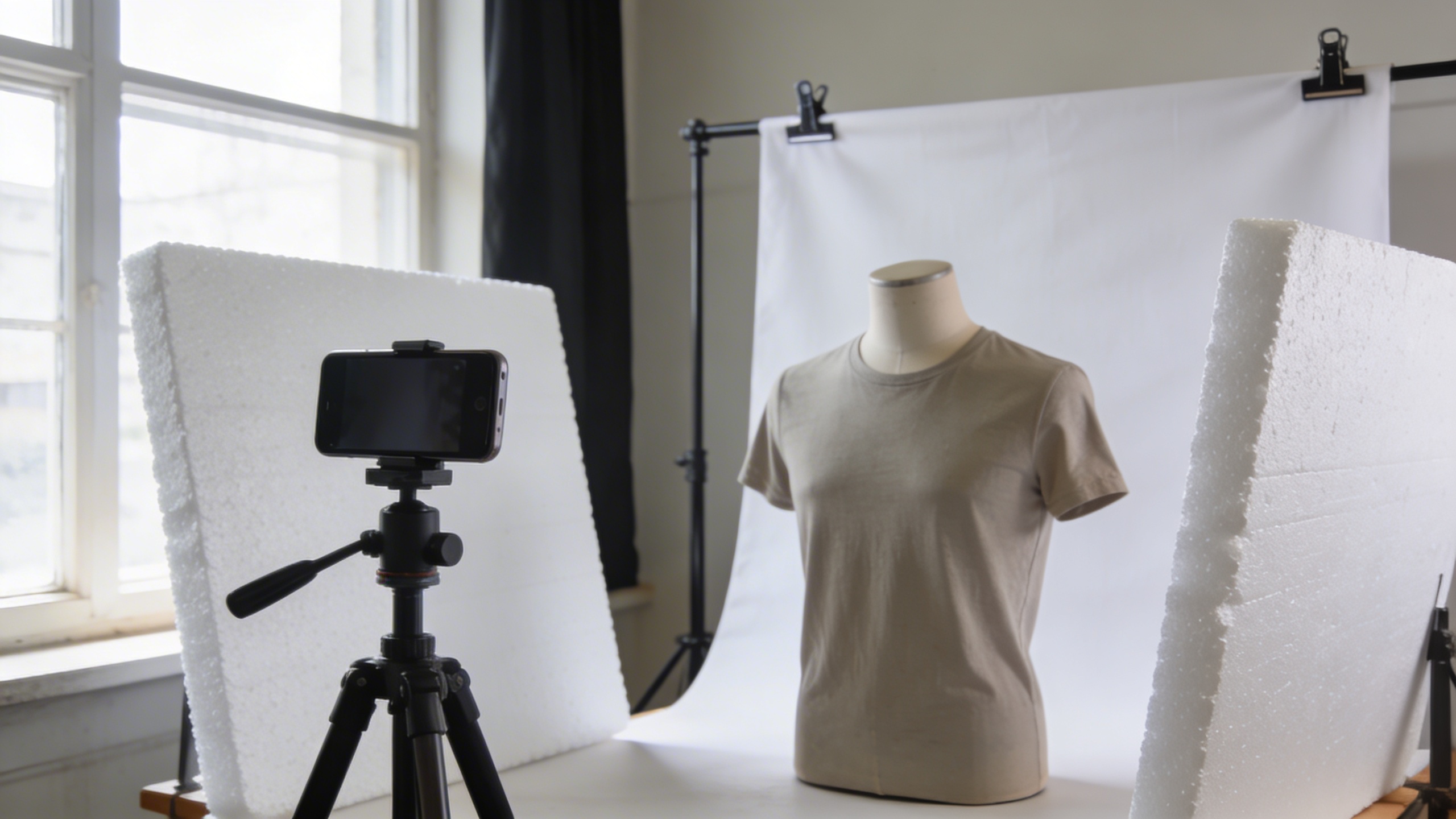
- Use a plain background: a white wall, a white sheet, foam board, or even a clean wood floor.
- Get even light: window light to the side is fine, but avoid harsh sun stripes.
- Shoot straight-on: for hanging or mannequin shots, keep your phone level, not angled down like you are taking a picture of lunch.
- Leave space around the item: AI background removal and new backgrounds work better when the edges are not tight.
- Do one “truth” shot: close-up of flaws, fabric texture, tag, size label.
This is the boring part where repeatability beats talent. If I am listing 20 items, I do not want to “be creative.” I want to be consistent.
A lazy setup that works (and I still use)
- Two cheap white foam boards from a craft store as reflectors.
- Phone tripod (or a stack of boxes, I am not above boxes).
- One white sheet clipped to a curtain rod or a stand.
The most embarrassing part is I spent more time last year pricing out ring lights and then ended up using the same window I always use because it makes clothes look real. Ring lights make some fabrics look plasticky.
The images you actually need per listing
If you are trying to avoid burnout, you only need a small set:
- Cover photo: full item, clean background, accurate color
- Back view (or alternate angle for bags, shoes)
- Label/brand/size tag
- Material/texture closeup
- Flaw closeup if any
Then, if you want, 1-2 “nice” shots: a styled flat lay, a rack shot, something that makes the listing feel more premium. That is where AI can help without lying.
Using Stockimg.ai in your Poshmark workflow (without making it weird)
When people hear “AI photos,” they often jump to “generate the whole thing from scratch.” For Poshmark, I prefer a smaller, safer target: you use AI to create a consistent set of backgrounds and scenes that still look like product photos, not like a perfume ad.
Stockimg.ai fits that because you can generate product-photo-style scenes quickly, then match them across listings so your closet grid looks cohesive instead of like 47 different apartments.
I use Stockimg.ai in three places:
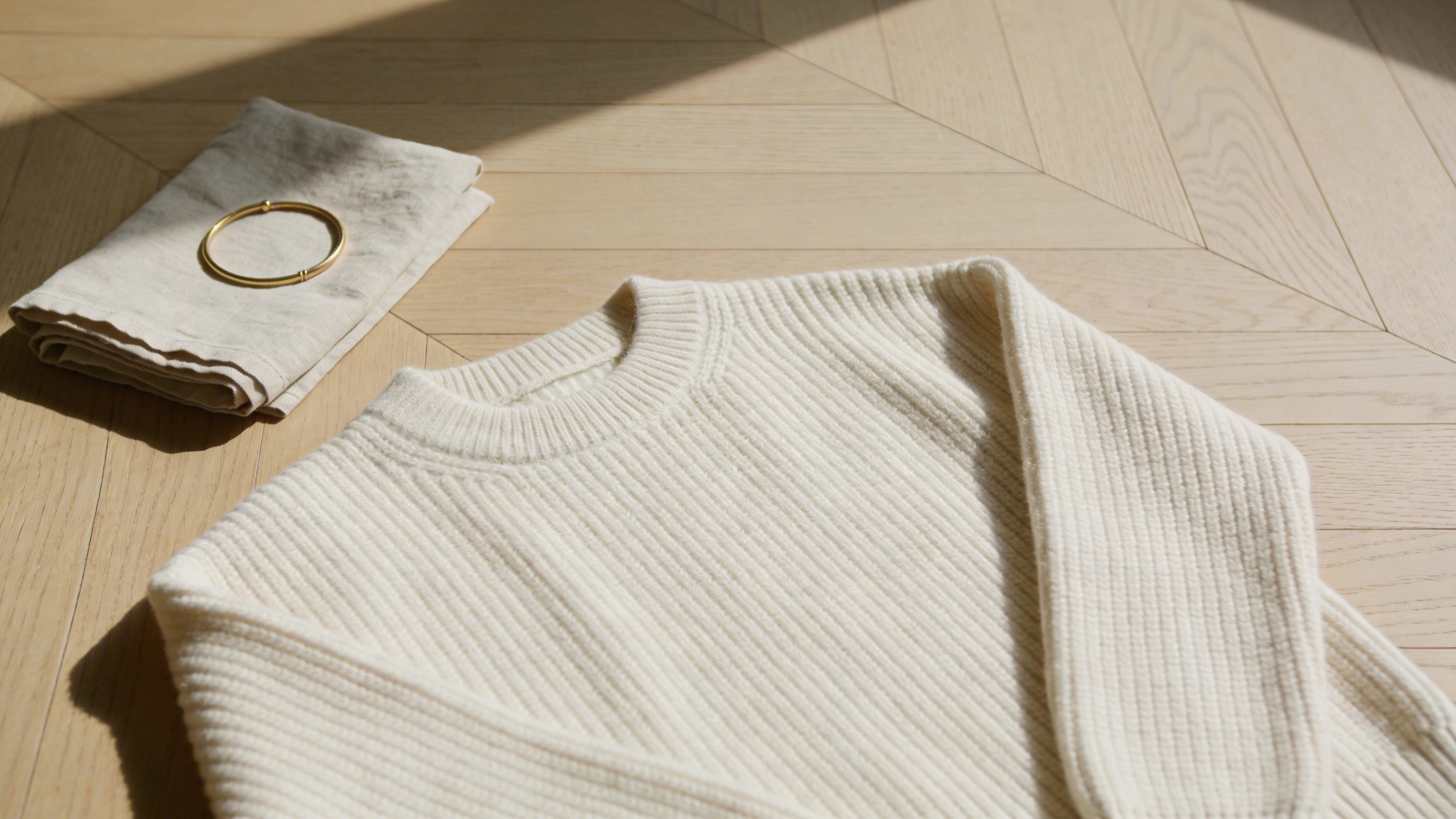
- Background options for flat lays and accessories (clean marble, soft linen, boutique rack)
- Secondary images that add context (not the hero image)
- Batch style testing (you generate five variations, pick one “house style,” then reuse it)
If you only do one thing from this post, do this: pick a consistent background style and stick to it for a month. It is boring and it works.
The step-by-step: from iPhone snapshot to Poshmark-ready images
Step 1: Shoot a “listing set” in one go (batch, not single item)
If you take photos item by item, the lighting changes, your mood changes, and by item #6 you start accepting garbage because you are hungry. Batch shooting helps.
I do it like this:
- Hang 10 tops on the same hanger.
- Shoot all fronts, then all backs.
- Shoot all tags.
- Shoot all flaws last.
That last point is not some wisdom. It is because flaw shots are depressing. If I start with flaws, my brain decides everything is low value and I half-list.
Step 2: Pick one crop style and stop freelancing
Poshmark is a scroll. You want your cover photos to feel like they belong together. I keep a simple personal rule:
- Cover photo = square crop, item centered, same margin on all sides.
If you are like me, you will keep wanting to zoom in because “details,” but zooming in too much makes your closet grid look chaotic. You can always show details in photo #2 or #3.
Step 3: Clean your base image (quick tidy, not perfection)
Before you generate anything AI-ish, do the five-second cleanup:
- Straighten
- Slight exposure bump if needed
- Remove dust and lint (yes, still)
- Correct white balance if your whites look yellow-green
It sounds tedious, but if your base image is ugly, your AI output will also be ugly, just more confidently ugly.
Step 4: Generate a consistent “set” background for your secondary shots
This is the part where Stockimg.ai becomes a time-saver instead of a rabbit hole.
Instead of trying to “create a masterpiece,” you create a repeatable background scene that works for your niche. For example:
- Handbags: clean marble counter with soft window light
- Jewelry: linen fabric surface with gentle shadow
- Shoes: minimalist studio corner with light concrete floor
- Sweaters: cozy neutral bed linen flat lay
You are trying to build a look that:
- does not fight the item
- does not invent details
- can be used again and again
Step 5: Keep your cover photo real (most of the time)
My unpopular opinion: for clothing, your cover photo should usually be a real photo with a clean background, not a fully generated scene. It reduces returns, and it reduces comment questions. When I do use AI for a cover photo, it is typically for simple accessories where fit is not the issue (scarves, wallets), and even then I sanity-check it.
The buyer should never feel tricked.
The prompts I actually type (Poshmark image prompts that behave in 2026)
You asked for poshmark image prompts, so I will give you prompts that are boring on purpose. Boring is consistent, and consistent sells.
A trick that helps: write prompts like you are describing a product photo set, not “AI art.”
Also, avoid brand names you do not own. Besides being messy, prompts with brand names can pull in logos or vibes you do not want.
Below are prompt formulas I rotate through. Use them to generate secondary images or clean backgrounds. If you are creating “full product shots,” keep them generic and make sure they do not contradict your real item.
Prompts for clean, repeatable backgrounds (no item)
Use these when you want a consistent scene to place your item onto later, or as a “style frame” you match across listings.
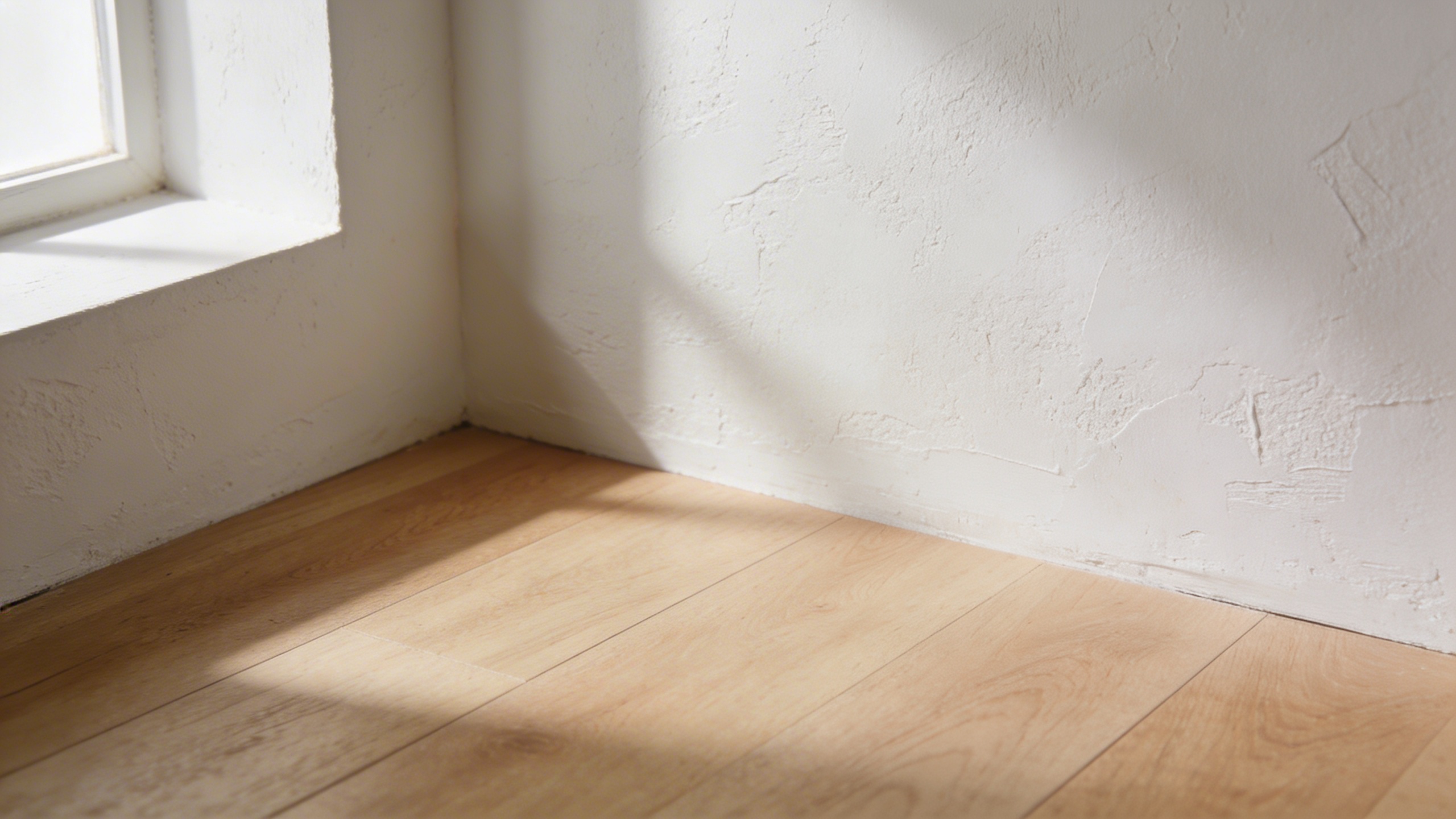
- Warm neutral wall Prompt: "minimalist studio corner for product photography, warm white plaster wall with subtle texture, light oak floor, soft window light from left, gentle natural shadow, clean ecommerce photo, ultra realistic"
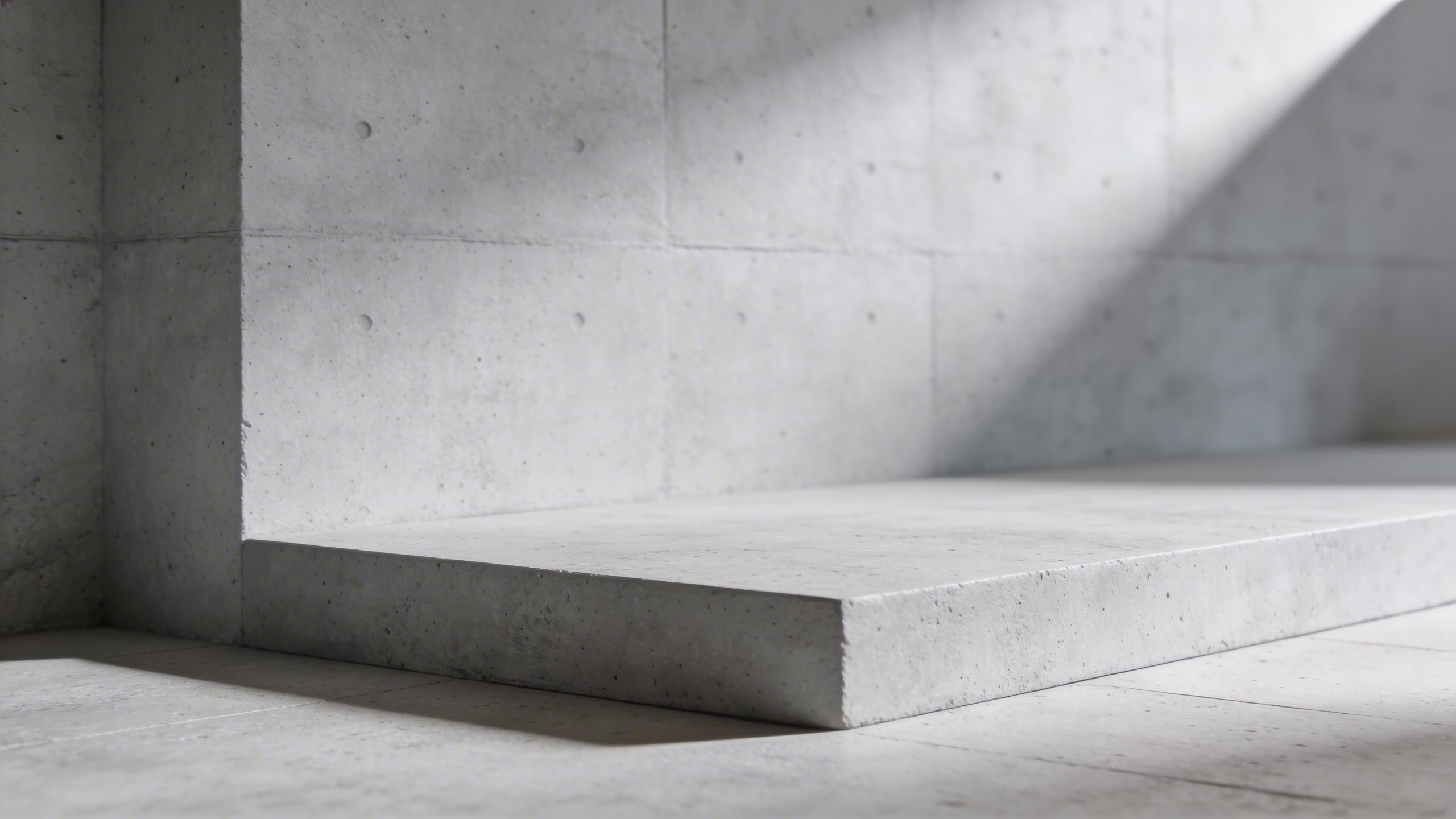
- Cool modern concrete Prompt: "modern product photography set, light gray concrete wall and floor, soft diffused daylight, subtle shadow gradient, clean empty scene, ultra realistic, high detail"
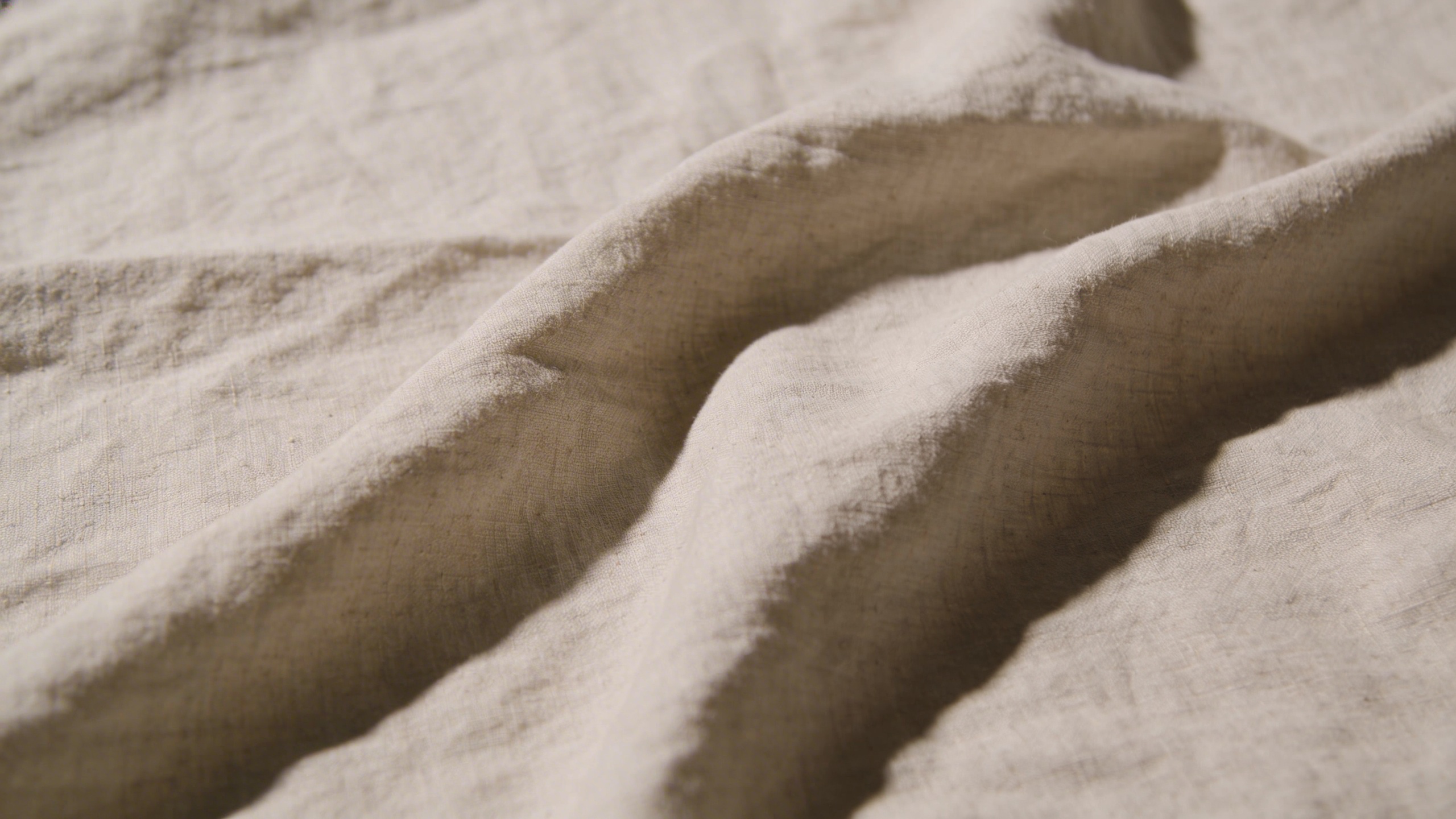
- Linen flat lay surface Prompt: "top-down flat lay product photography background, natural beige linen fabric with soft wrinkles, gentle daylight, realistic shadowing, clean and minimal, no props"
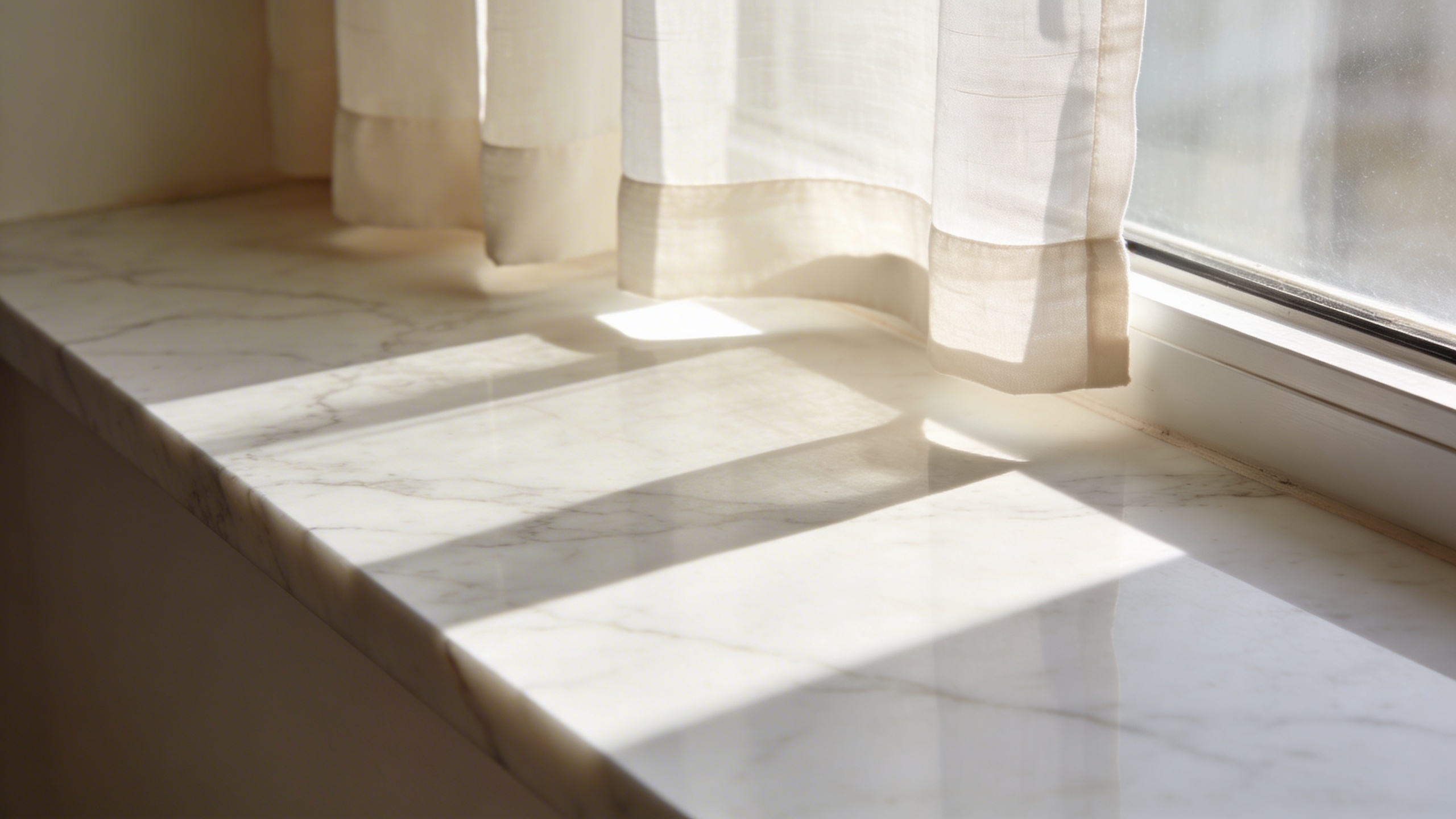
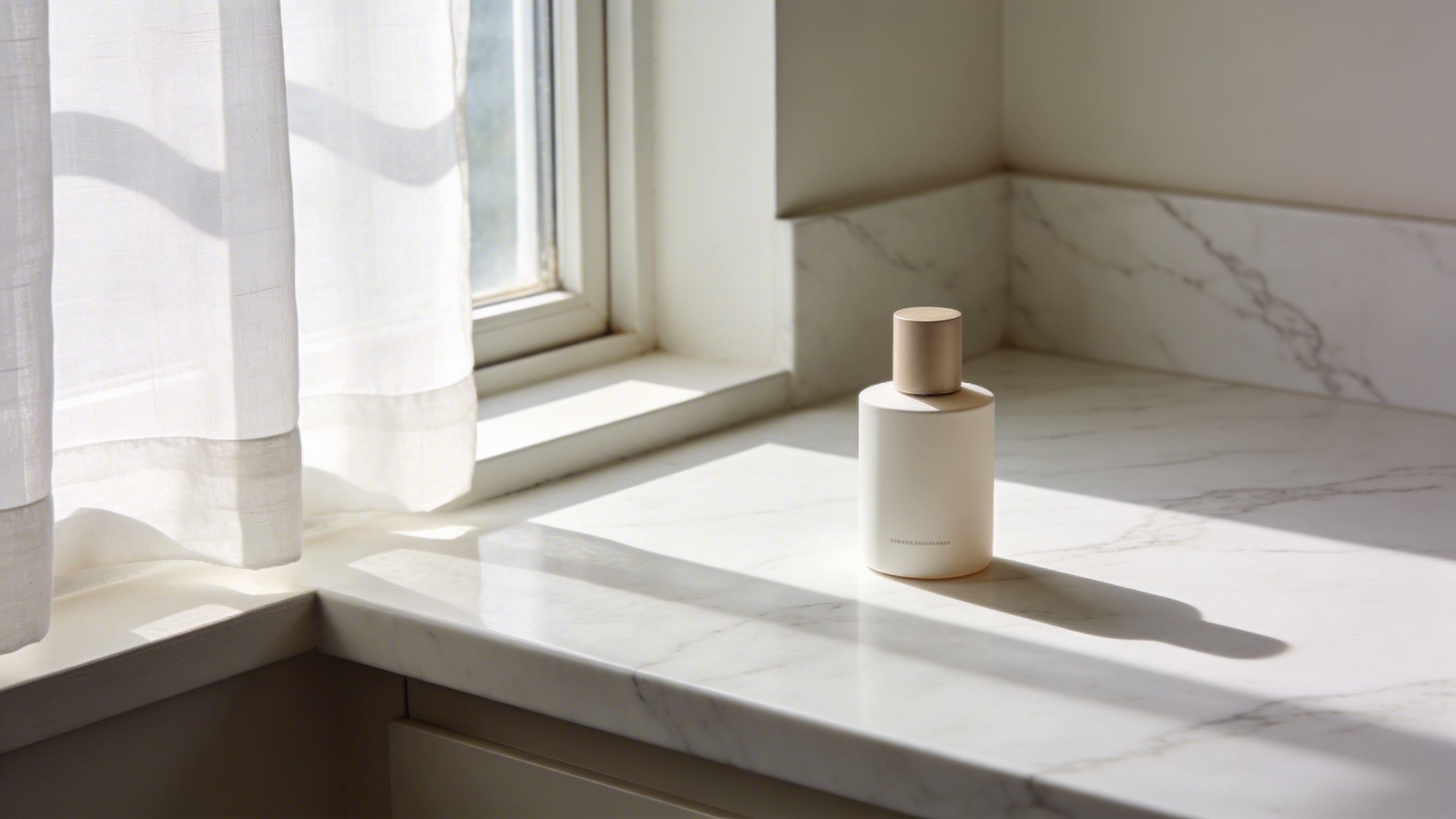
- Marble countertop by a window Prompt: "premium product photography background, white marble countertop next to a window with sheer curtain, soft sunlight diffusion, gentle realistic shadows, minimal neutral palette, no objects"
Prompts for accessories “hero-ish” scenes (use with care)
These lean more like real listings. Keep them believable. If the output adds buckles, pockets, or extra seams, do not use it.
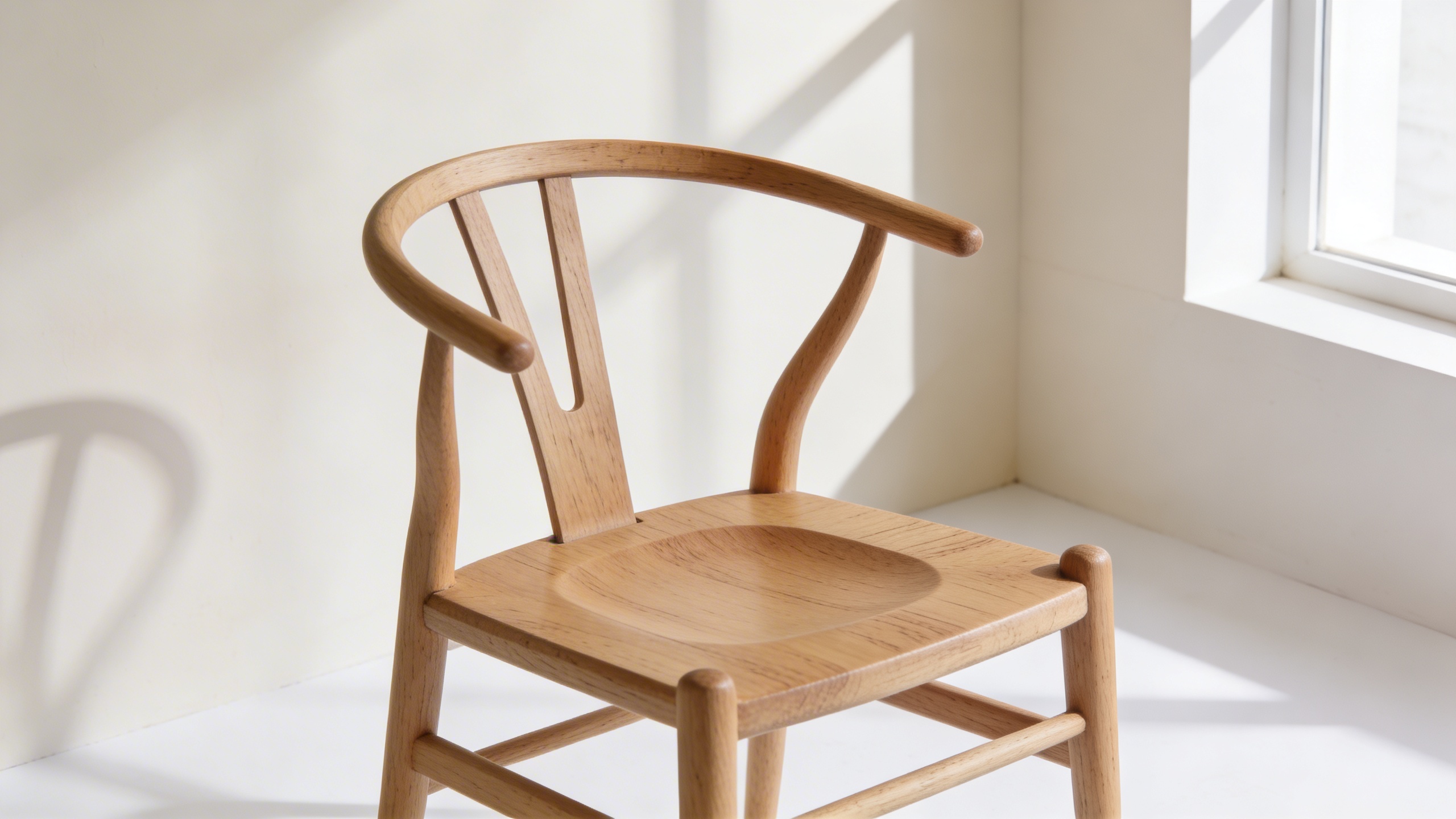
- Handbag on a chair Prompt: "ultra realistic product photo, minimal Scandinavian room corner, light wooden chair, neutral wall, soft daylight, a single empty space on the chair seat for placing a handbag, gentle shadow, clean ecommerce style"
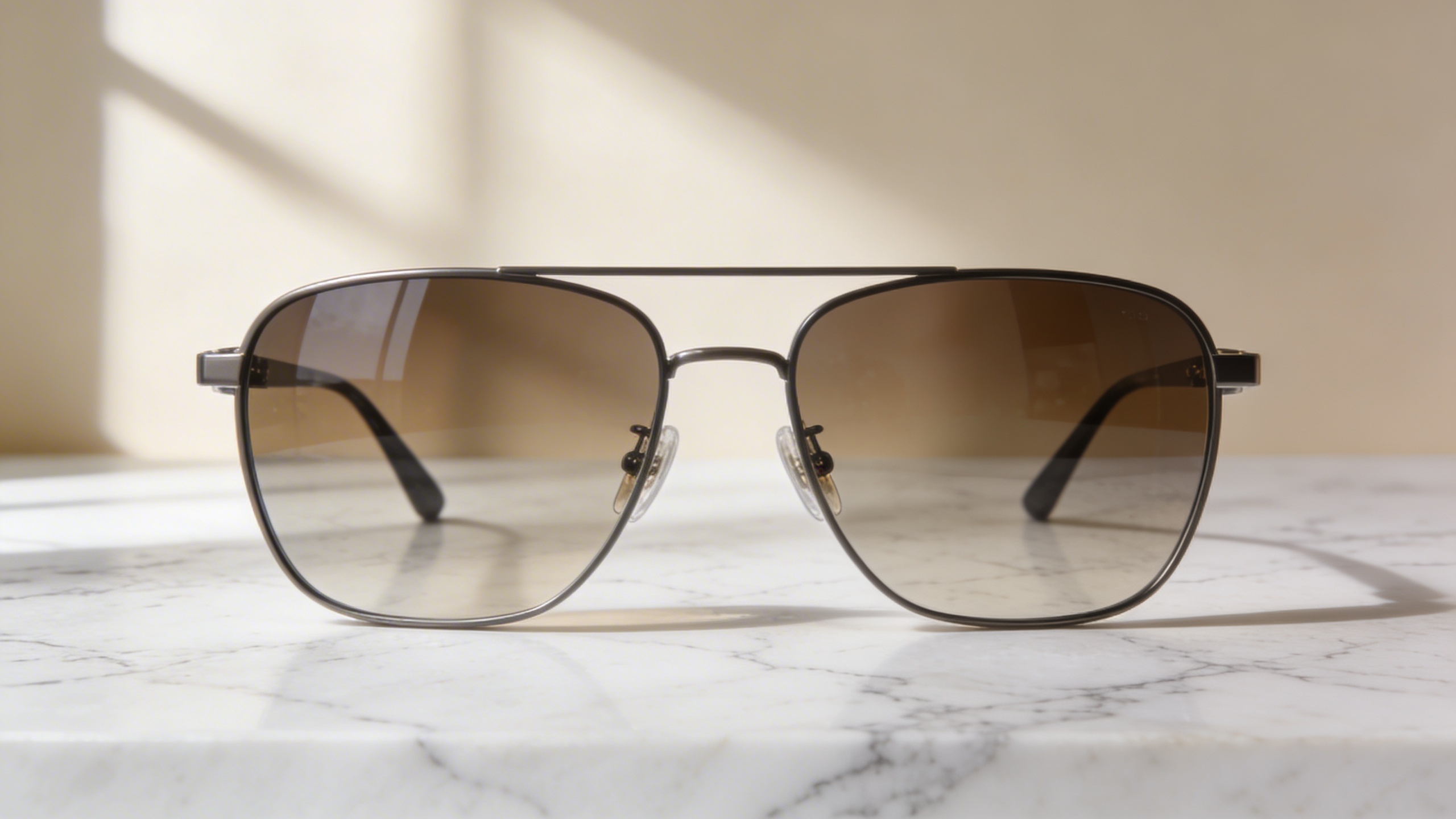
- Sunglasses on marble Prompt: "ultra realistic product photography, sunglasses display scene on white marble surface, soft window light, subtle shadow, minimal beige background, editorial ecommerce look, no logos"
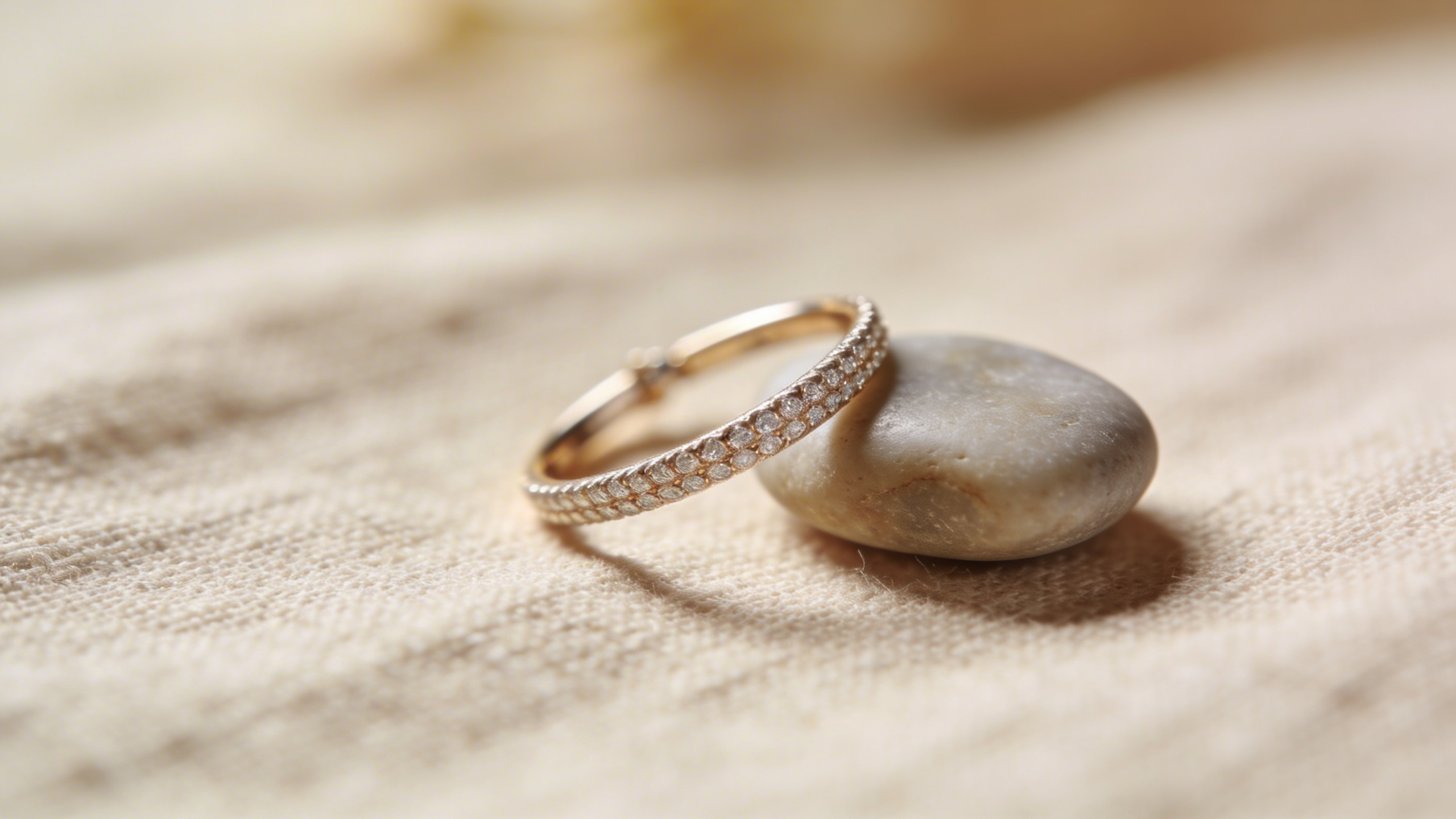
- Jewelry on linen with a soft prop Prompt: "macro product photo scene for jewelry, beige linen surface, one small smooth stone prop, soft diffused daylight, shallow depth of field, clean and realistic, no text, no branding"
Prompts for clothing context shots (secondary image only)
For clothing, I keep context shots quiet: rack, hanger, folded stack. Not “AI model on a street” unless you are really confident you can keep it truthful.
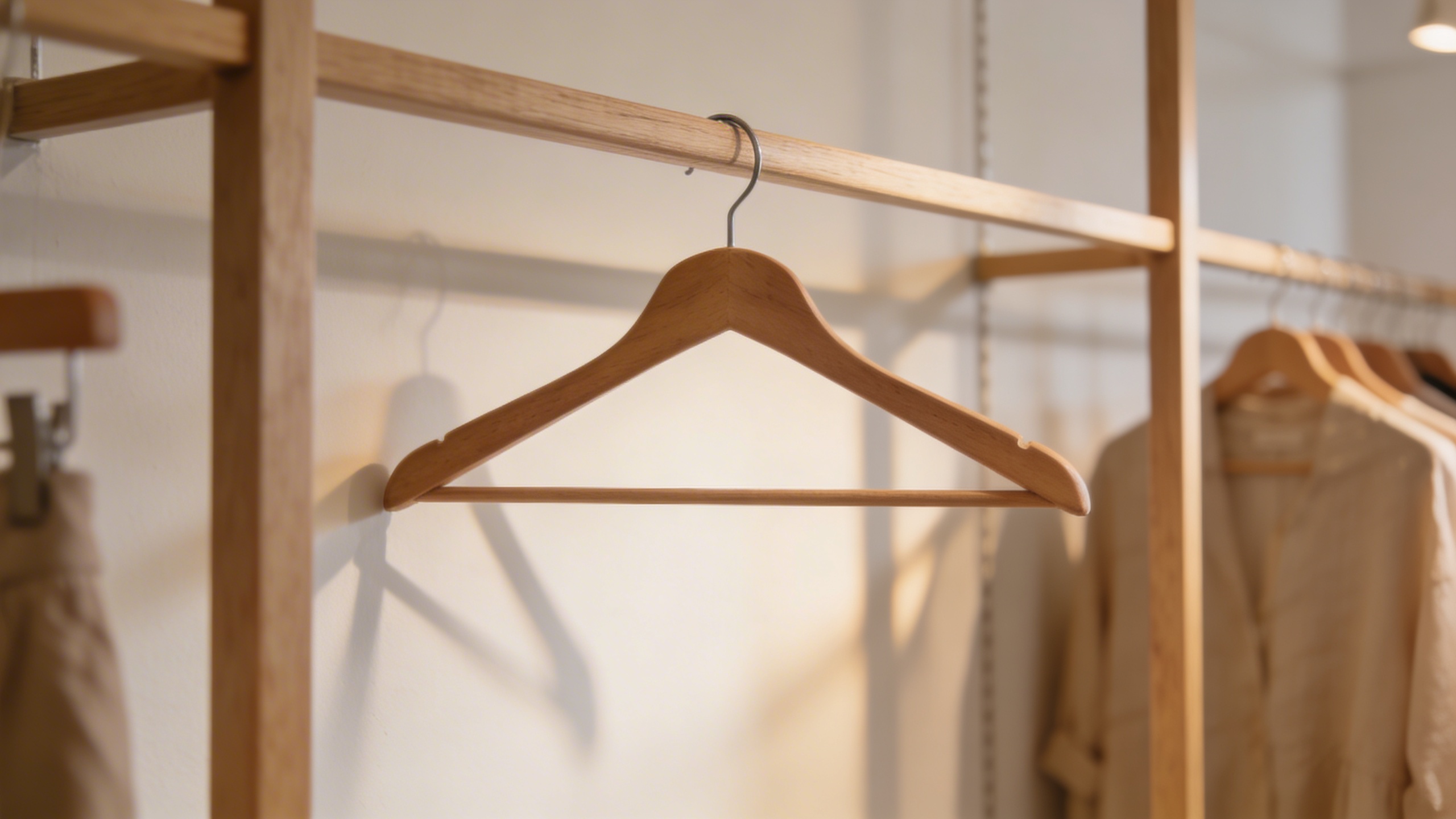
- Boutique rack scene Prompt: "realistic boutique clothing rack scene, neutral modern shop interior, soft warm lighting, empty space on a wooden hanger in the center, shallow depth of field, clean ecommerce vibe, no text"
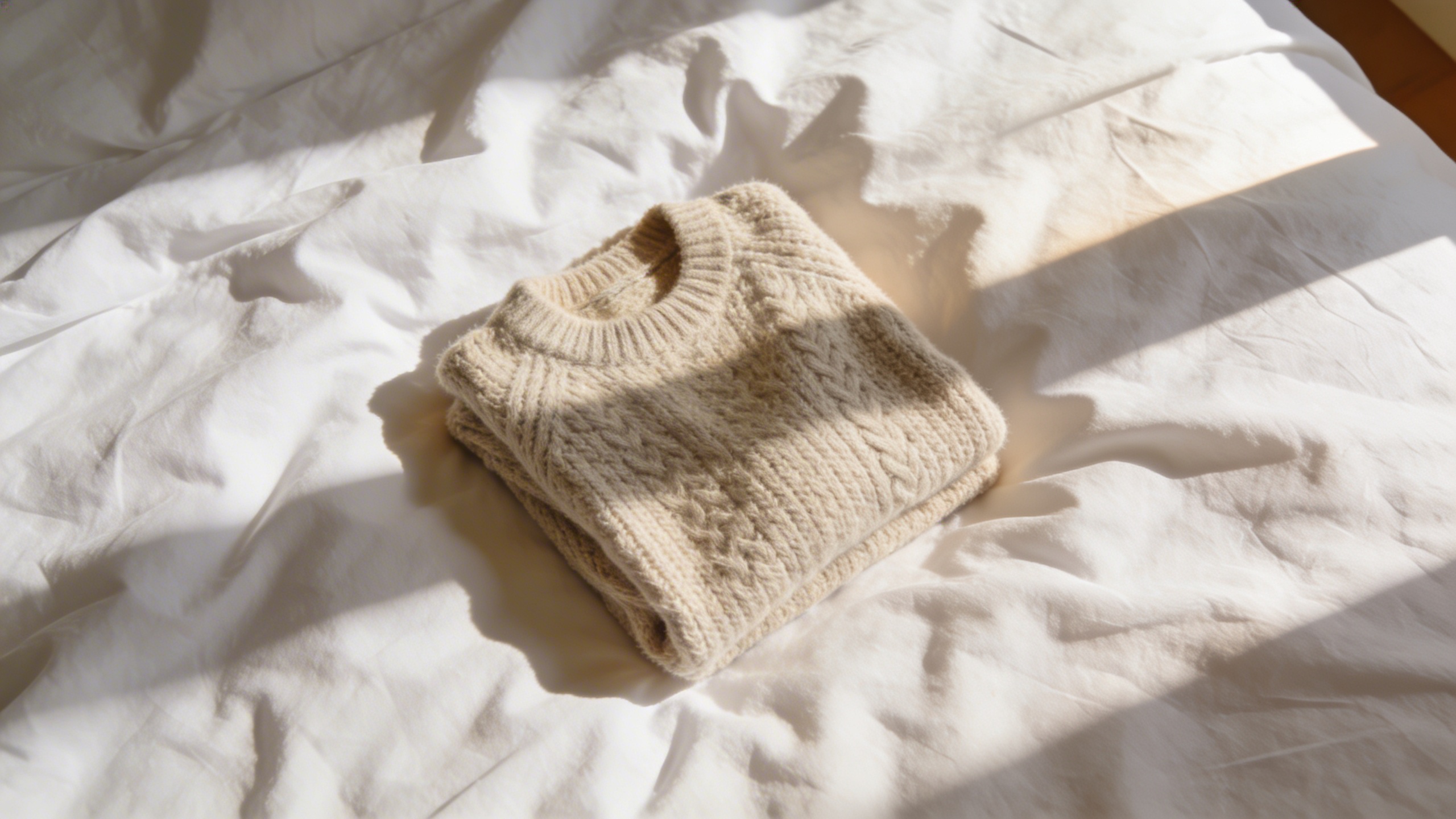
- Folded knit on bed linen Prompt: "top-down flat lay scene, soft white bed linen with gentle wrinkles, folded chunky knit sweater placement area, warm natural window light, realistic shadows, minimal cozy aesthetic"
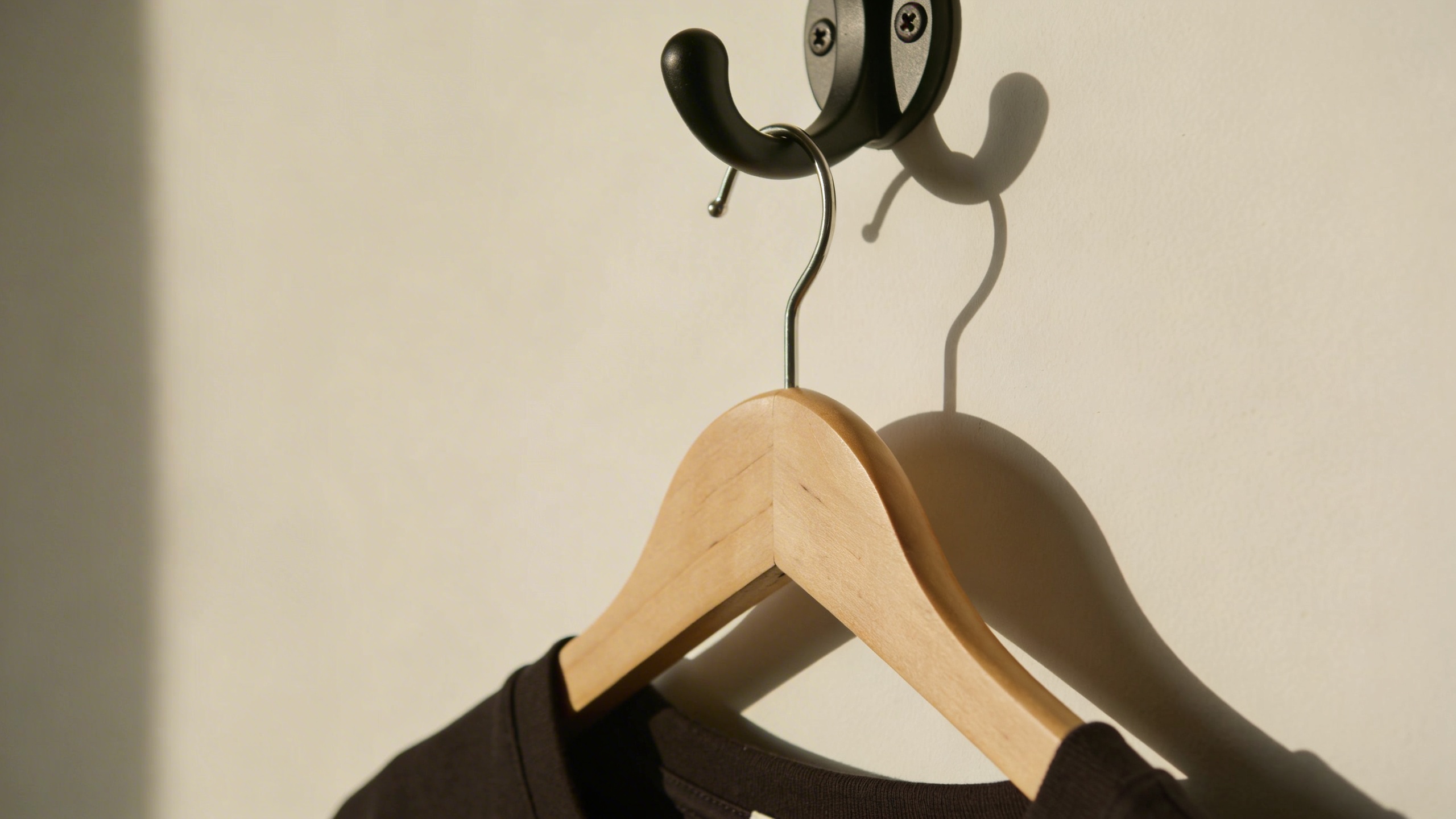
- Hanging shot minimal wall Prompt: "minimal product photo setup for clothing, warm off-white wall, a simple wooden hanger on a matte black hook, soft daylight, realistic shadow, clean ecommerce photo, no text"
Prompts that specifically help with “Poshmark vibe”
Poshmark buyers are used to seeing some realness. These prompts are still clean, but not sterile.
-
Secondhand but tidy Prompt: "realistic home reseller product photo aesthetic, clean white wall, subtle natural imperfections, soft daylight, slightly cozy tone, minimal clutter, ecommerce focus, no text"
-
Thrift boutique shelf Prompt: "realistic small boutique shelf scene for accessories, light oak shelf against warm white wall, soft afternoon light, gentle shadow, space for a single item, clean and inviting, no signage"
-
Neutral “closet grid” consistency Prompt: "consistent ecommerce background style, warm neutral gradient wall, soft vignette, gentle drop shadow on the floor plane, clean minimal output, ultra realistic, no props"
I included a few without images because you do not need an image after every single prompt unless you are writing a prompt-example post. You are not. Use these as working prompts you keep in a note on your phone.
A real listing walk-through (and the dumb mistake I keep repeating)
Let’s do a pretend listing: a cream knit sweater. In real life, this sweater would have one tiny snag that only appears once you upload the photo and zoom to 300%, which is my favorite genre of surprise.
What I shoot
- Front on hanger
- Back on hanger
- Closeup of knit texture
- Tag
- Any flaw (snag, pilling, discoloration)
I used to skip the closeup texture shot because it felt redundant. Then I noticed that on knitwear, the closeup is often what convinces someone it is not itchy or see-through. It is unglamorous but it answers a question before they ask it.
What I generate with AI
- A single “nice” flat lay background consistent with the rest of my closet
- Optionally, a boutique rack scene for photo #2 or #3
Then I pick one and stop. If I generate fourteen variations, I will somehow pick the one with the subtle AI glitch in the sleeve edge, because I am tired and my eyes are lying to me.
My recurring dumb mistake: I get so excited about a beautiful AI background that I forget the item needs to be the brightest, sharpest thing in the frame. If the background has more contrast than the product, the buyer’s eye wanders. You want the product to be the boss.
Getting “consistent” without becoming boring (the closet grid problem)
Consistency can turn into blandness if you overdo it. You do not want everything to look like stock imagery, because Poshmark is not Nordstrom. People still want to feel they are buying from a person, and weirdly, too-polished photos can trigger suspicion in certain categories.
What worked for me was a compromise:
- Cover photos: clean and real, same crop style.
- Secondary photo: one consistent AI set background (linen or marble).
- Third photo: a real closeup or tag shot.
So the listing still feels human, but the scroll looks organized.
Also, you do not need one “house style” forever. Rotate seasonally. I naturally drift to warmer, cozy backgrounds in fall and winter (linen, wood, soft shadows) and brighter whiter backgrounds in summer. I do not have a spreadsheet for this. I just get bored and change it.
Upload order: how you can use AI without triggering comments
Poshmark comments can be helpful, but they are also where listing skepticism shows up. If your first image looks “too AI,” some people will ask if it is a scam, especially for higher-priced items.
A safe upload order for anything that can have fit issues:
- Real cover photo
- Real back view
- AI-styled context shot (rack or flat lay background)
- Texture closeup
- Tag and size
- Flaw closeup (if applicable)
If you are selling jewelry, wallets, small accessories, you can sometimes get away with an AI-styled cover image, but only if it looks truly like a photo and matches the item exactly. Even then, I still like a real closeup in the first three images.
The AI artifacts you must learn to spot (so you do not get cooked)
These are the “tells” I watch for before I use an AI image in a listing:
- Edges that look airbrushed: especially around straps, lace, fringe, fuzzy knits.
- Textures that repeat: knit patterns that look tiled, leather grain that looks stamped.
- Impossible shadows: shadow going in two directions, or a shadow that does not touch the object.
- Invented hardware: extra zipper pull, extra rivet, a buckle that your real item does not have.
- Weird symmetry: earrings that mirror too perfectly, stitching that becomes mathematically straight.
If you see any of those, keep the AI image as a “mood” reference for your closet branding, but do not post it as a product representation.
I know that sounds strict. It is. Returns and low ratings are worse than a slightly mediocre photo.
Using Stockimg.ai without turning your closet into a fake catalog
The reason I keep coming back to Stockimg.ai in this specific use case is that I can generate clean, realistic backgrounds fast, then reuse the style across multiple items without needing to build sets in my apartment. I am not trying to win an advertising award. I am trying to list items and ship them.
The practical way to do it:
- Pick 2-3 background prompts you like (linen, warm wall corner, marble).
- Generate a few variations until you find one that feels “you.”
- Save the prompts and the exact wording.
- For the next batch of listings, generate the same style again (or generate backgrounds in advance).
And stay disciplined about where you use them. Secondary images. Context. Visual cohesion. Not “AI model wearing your vintage dress” unless you are prepared to do a lot of checking and also explain yourself in comments.
Extra: tiny Poshmark-specific details that still matter in 2026
I am grouping these because they are the little things that annoy me when I forget them:
- Square crop looks best in the feed. Even if you shoot vertical, plan to crop 1:1 for the cover. It makes your closet look intentional.
- Color honesty matters more than “aesthetic.” A creamy sweater cannot look pure white in your cover photo unless you want messages like “Is it bright white or ivory?” over and over.
- Do not hide flaws with AI. You can still sell flawed items, you just price accordingly and show it. People hate surprises.
- Keep one photo that feels like proof. Tag, closeup texture, something that says “this is real.”
None of this is exciting, but it is what got me fewer questions and faster offers.
Frequently Asked Questions (FAQs)
Can I use fully AI-generated images as my Poshmark cover photo?
You can, but you probably should not for most clothing, because fit and fabric are the whole point. A real cover photo with a clean background usually converts better and reduces skeptical comments.
What are the best Poshmark AI photos to generate first?
Start with one consistent secondary background style (linen flat lay, marble surface, warm studio wall) and use it across listings. It makes your closet look cohesive without risking inaccurate fit representation.
Why does the same prompt give different results each time?
Most generators include randomness by default, so tiny variations in lighting, texture, and props change each output. If you want consistency, reuse the exact prompt wording, keep it simple, and generate a small batch until you get a set that matches.
How do I stop AI from inventing extra zippers, buttons, or pockets?
Avoid prompts that describe the garment itself if you are not controlling the exact item rendering. Instead, generate clean backgrounds and scenes, then keep your actual item representation in real photos, especially for anything with hardware.
What resolution should my images be for Poshmark in 2026?
Upload sharp, high-resolution images from your phone and avoid over-compressing them before posting. If you edit, export at a high-quality JPG and keep details like knit texture and leather grain intact.
Should I use “lifestyle” AI scenes for every listing?
No. One lifestyle-style shot can help, but if every image looks like a catalog, some buyers get suspicious on Poshmark. I like one context shot plus a couple of real “proof” photos (tag, texture, flaw) so your listing feels trustworthy.
Can I switch from real photos to AI-styled photos mid-closet without it looking weird?
Yes, but do it in chunks: update your covers for your top 20 listings first, then move through the rest. A gradual rollout looks like “you got more consistent,” not like your closet got taken over by two different sellers.
What is the fastest way to use Stockimg.ai for Poshmark image prompts?
Save 2-3 background prompts you like, generate a matching set for a whole batch of listings, and use those as secondary images behind your real cover shots. That gives you speed and consistency without overdoing the AI look.