This post is basically the set of prompts I keep reaching for when you want that 3D pop: glossy plastic, embossed metal, glass, enamel, soft rubber, chrome, that “new hardware startup” look, and a couple weird ones that I’m still not fully sure when to use. You’ll get ready-to-copy AI logo prompts plus the tweaks that make them behave.
If you’re generating with Stockimg.ai, I like to keep one thing consistent: the background and lighting. I’ll let the material and shape change, but I keep the “studio” part locked so the set feels like a set.
10 (actually 20) ready-to-copy 3D AI logo prompts
The title says 10. I’m giving you 20 because every time I tried to keep it to 10, I cut the one I ended up using later.
A note before you start: these are written as AI logo prompts for generating a single centered logo icon. If you want a full brand lockup with typography, do a second pass later for type, or generate type separately, because AI is still weirdly inconsistent about kerning when it’s also trying to do reflections.
Category: Glossy plastic and soft-touch (the “app icon but grown up” look)
Prompt: "3D logo icon of a minimalist letter A monogram, glossy plastic resin material, subtle extrusion depth, rounded bevel edges, studio softbox lighting from top left, slight rim light, clean dark charcoal gradient background, centered composition, ultra sharp, no text, no watermark"
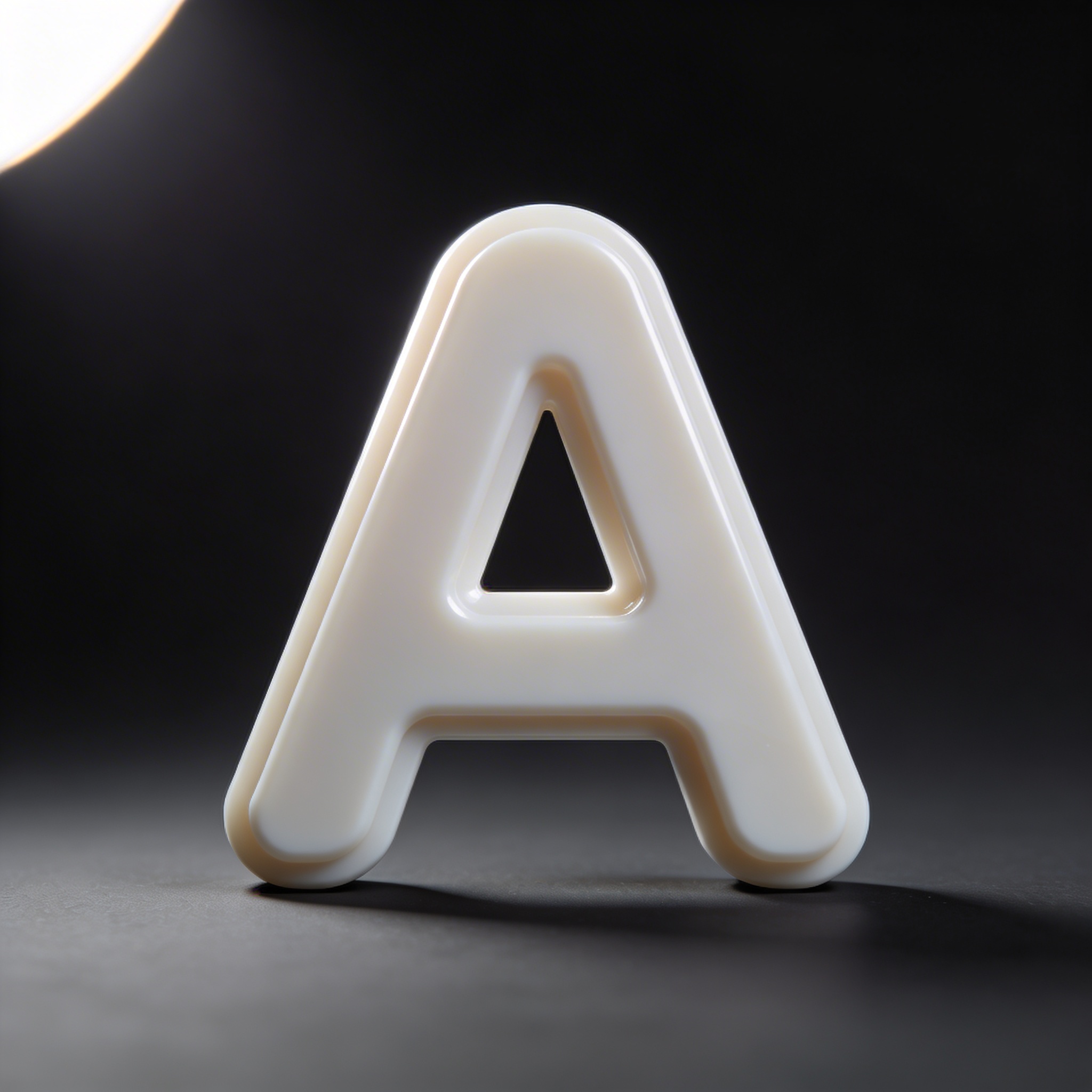
If you’re building artificial intelligence branding (or anything vaguely “software but premium”), this one usually lands. The trick is “rounded bevel edges.” Without it, it becomes a hard-edged toy.
Prompt: "3D logo icon of a simple geometric shield shape with a cutout lightning bolt, soft-touch rubber material, matte finish, subtle grain texture, shallow extrusion, soft studio lighting, light gray seamless background, centered, no text"
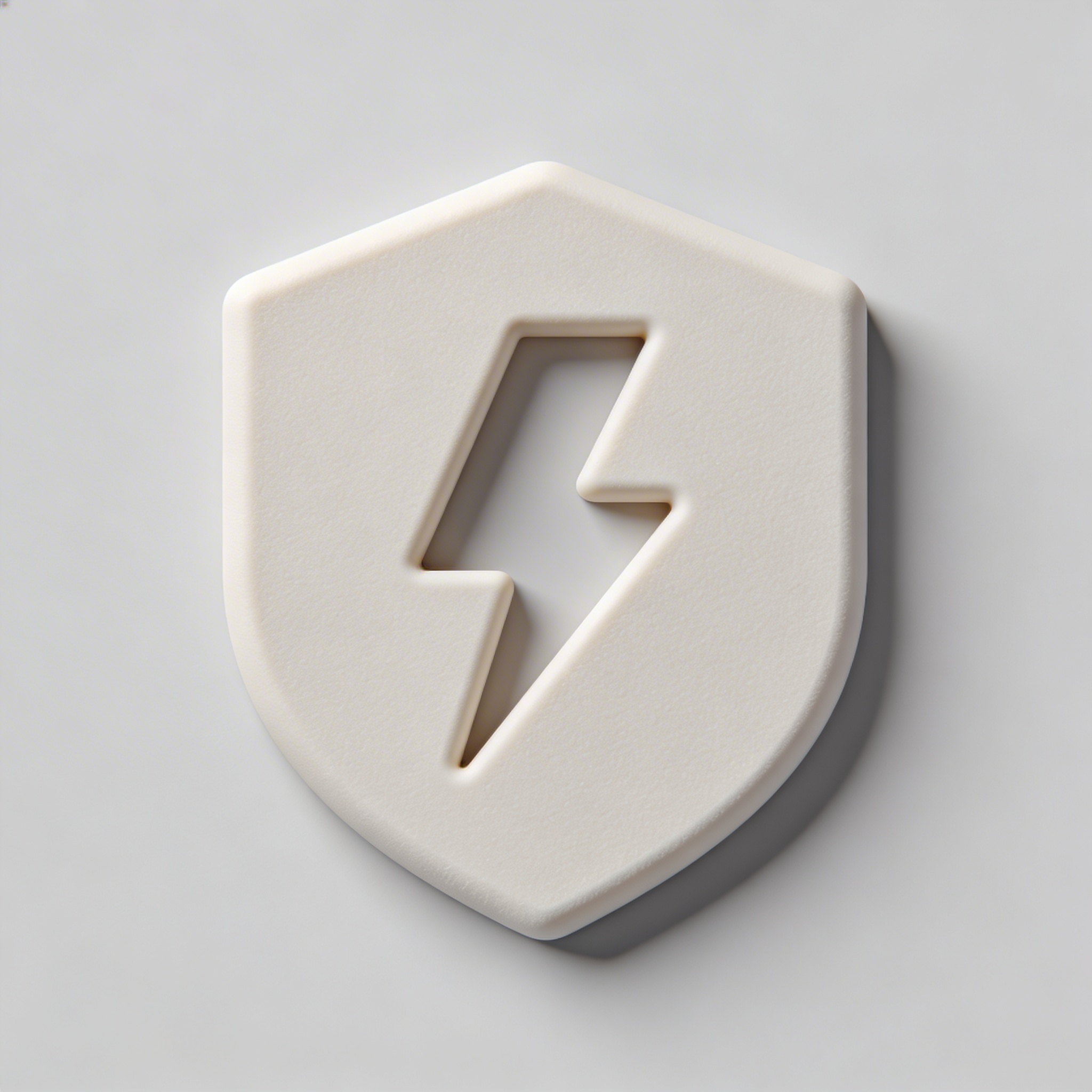
I like soft-touch rubber when a brand wants “friendly security.” It’s not intimidating chrome. It’s more like a tactile product you’d actually hold.
Prompt: "3D logo icon of interlocking circles forming a chain link symbol, glossy enamel material, two-tone cobalt blue and white, beveled edges, subtle reflections, studio lighting, dark navy gradient background, centered, no text"
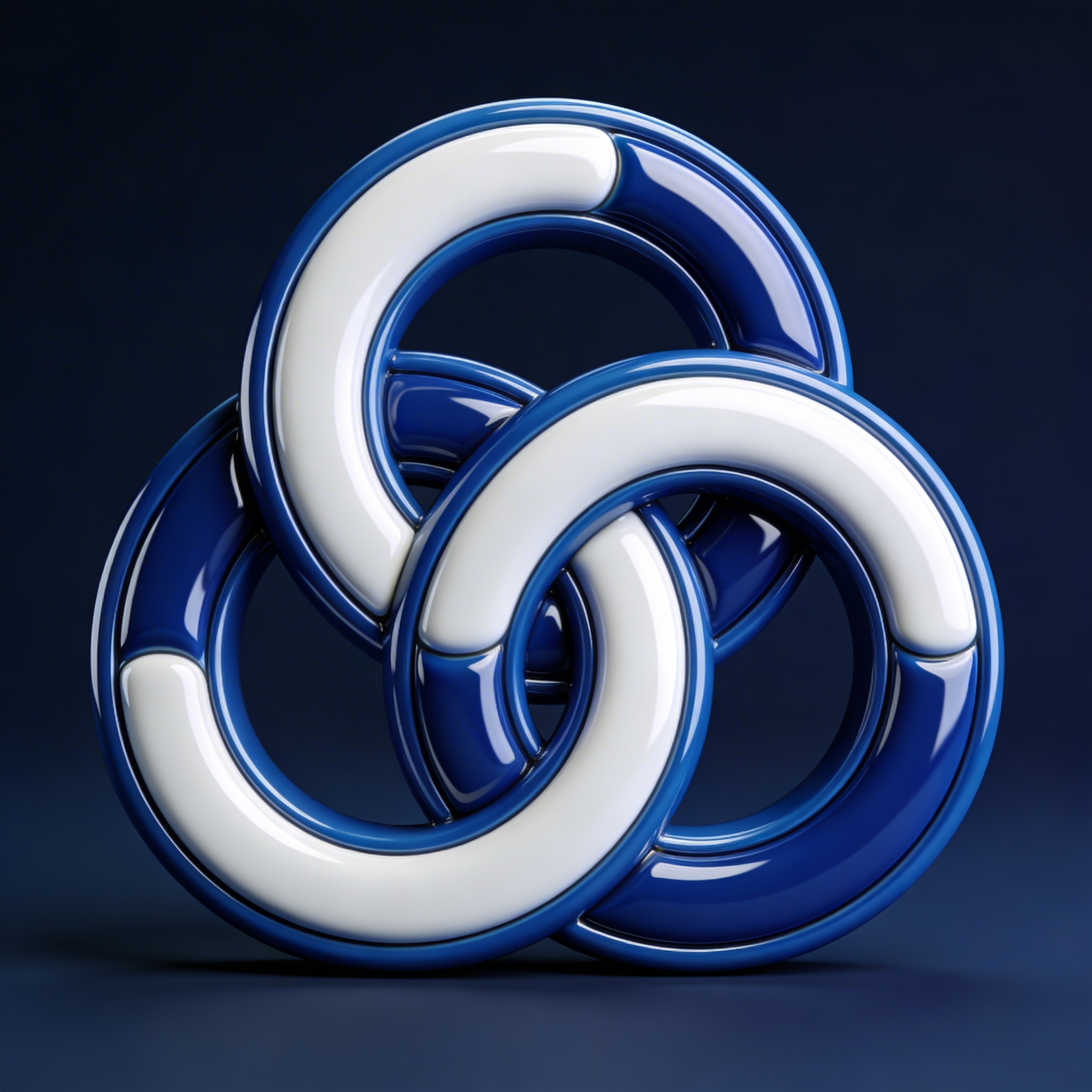
Enamel is my cheat code when a client says “modern but not futuristic.” It feels like physical craftsmanship, like pins and badges, not sci-fi.
Prompt: "3D logo icon of a minimalist phoenix silhouette, translucent candy-glass material, warm amber and red gradient, internal glow, smooth bevel, soft rim light, dark background, centered, no text"
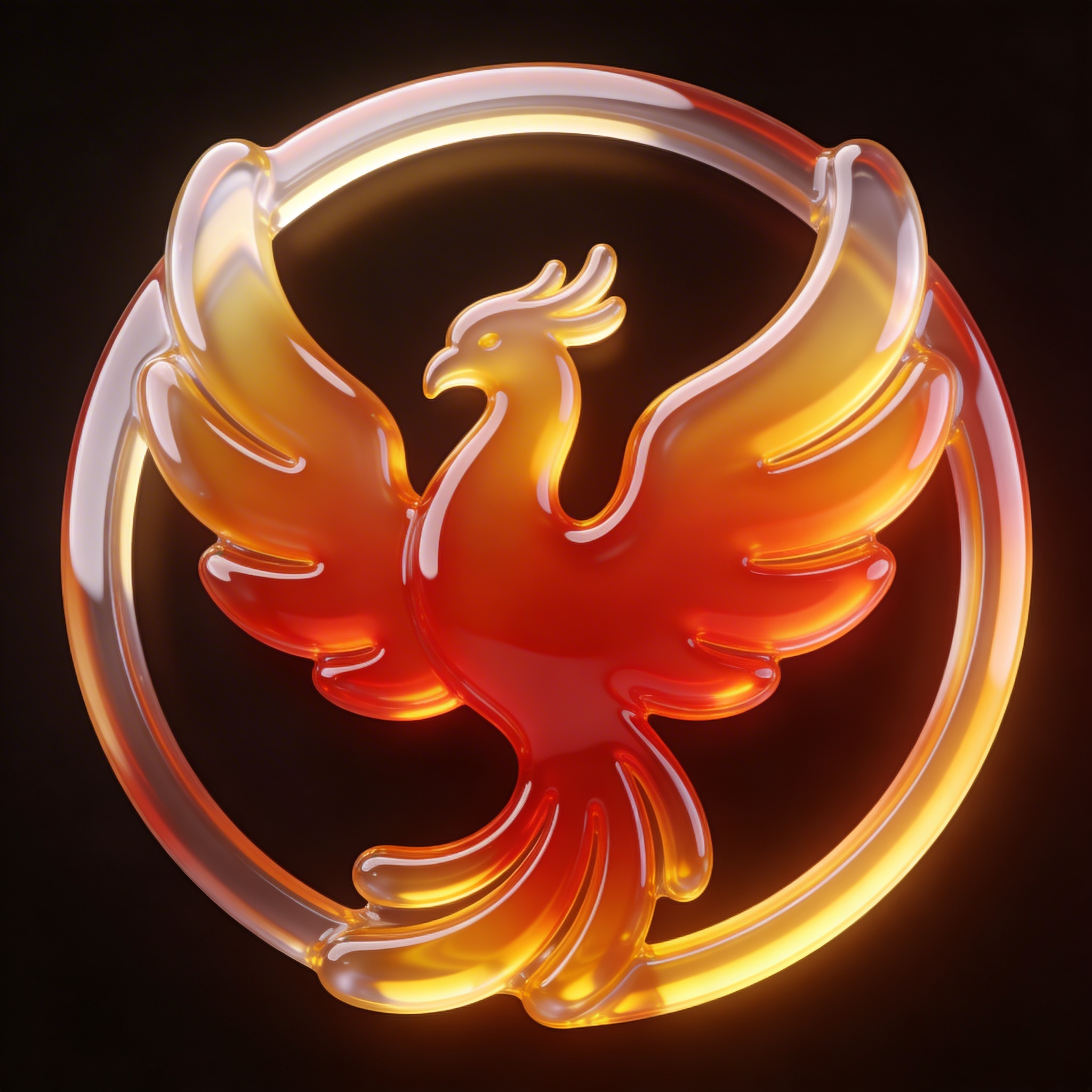
This prompt is risky. It can turn into a gummy bear. When it works, it looks expensive and slightly unrealistic in a fun way, which sometimes is exactly the point.
Category: Metal, chrome, and “we have funding” minimalism
Prompt: "3D logo icon of a minimalist cube with a negative-space S cutout, brushed aluminum material, fine horizontal grain, crisp beveled edges, studio softbox reflections, neutral light gray background, centered, no text"
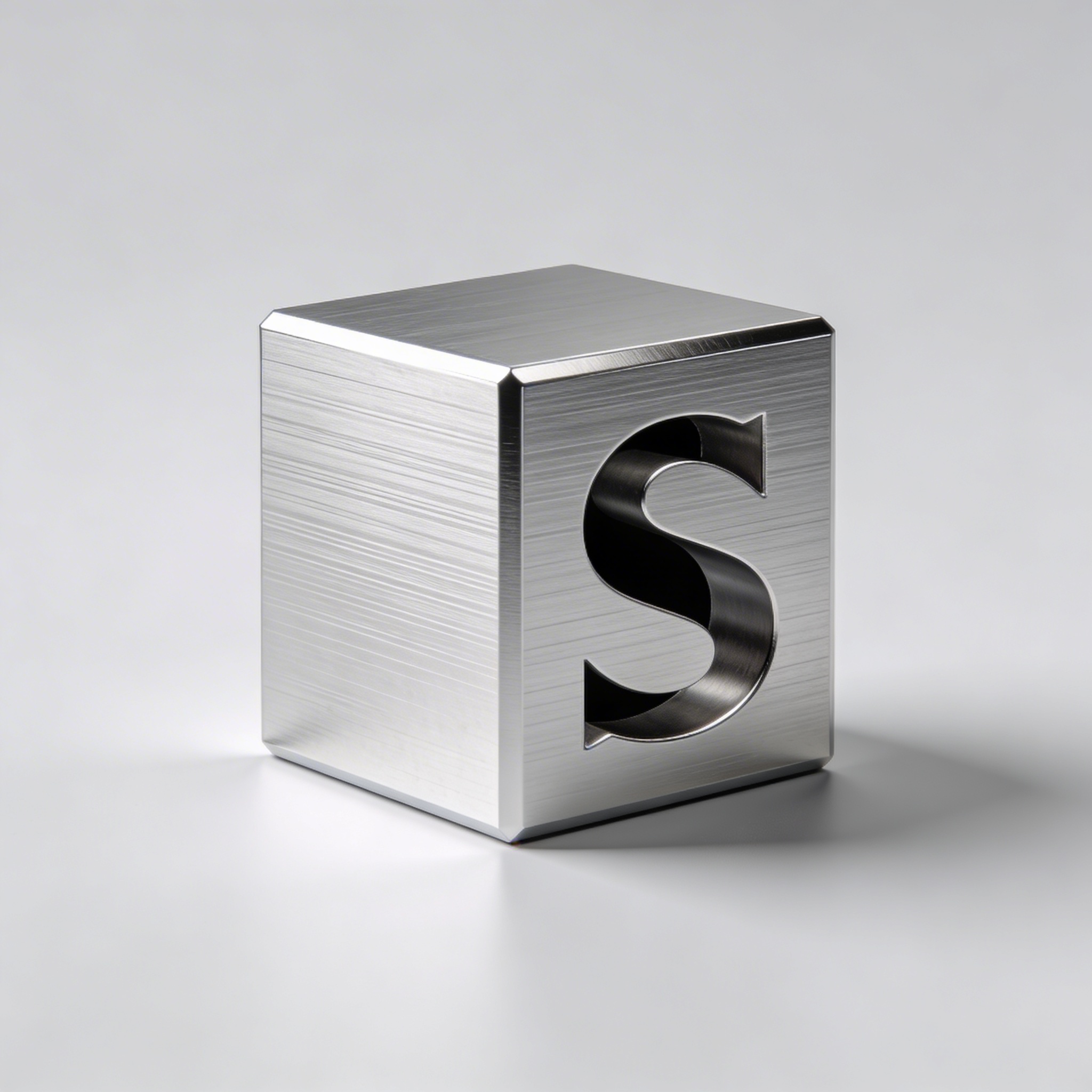
I default to brushed aluminum when I need something that looks like it belongs on hardware. You can almost hear the product designer saying “CNC.”
Prompt: "3D logo icon of a simple compass star, polished stainless steel material, mirror-like reflections, subtle micro-scratches, dramatic rim light, dark charcoal background, centered composition, no text"
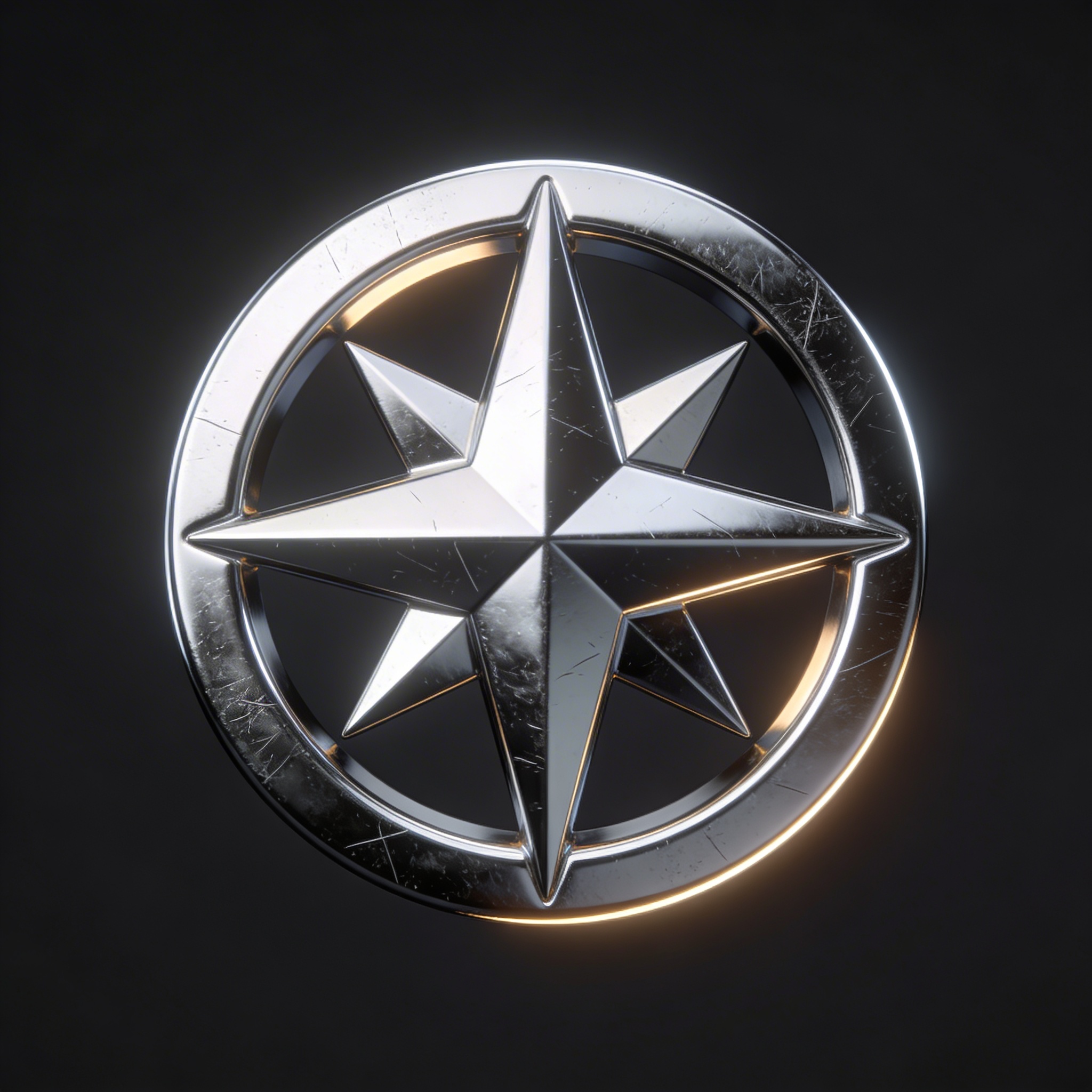
This one is a little extra. The micro-scratches are what keep it from looking like a cheap CGI render. Most viewers won’t notice them, which is the whole point.
Prompt: "3D logo icon of a minimalist mountain peak monoline symbol, matte titanium material, subtle bevel, soft shadow, studio lighting, soft off-white background, centered, no text"
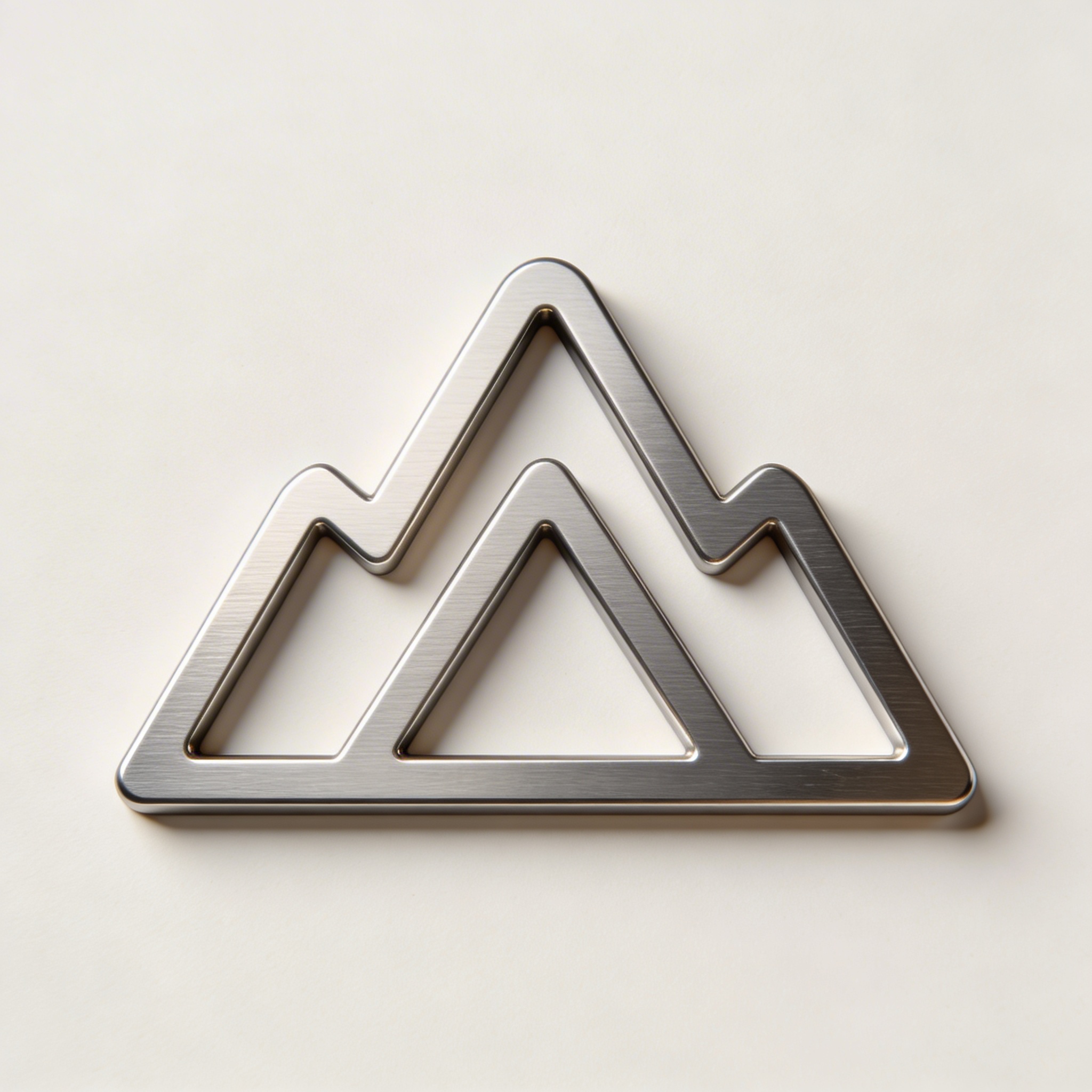
Titanium reads “serious” without being shiny. This is the one I use when shiny would feel like crypto.
Prompt: "3D logo icon of a geometric infinity symbol, black chrome material, high gloss, strong reflections, neon cyan rim light, dark background gradient, centered, no text, no watermark"
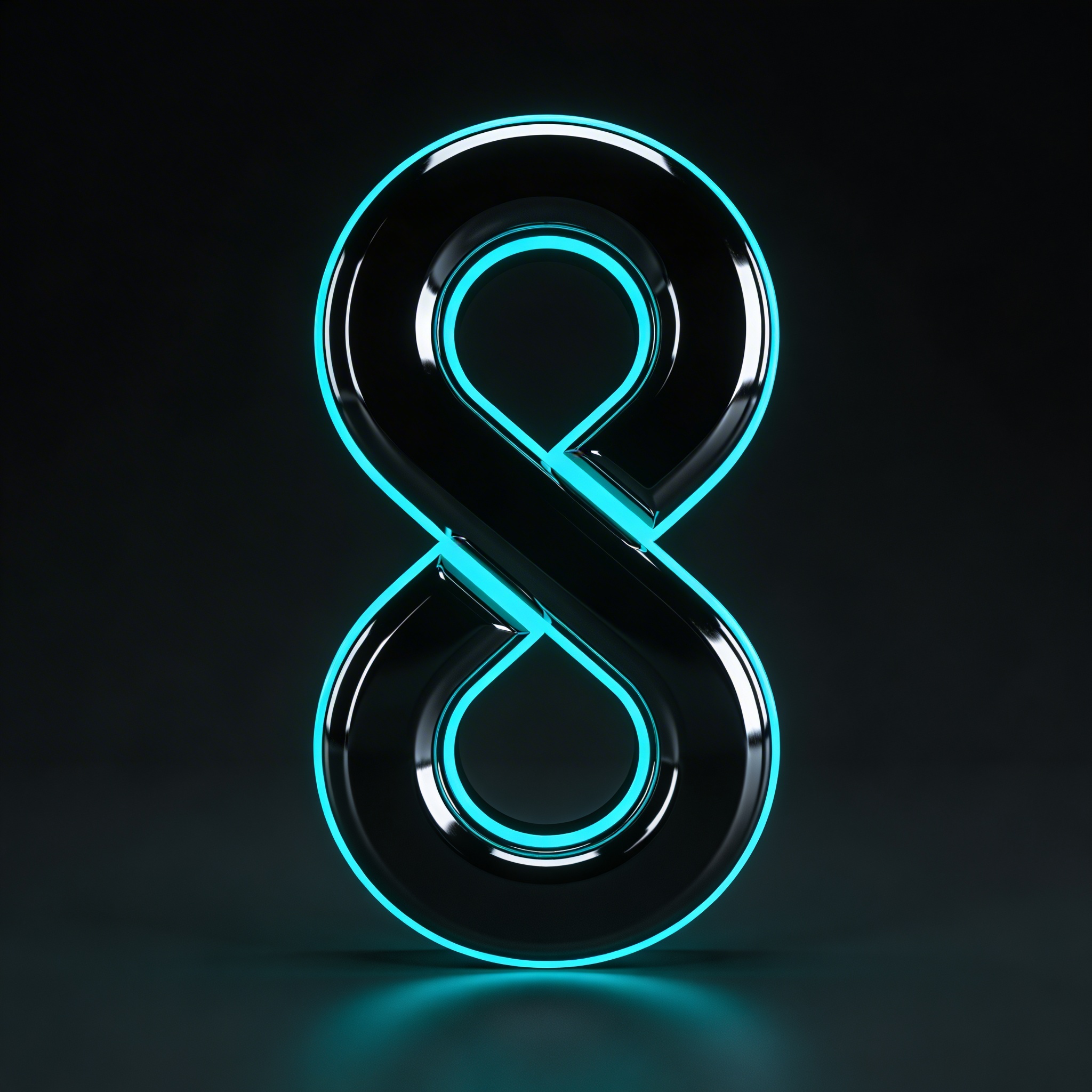
When you need that “night mode premium” look, black chrome does it. I don’t always trust it for real logos, but it’s incredible for a brand hero image and creative logo design concepts.
Category: Glass, acrylic, and the “clean tech” vibe
Prompt: "3D logo icon of a minimalist leaf inside a circle, frosted glass material, soft refraction, subtle edge thickness, studio lighting, pale mint-to-white gradient background, centered, no text"
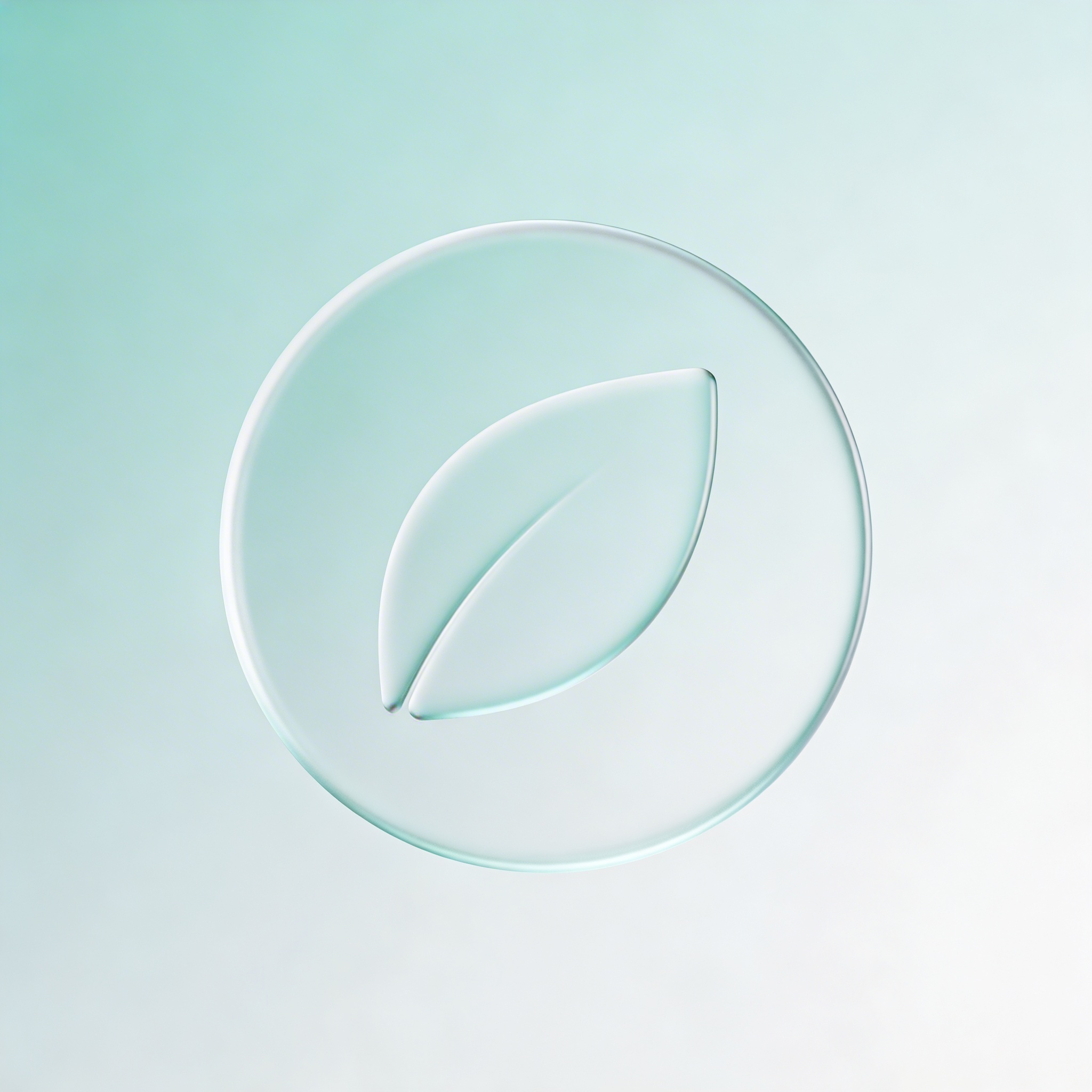
Frosted glass is the safe version of glass. Clear glass can get weird fast, or the edges disappear.
Prompt: "3D logo icon of an abstract droplet with a cutout dot, clear acrylic material, realistic refraction and caustics, soft shadow on white seamless background, centered, no text"
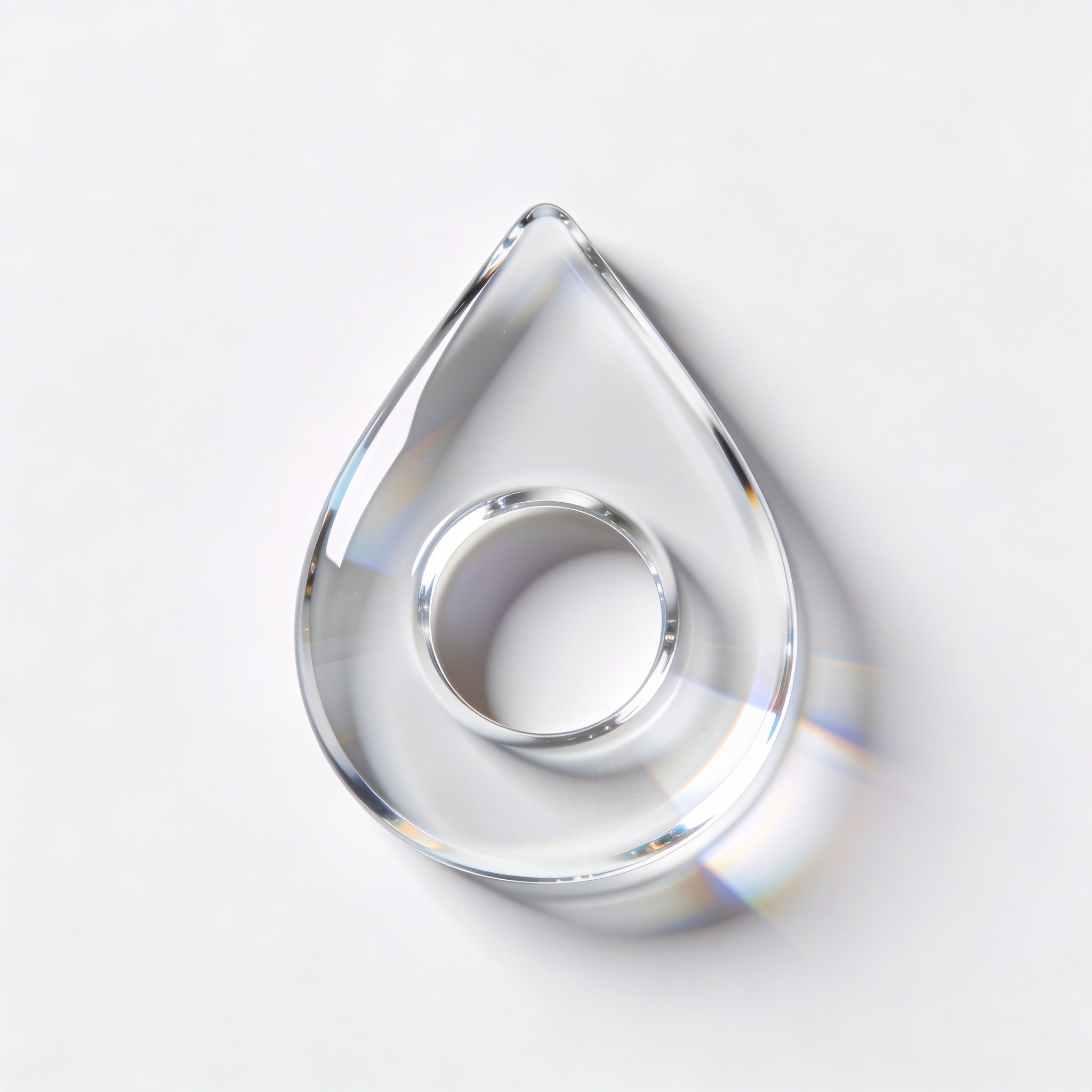
This prompt is the one I try when a sustainability brand wants “clean” but I still want a bit of visual drama. If caustics go too wild, replace “caustics” with “subtle refraction.”
Prompt: "3D logo icon of a minimalist hexagon frame with an inner spark shape, translucent blue glass, slight volumetric glow, crisp bevel, studio softbox lighting, dark navy background, centered, no text"
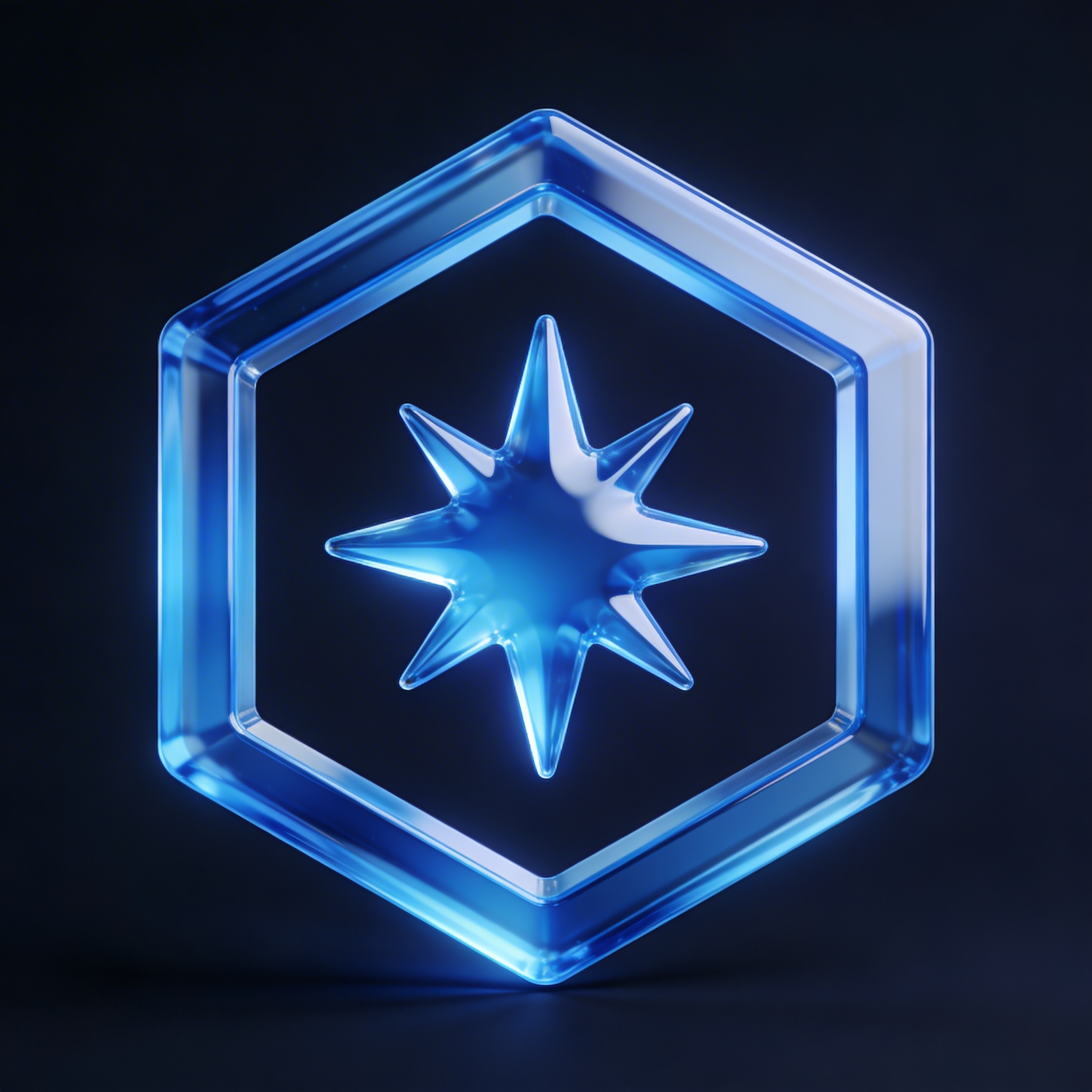
I’ve noticed glass prompts behave better when the shape is simple and closed. Thin strokes turn into broken noodles.
Prompt: "3D logo icon of a minimal wave symbol, milky acrylic material, semi-translucent, soft internal scattering, rounded edges, studio lighting, warm light gray background, centered, no text"
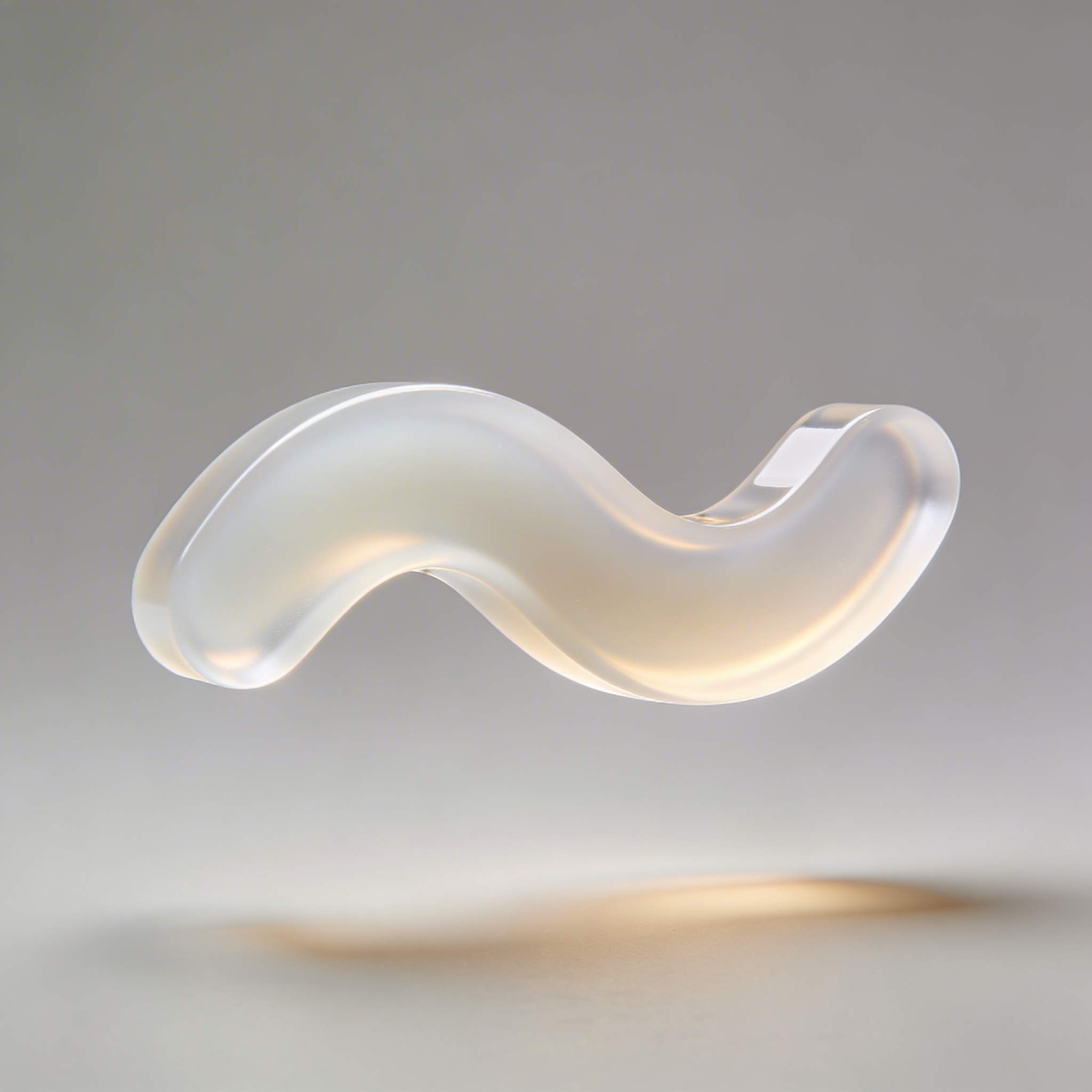
This is a nice compromise when you want “glass” but the client hates shiny. Milky acrylic feels softer, more product-y.
Category: Embossed, engraved, and “this could be a real mark”
If you’re trying to create AI-generated logos you can later recreate as vectors, these are your friends.
Prompt: "minimalist flat logo mark of a stylized fox head, converted into 3D embossed effect on matte black paper texture, shallow emboss depth, subtle shadow, top-left softbox lighting, centered, no text"
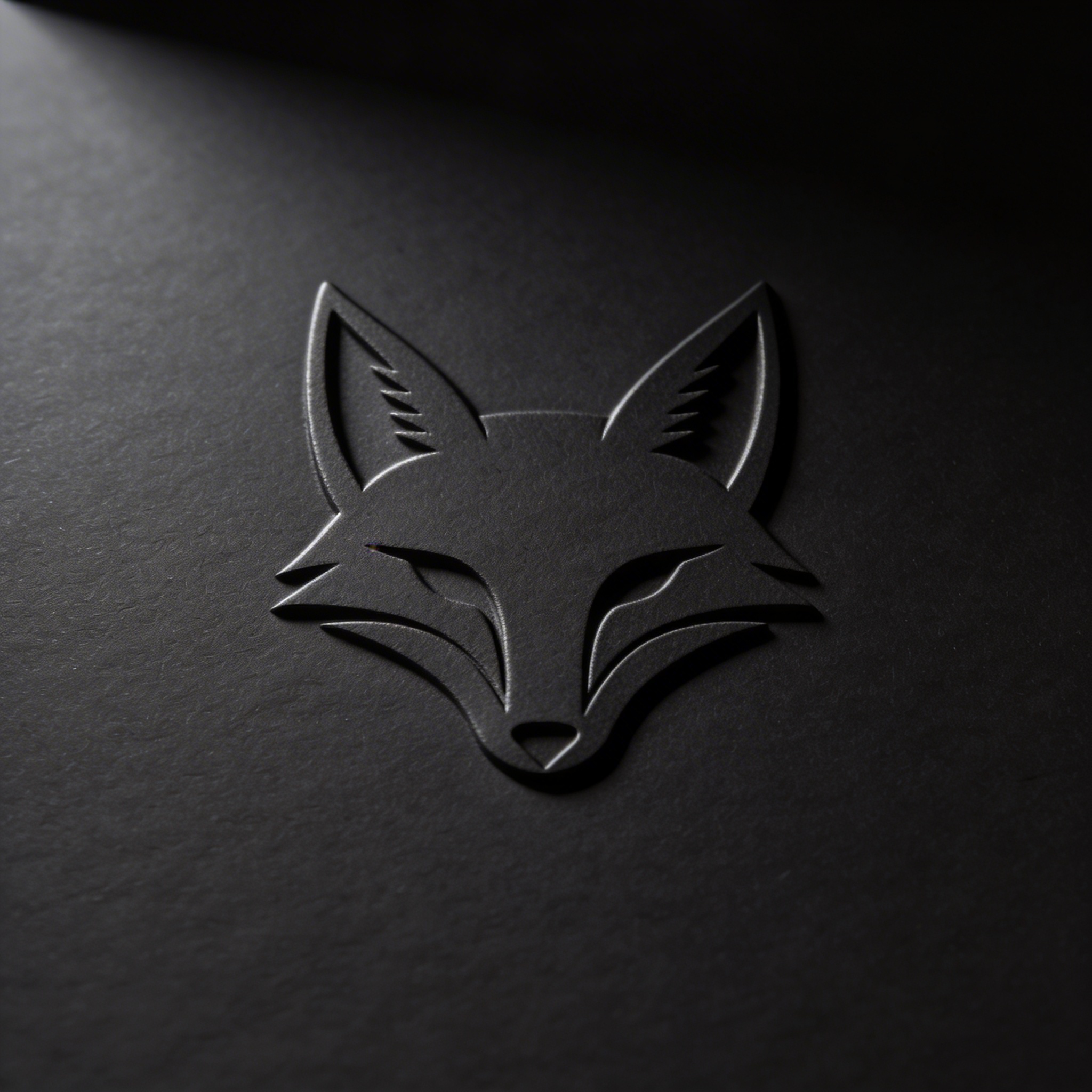
This looks like a print finishing sample, which is a very persuasive thing to show someone who isn’t sure why design costs money.
Prompt: "clean vector-style logo icon of a minimalist crown, 3D debossed engraving on off-white cotton paper texture, subtle depth, soft shadows, studio lighting, centered, no text"
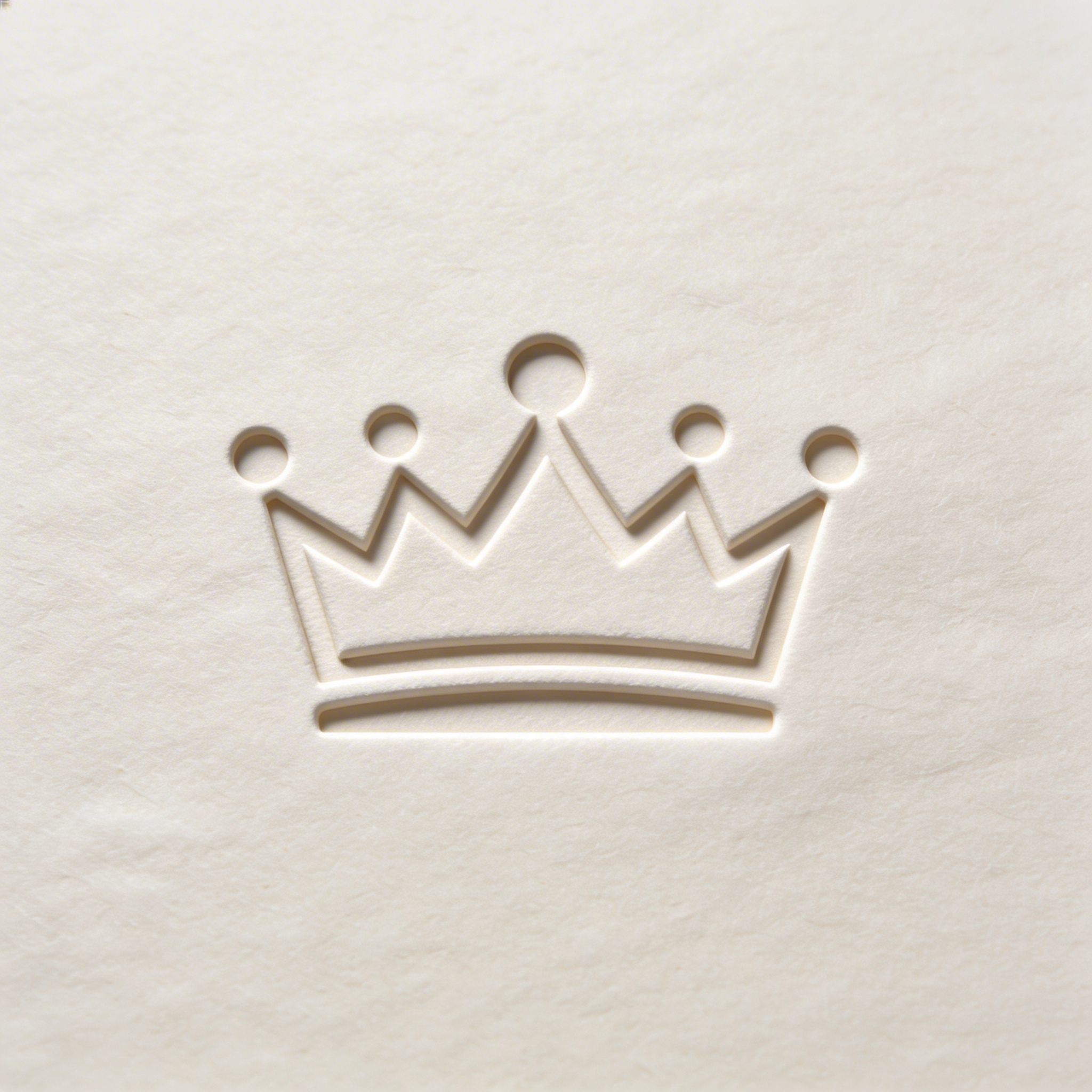
Deboss is underrated. It’s quieter than emboss, but it reads expensive. It’s also a good way to show dimension without needing reflective materials.
Prompt: "minimalist monogram logo 'LM' as a clean geometric mark, 3D letterpress impression on thick cream paper, realistic paper fibers, soft shadows, warm studio lighting, centered, no text"
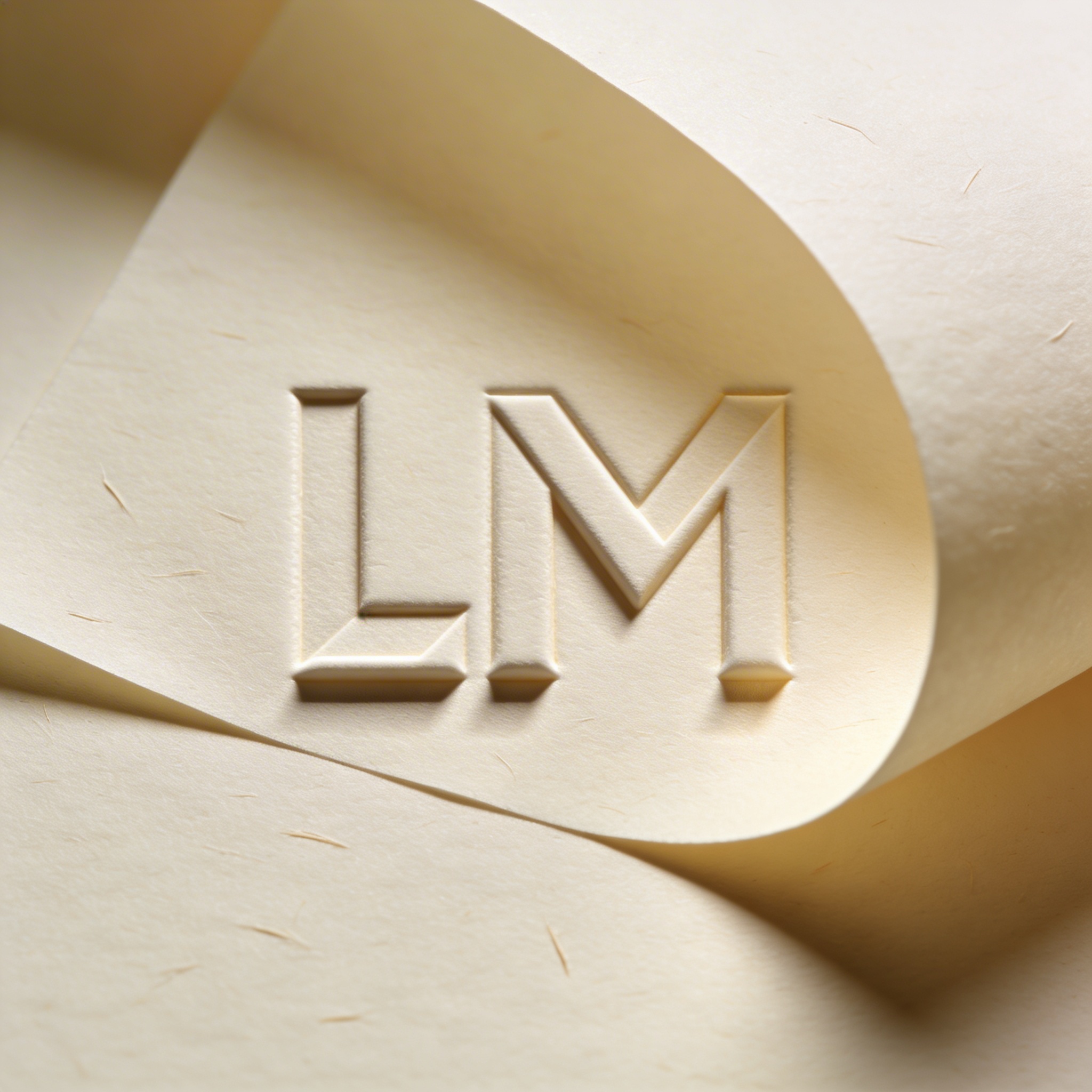
I’m including a monogram with letters once because people will ask. If the model messes up the letters, simplify: “minimalist geometric monogram with two vertical strokes and a diagonal connector” and stop insisting on “LM.”
Prompt: "single-icon logo of a minimalist rocket, 3D engraved effect on brushed metal plate, shallow engraving, subtle highlights, studio lighting, neutral gray background, centered, no text"
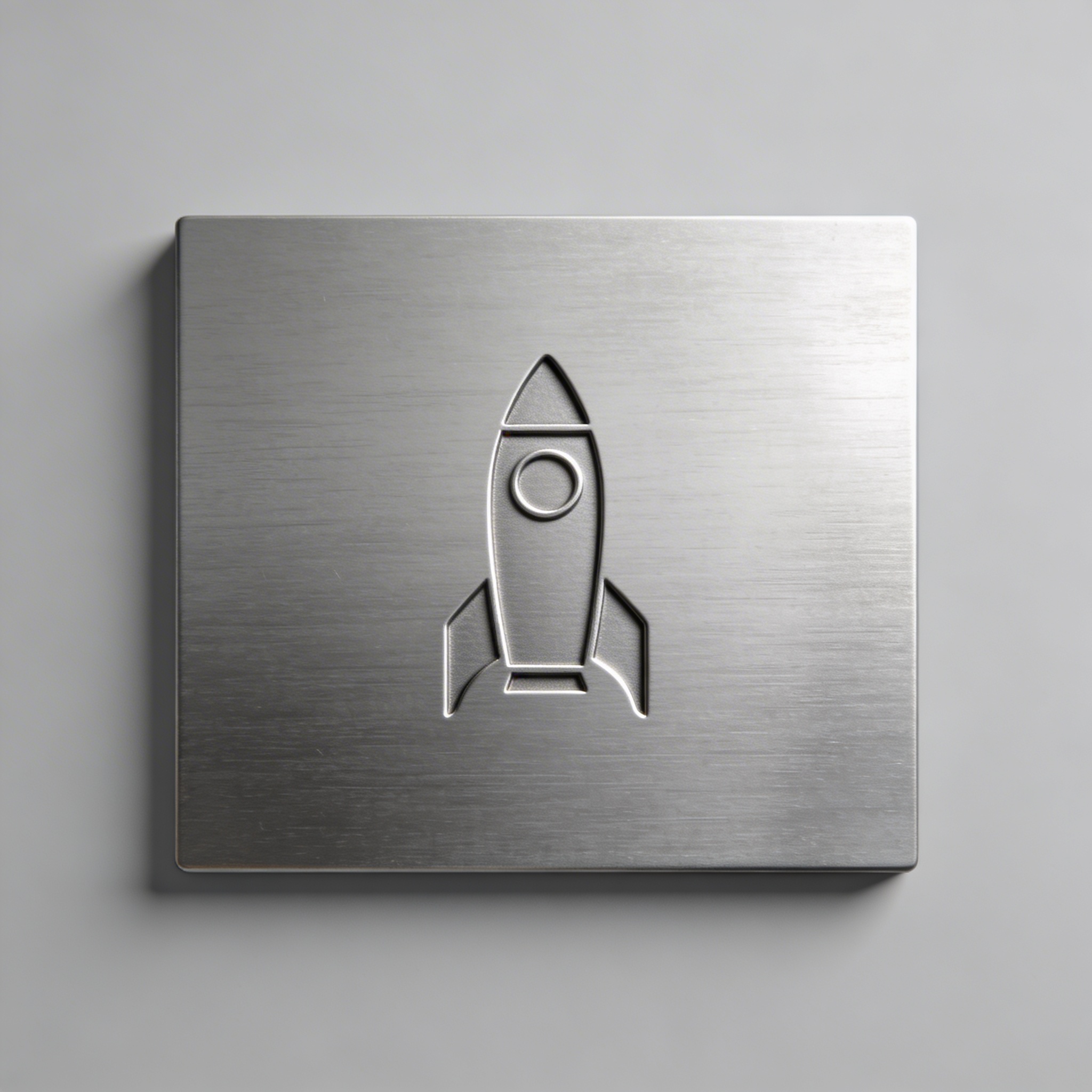
Engraving is the “industrial” version of emboss. If you ever need the logo to feel like it could be stamped on a tool, you’ll end up here.
Category: Weird but useful (when the brand is playful, or you’re bored)
Prompt: "3D logo icon of a minimal smiling star, inflated balloon material, glossy latex, soft reflections, studio lighting, pastel sky-blue background, centered, no text"
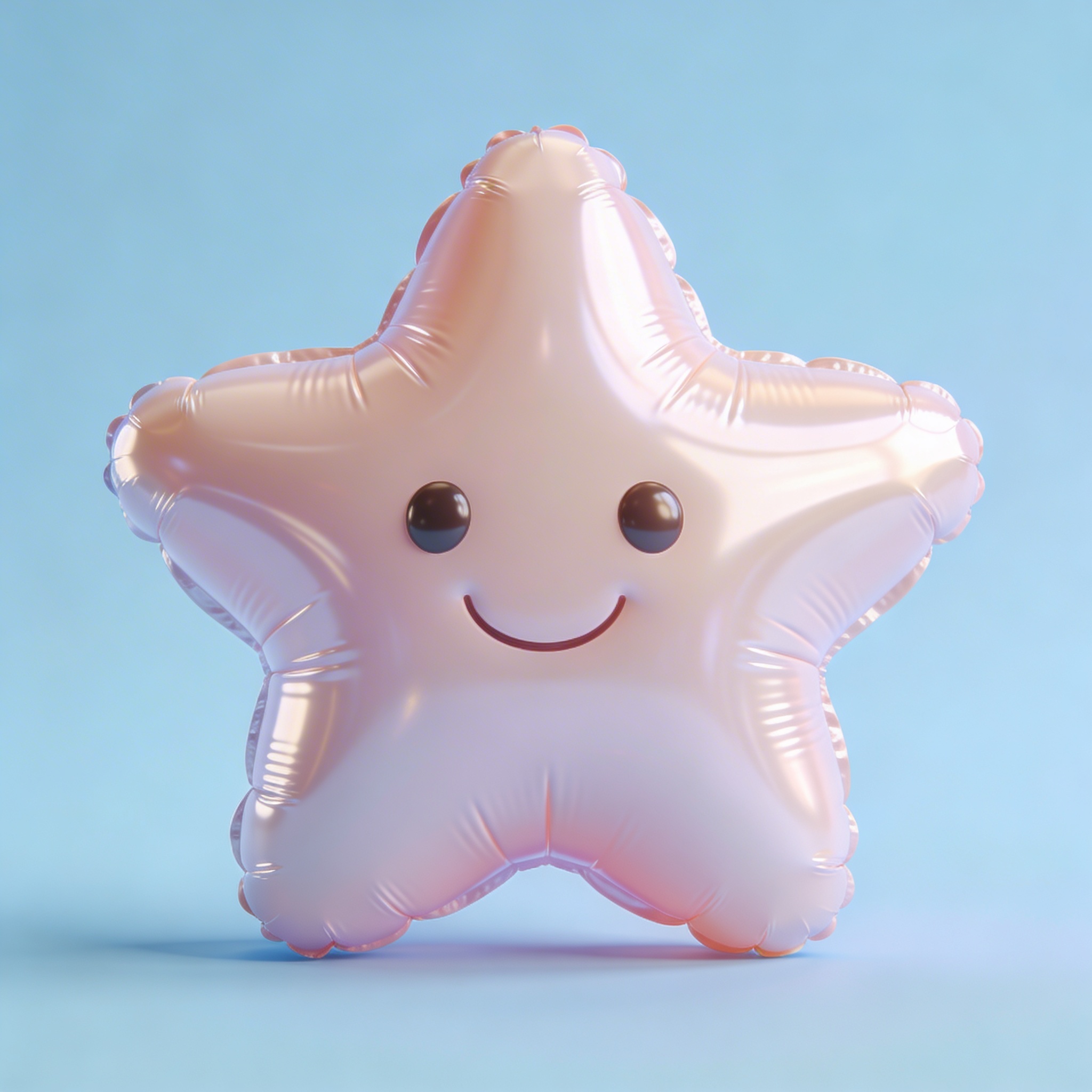
This one is for kid brands, festivals, or apps that want “friendly” without going full cartoon. I’ve had it fail spectacularly and look like a medical glove. That’s part of the fun, unfortunately.
Prompt: "3D logo icon of a minimalist cat silhouette, clay material, handmade look, subtle fingerprints texture, matte finish, soft studio lighting, warm beige background, centered, no text"
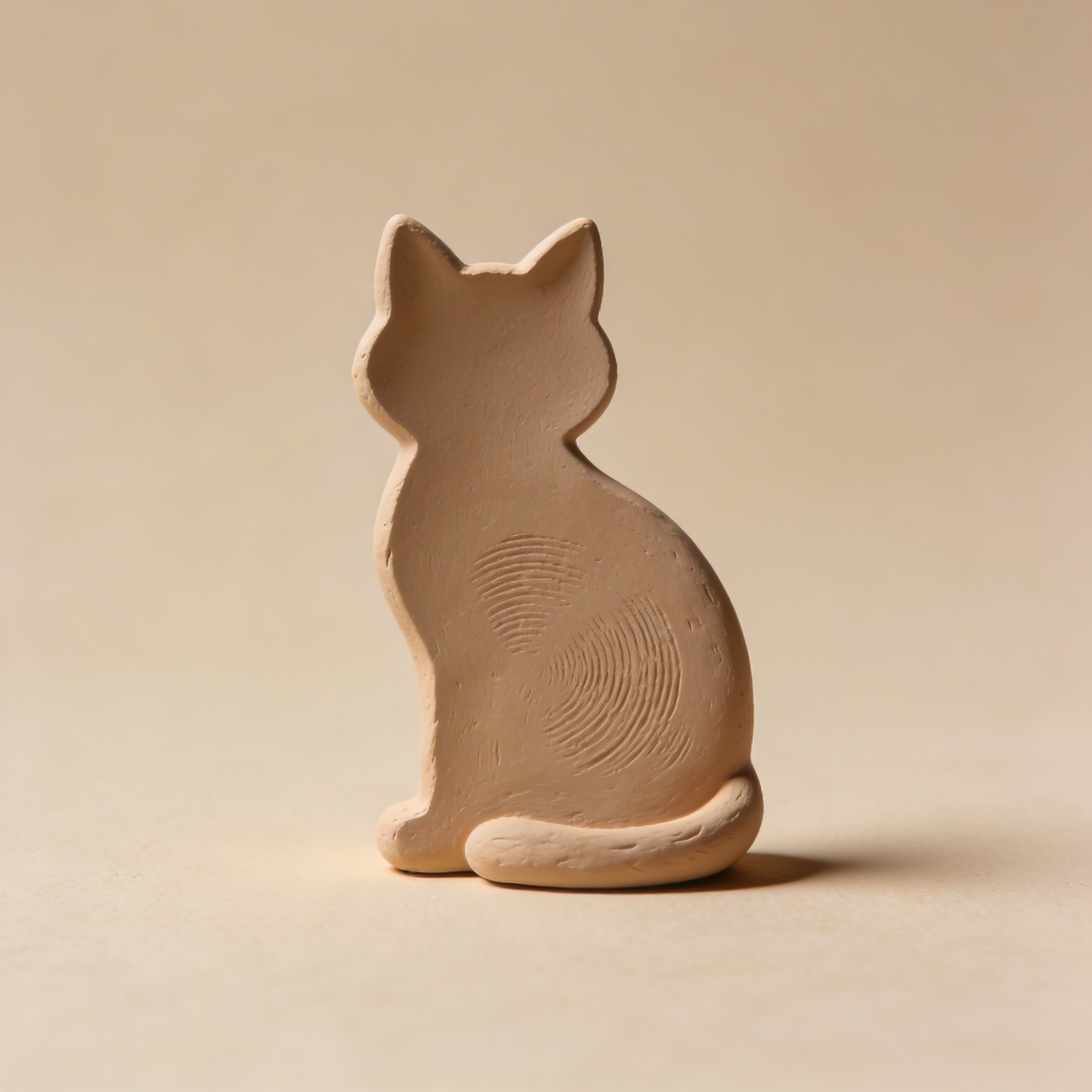
Clay can be a lifesaver when everything else feels too techy. If your brand is about craft, food, ceramics, or a local shop, clay gives instant charm.
Prompt: "3D logo icon of a minimalist lightning bolt, holographic foil material, iridescent rainbow reflections, crisp beveled edges, studio lighting, dark background, centered, no text"
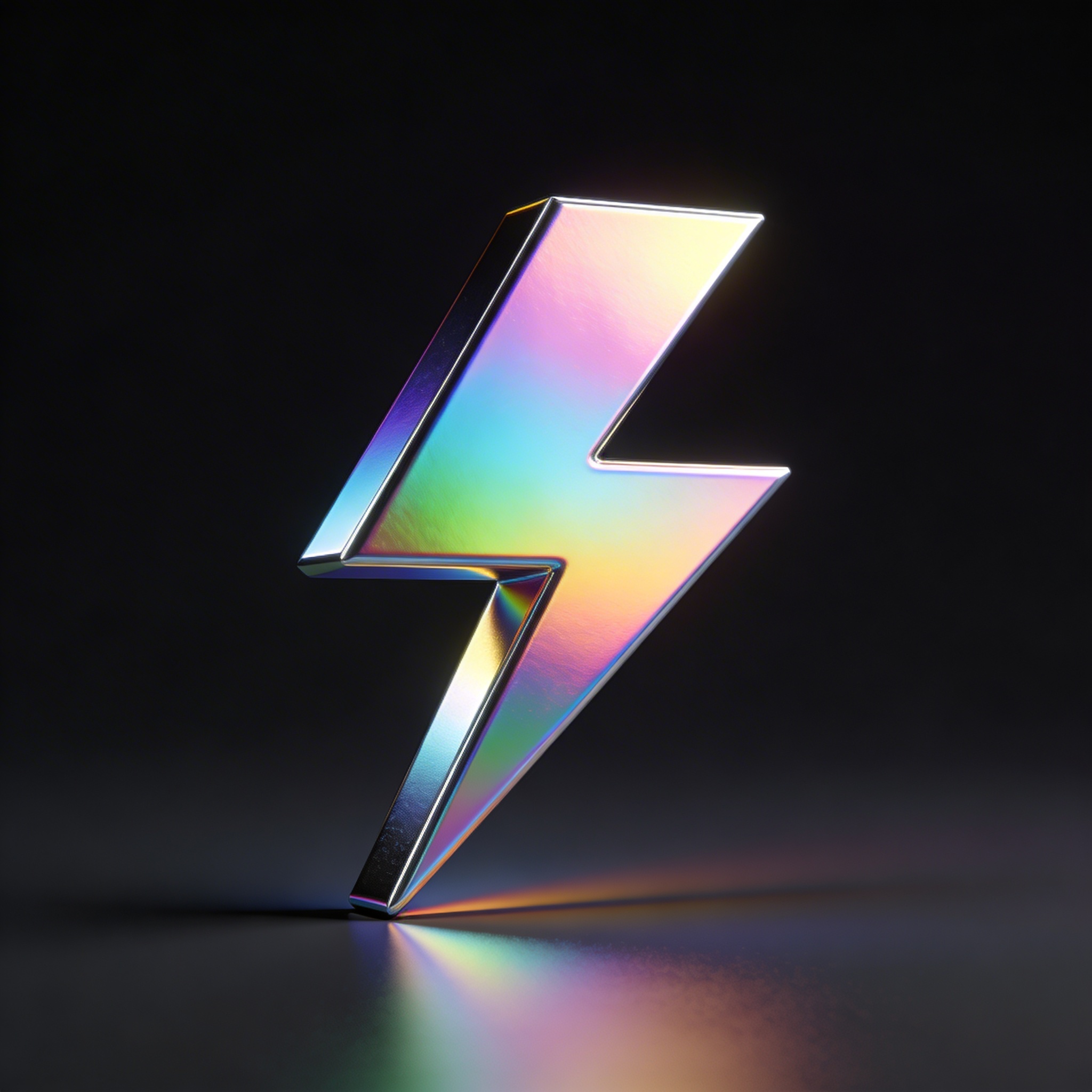
Holographic foil is not subtle. Use it when you want loud energy, or when the client keeps sending you Gen Z brand references and you’re trying to meet them halfway.
Prompt: "3D logo icon of a minimalist heart made of folded paper, origami style, matte paper texture, clean edges, soft studio lighting, pale pink background, centered, no text"
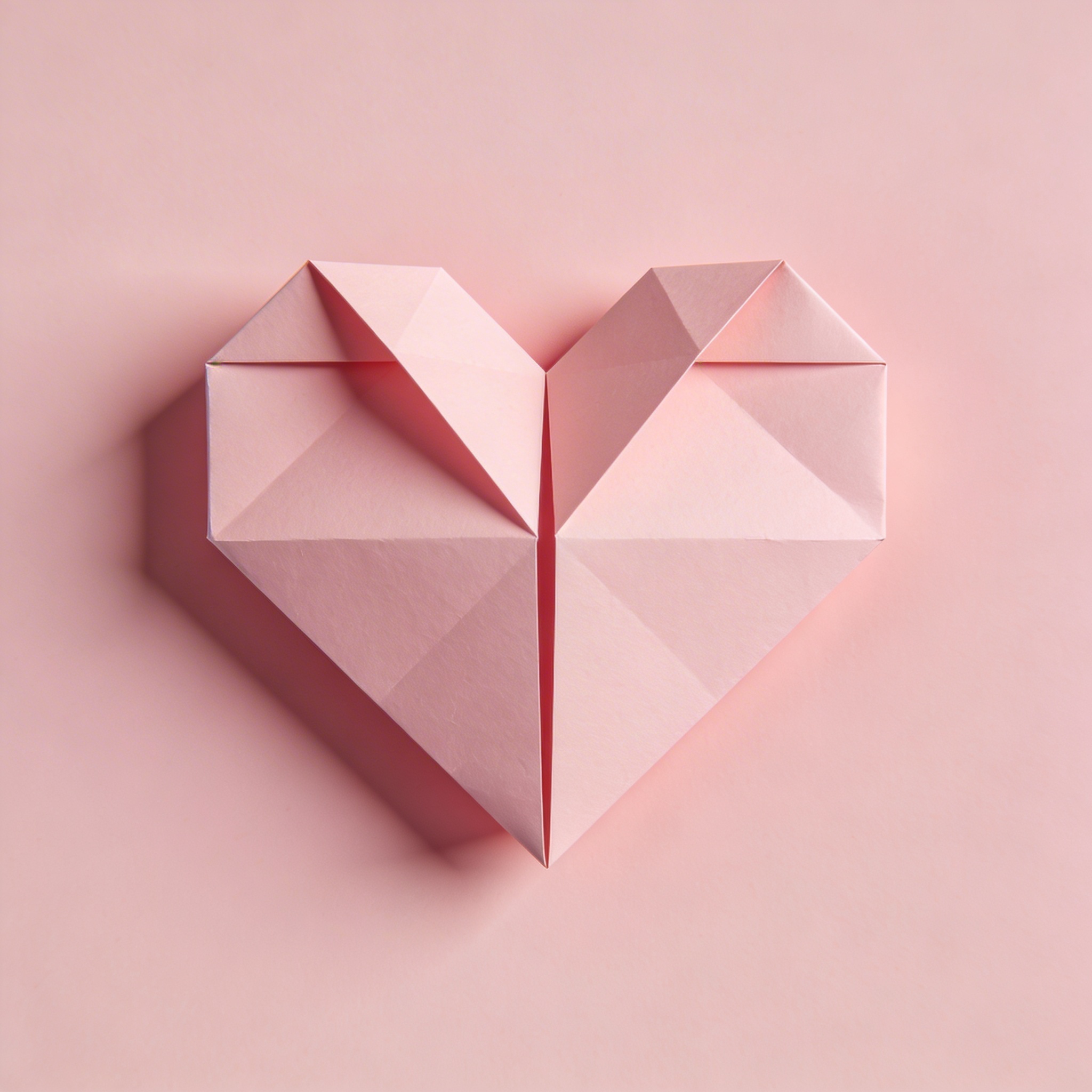
This is one of those prompts that looks like it should be cheesy but ends up elegant if you keep the folds simple.
Category: Direct prompts for AI branding (a more “product logo” vibe)
Prompt: "3D logo icon for an AI assistant brand, abstract speech bubble combined with a spark, glossy white ceramic material, subtle bevel, soft cyan rim light, clean dark background gradient, centered, no text"
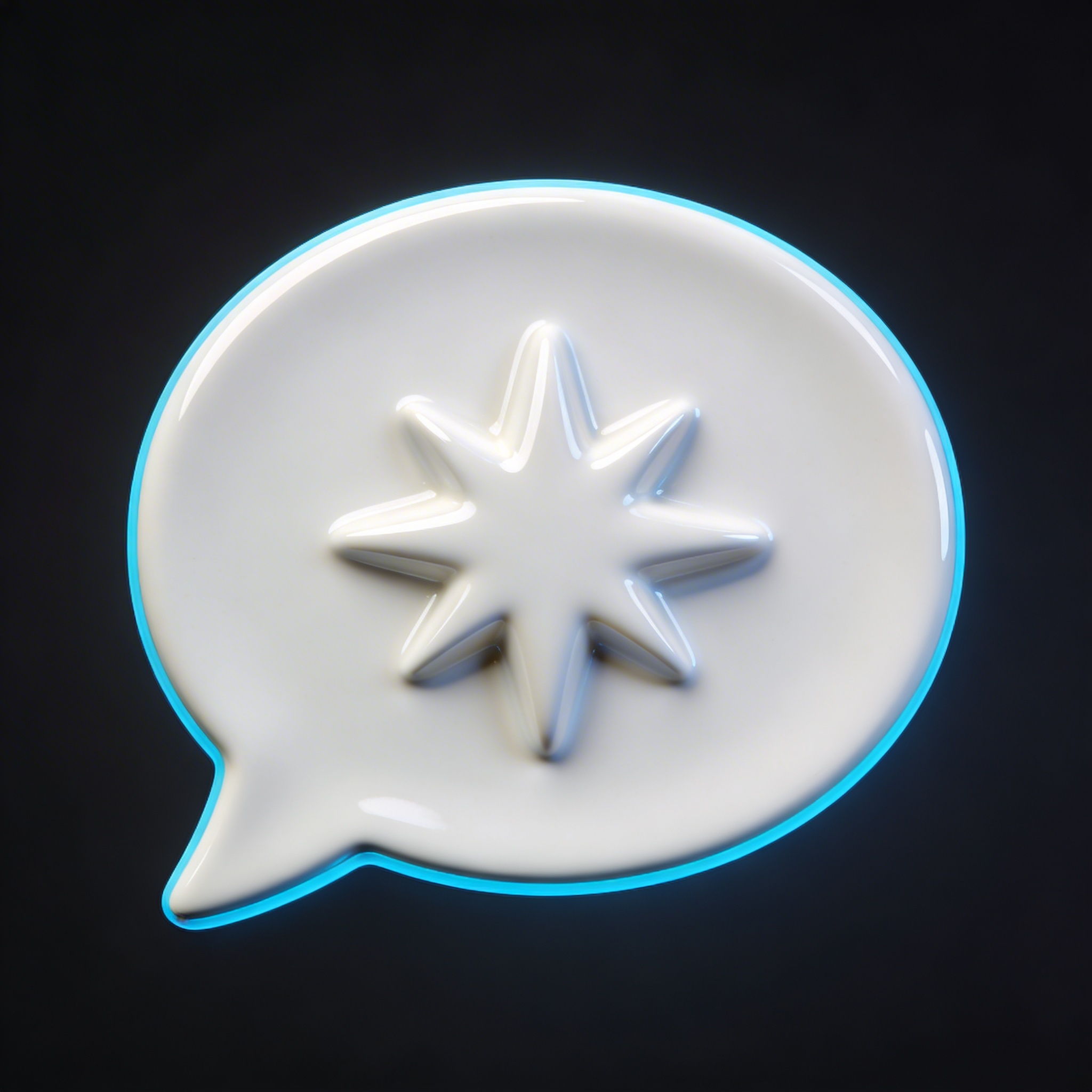
“Ceramic” is surprisingly good for AI brands because it’s clean, premium, and not cliché in the way chrome is.
Prompt: "3D logo icon for an artificial intelligence analytics brand, minimalist bar chart merged with an eye symbol, matte graphite material, crisp edges, soft studio lighting, light gray background, centered, no text"
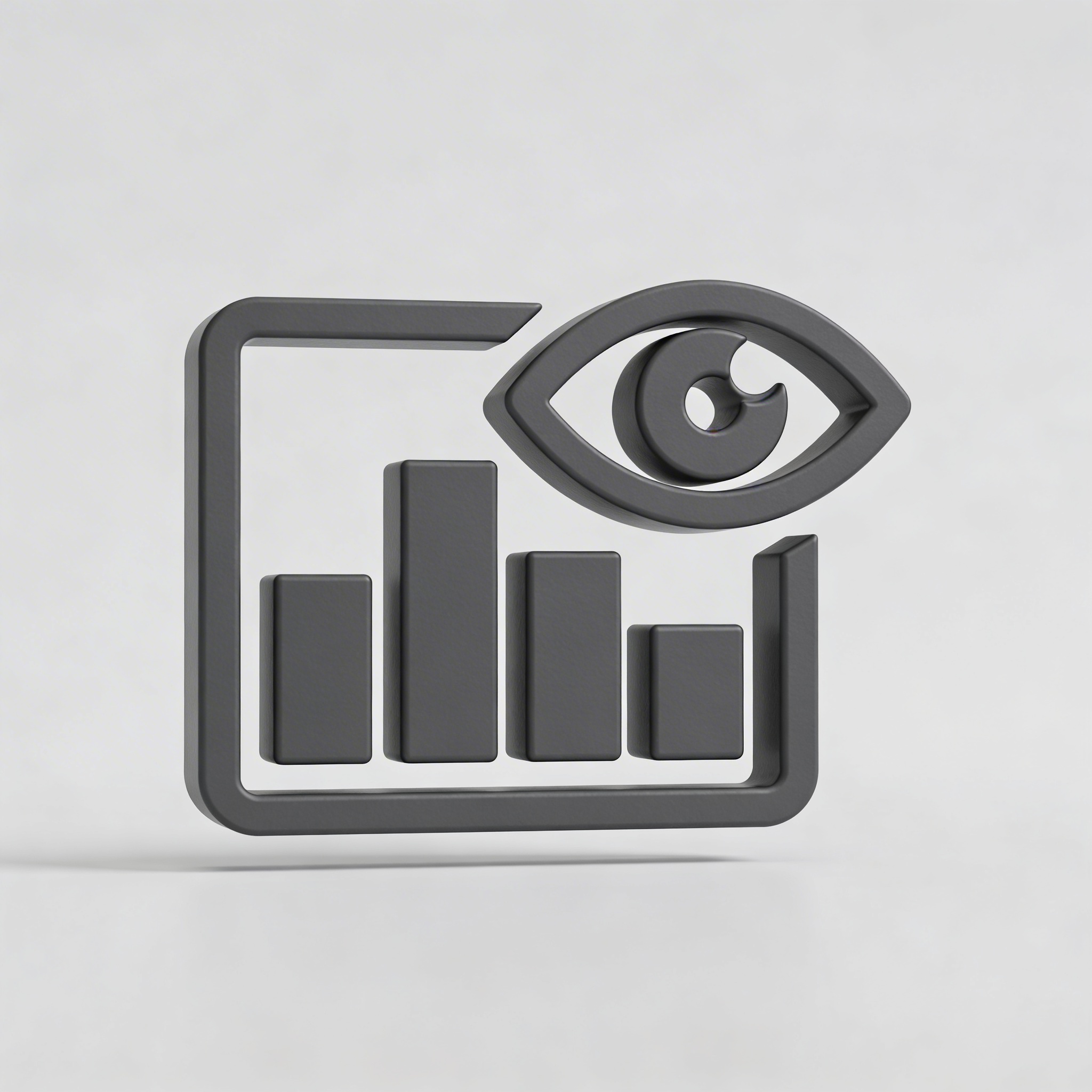
This is “enterprise but not boring,” assuming the model doesn’t make the eye creepy. If it does, remove “eye” and use “lens.”
Prompt: "3D logo icon for a creative studio, abstract knot symbol with three loops, glossy ceramic glaze, deep forest green, subtle reflections, studio lighting, warm off-white background, centered, no text"
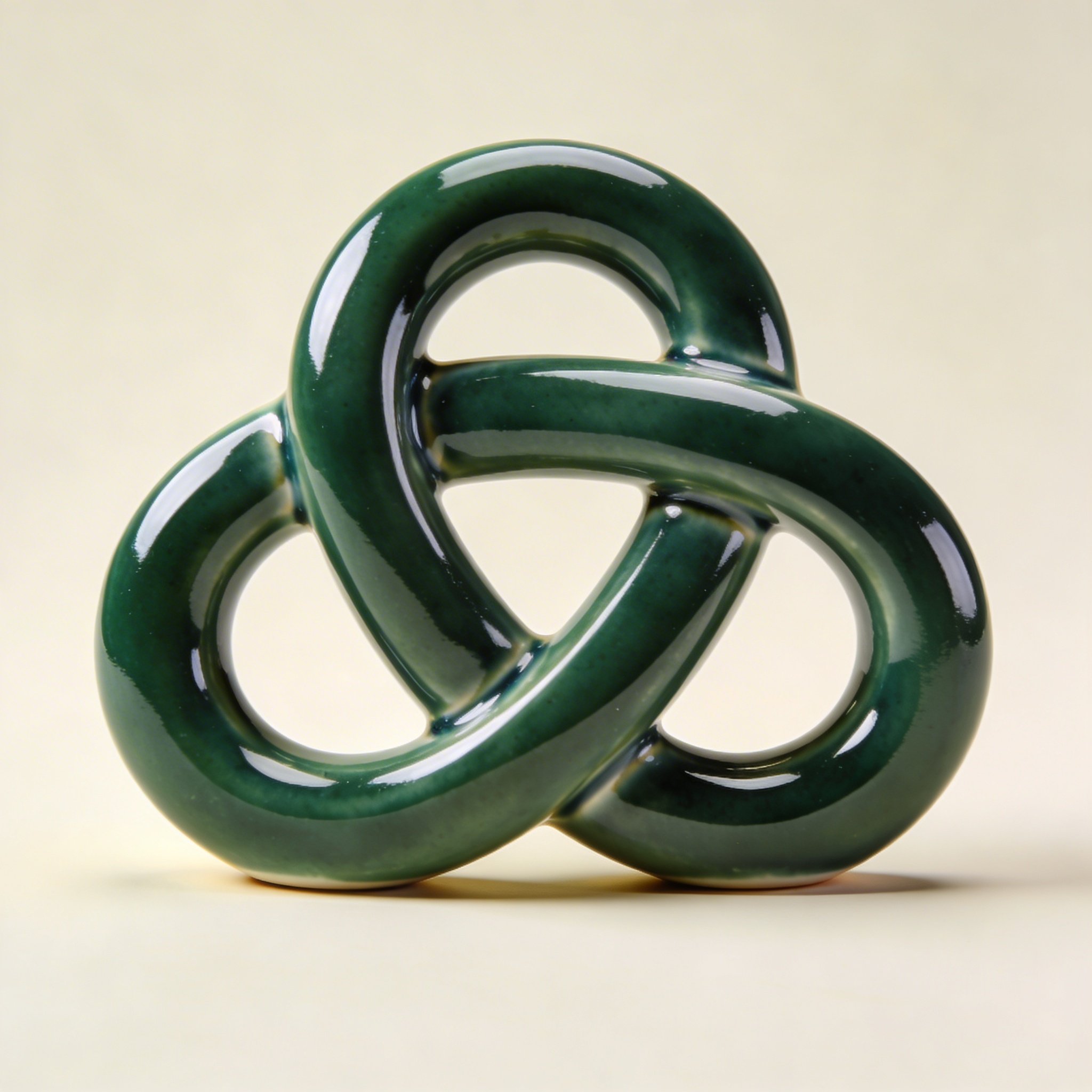
It’s weird how often “knot” turns into something overly complex. Keeping it “three loops” helps.
Prompt: "3D logo icon for a fintech brand, minimalist upward arrow inside a rounded square, polished aluminum with navy enamel inlay, sharp bevel, studio softbox reflections, dark navy background gradient, centered, no text"
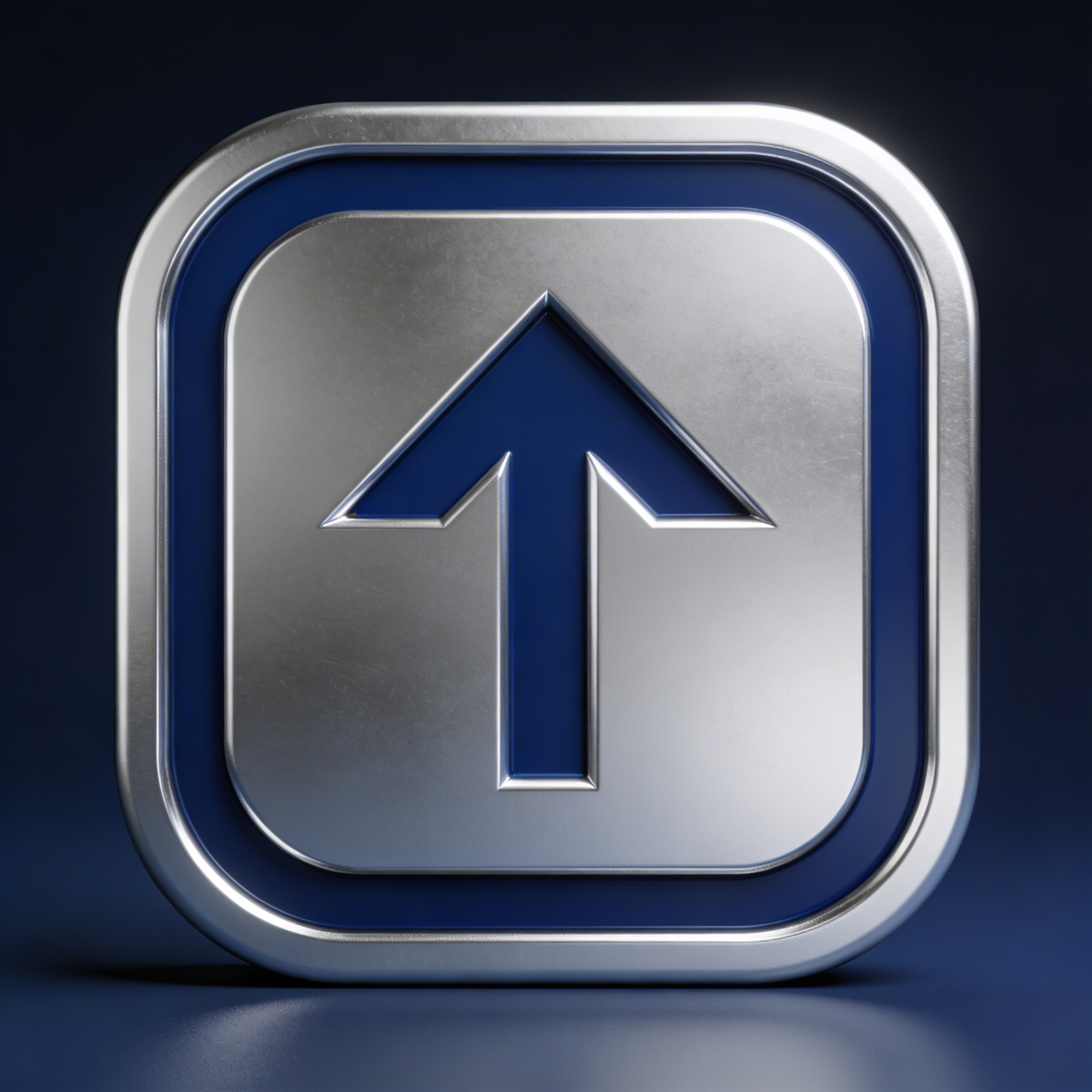
This is a very “app icon meets metal badge” hybrid. If it feels too app-y, remove the rounded square and keep the arrow as a standalone symbol.
How I generate these in Stockimg.ai (without turning it into a whole production)
I’m going to describe this the way I actually do it, which is not a clean workflow and involves me making a coffee, coming back, and realizing I accidentally generated six versions with the background changing because I forgot to lock that part.
-
Pick your intention, not your industry. Instead of “logo for a dentist,” I decide “calm and sterile” or “family-friendly and warm.” For 3D, material does a lot of that emotional work: frosted glass feels calm, rubber feels friendly, polished steel feels serious.
-
Start with your simplest silhouette. When I’m using Stockimg.ai for quick exploration, I’ll start with something like “minimalist hexagon with spark cutout” rather than “detailed phoenix with feathers.” Complexity breaks fast in 3D. Also, you can always add cleverness later when you know the overall direction.
-
Generate 8–12 variations, but only change one variable at a time. This sounds disciplined. I am not disciplined. I try to be. If you change symbol + material + lighting all at once, you learn nothing, and your folder fills up with images that don’t relate to each other.
-
When you get one you like, do the boring cleanup pass. A lot of the time the “winner” has one annoying issue: a weird dent on an edge, an asymmetry you didn’t ask for, or reflections that look like a window grid from a haunted office. I just regenerate with slightly tighter instructions like “perfect symmetry, clean edges, smooth surface, no artifacts.”
-
Don’t over-commit to 3D as the final identity. I’ve been guilty of this. The render looks so good you want it to be the logo. But you probably still want a flat version for small sizes. My compromise is: treat the 3D output as the premium rendering of a shape that can exist in 2D.
If you’re doing this for a real client, you can show them two things: a flat icon direction, plus one or two 3D “hero” versions that sell the vibe. People buy vibe first, then details later.
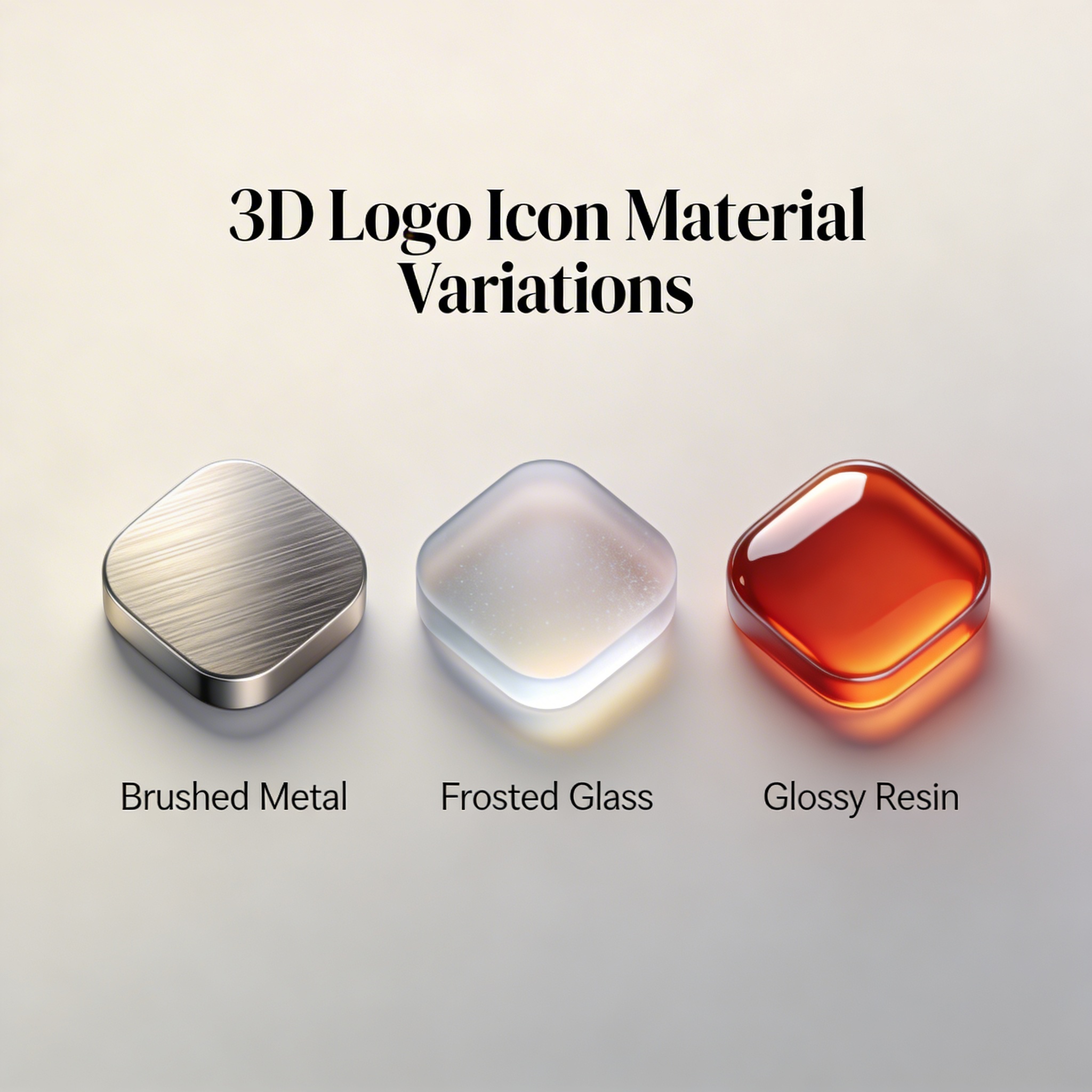
Prompt debugging: why your results look wrong (and what I change)
I’ve had a lot of “why is it doing that” moments with 3D AI logo design. Some you can fix. Some you just route around.
Problem: The logo looks like a full scene, not a logo
You asked for a logo icon, you got a logo in a room. Add:
- “single centered icon”
- “plain background”
- “no mockup”
- “no desk, no business card, no laptop”
- “no environment”
Sometimes I literally add “not a scene” which feels silly, but it helps.
Problem: Thin lines get melted
3D hates thin strokes. Your clean monoline logo turns into a gummy string. Fix it by changing the concept:
- “bold geometric silhouette”
- “thick strokes”
- “simple closed shape”
- “minimal negative space”
Or accept reality: do 2D generation for the mark, then 3D treatment after.
Problem: It looks plasticky when you asked for metal
You probably didn’t specify reflections, grain, and micro texture.
Try: “brushed aluminum grain,” “fine micro-scratches,” “subtle anisotropic reflections,” “studio softbox reflection.”
Also, sometimes “polished stainless steel” behaves better than “chrome,” which can turn into a funhouse mirror and make the icon unreadable.
Problem: The edges look chewed up
This is the most common artifact on bevels. Use:
- “clean crisp beveled edges”
- “smooth surface”
- “no dents”
- “high quality product render”
- “ultra sharp”
Problem: You keep getting random text
Add “no text” and also “no letters” if you’re not doing a monogram. Some models see “logo” and decide typography is mandatory.
Problem: It doesn’t feel like a brand
This one is more subjective, but usually it’s because your symbol is generic and your material is doing all the work. Pick one concept that’s slightly specific: a cutout detail, a clever negative space thing, a recognizable shape twist. Not intricate. Just one decision.
I once spent an embarrassing amount of time trying to generate a 3D mark for a little neighborhood coffee roaster and I kept getting these hyper-polished tech blobs, and the whole time my brain was like “but it looks expensive!” as if expensive equals right. The final direction ended up being debossed on paper, not chrome, which was obvious in hindsight, but I needed like… twenty wrong images before I believed it.
A quick note on making these usable in real branding
If you’re doing creative logo design beyond just visual candy, you’ll eventually need to answer boring questions like:
- Can you print this in one color?
- Does the icon still read at 24 px?
- What’s the flat version?
- Can you redraw it as a vector (SVG, AI, EPS) without losing the idea?
My personal rule: if the logo only looks good when it’s reflective, it’s not a logo yet. It’s a render.
That doesn’t mean 3D is pointless. It means 3D is a powerful presentation layer. It’s the thing that gets a stakeholder to stop scrolling, or gets your landing page to feel “shipped” even when the product is still a beta.
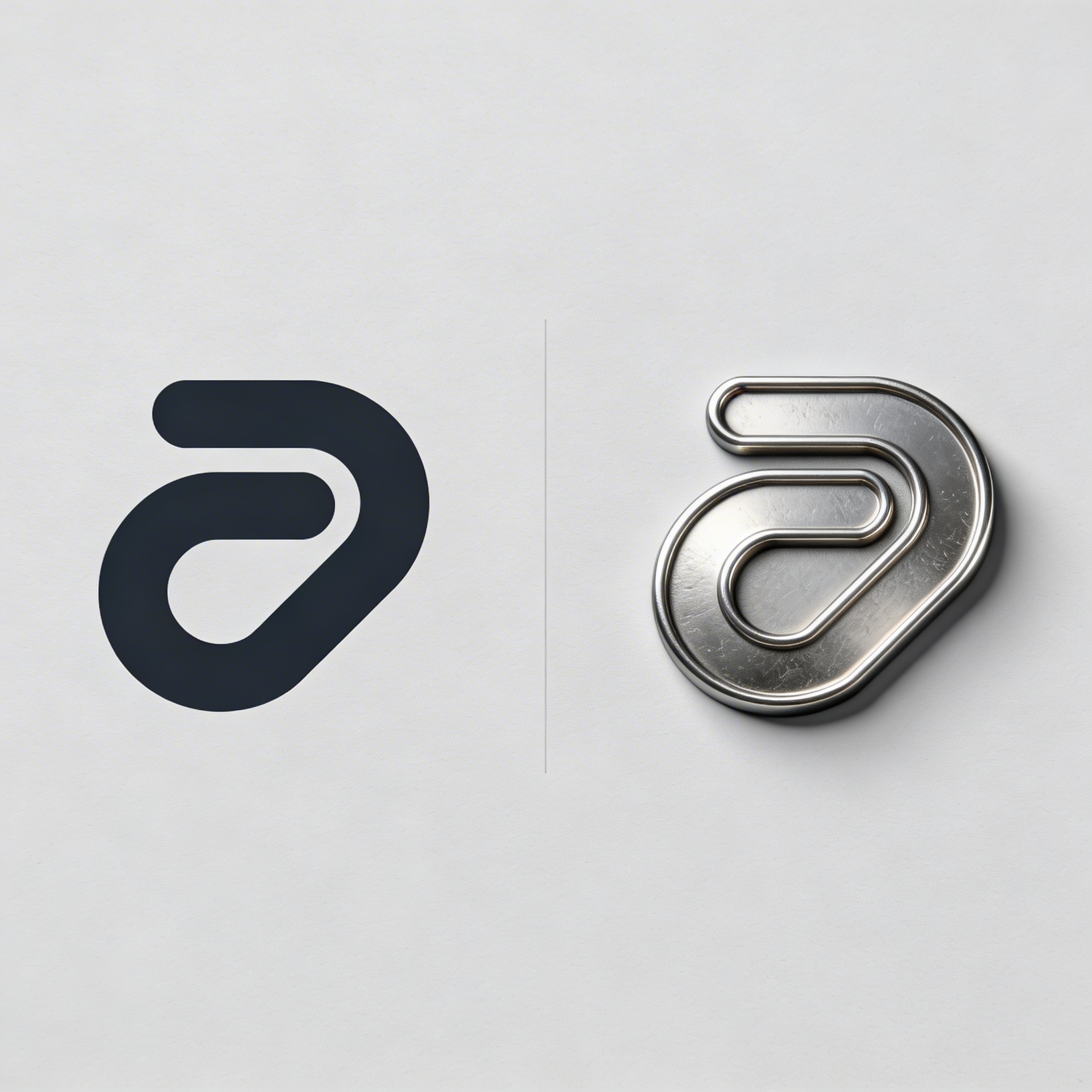
A practical workflow I’ve used (and still use) is: generate a handful of 3D treatments, pick the best silhouette, rebuild it in vector, then come back and generate the 3D again using the cleaned silhouette idea. Yes, that is mildly circular. Branding is circular.
Detailed Tutorial for How to Make a Logo Using AI
Frequently Asked Questions (FAQs)
Can I use an AI-generated 3D logo as my official company logo?
You can, but you’ll usually want a flat version too. The 3D render is great for marketing, while the flat mark handles tiny sizes, printing constraints, and consistency across vendors.
What should I prompt if I keep getting a “scene” instead of a logo icon?
Add constraints like “single centered icon,” “plain background,” “no mockup,” and “no environment.” If it still happens, remove any words that imply context like “brand presentation,” “desk,” “studio setup,” or “product shot.”
Why does the same prompt give different 3D logo results every time?
Because the generation includes randomness, and small internal changes can cascade into different lighting, reflections, and geometry. If you find a direction you like, lock the background and lighting in your prompt, then iterate by changing only one element at a time.
What file format do I need for printing a logo from these images?
For professional printing you typically want a vector file like SVG, AI, or EPS. A raster render (PNG or JPG) can work for web and some large-format uses, but for a real brand system you should plan to recreate the final logo as a vector.
How do I make a 3D logo prompt that still looks good as a flat logo later?
Use simple, bold silhouettes and avoid relying on reflections to define the shape. Prompts that describe embossing, debossing, or shallow extrusion on paper often translate best into a clean vector redraw.
What’s the easiest material style for “clean tech” branding?
Frosted glass, milky acrylic, and matte titanium are the most forgiving because they keep edges readable without chaotic reflections. Clear glass and chrome can look amazing, but they fail more often and are harder to keep consistent.
Is it better to generate the icon and the typography together?
Usually no. Generate the symbol first, then handle typography as a separate step so you can control kerning and readability, especially if you plan to register the mark or use it across lots of sizes.
I like the AI result, but it’s slightly asymmetrical. Should I fix it or keep it?
If it’s meant to be geometric, fix it, because that tiny wobble will haunt you on every future layout. If it’s meant to feel handmade (clay, paper, rubber), a little imperfection can actually be part of the charm, as long as the silhouette still reads cleanly.