Monochrome logos are the weird little truth serum of branding. When you strip everything down to black and white, the mark either holds up or it collapses into a clip-art blob that only looks “cool” because you were leaning on color to do the heavy lifting.
I started obsessing over this after printing a batch of stickers for a side project (a tiny local newsletter thing that never became what I thought it would). On screen, my logo looked fine. Printed? It looked like I’d traced it with a dying marker. That’s when I began treating monochrome as the default, not the limitation.
So this post is simple on paper: 12 monochrome logo design prompts you can drop into an AI generator (I’ll use Stockimg.ai examples because it’s fast and the outputs are clean), plus some black and white logo ideas, minimalist logo concepts, and the small branding decisions that make a “simple” logo feel expensive instead of empty.
The prompts (and how to actually use them without getting generic results)
Before you steal the prompts, a quick note: if you type “minimalist monochrome logo” and nothing else, you’ll get exactly what you deserve. The secret is adding just enough constraints that the model has to make choices: geometry, negative space, line weight, icon metaphor, and a vibe descriptor that isn’t cringey.
When I generate these in Stockimg.ai, I usually do three sloppy rounds:
- First round: get the symbol idea.
- Second round: lock the style (stroke, filled, badge, monoline).
- Third round: force consistency (same stroke width, flatter perspective, cleaner symmetry, no gradients).
If you’re using Stockimg.ai, you can literally use simple prompts to generate high quality logos. That “Make it perfect for you”, which is useful if you’re building a system (wordmark, icon, submark) and not just a random icon you like today.
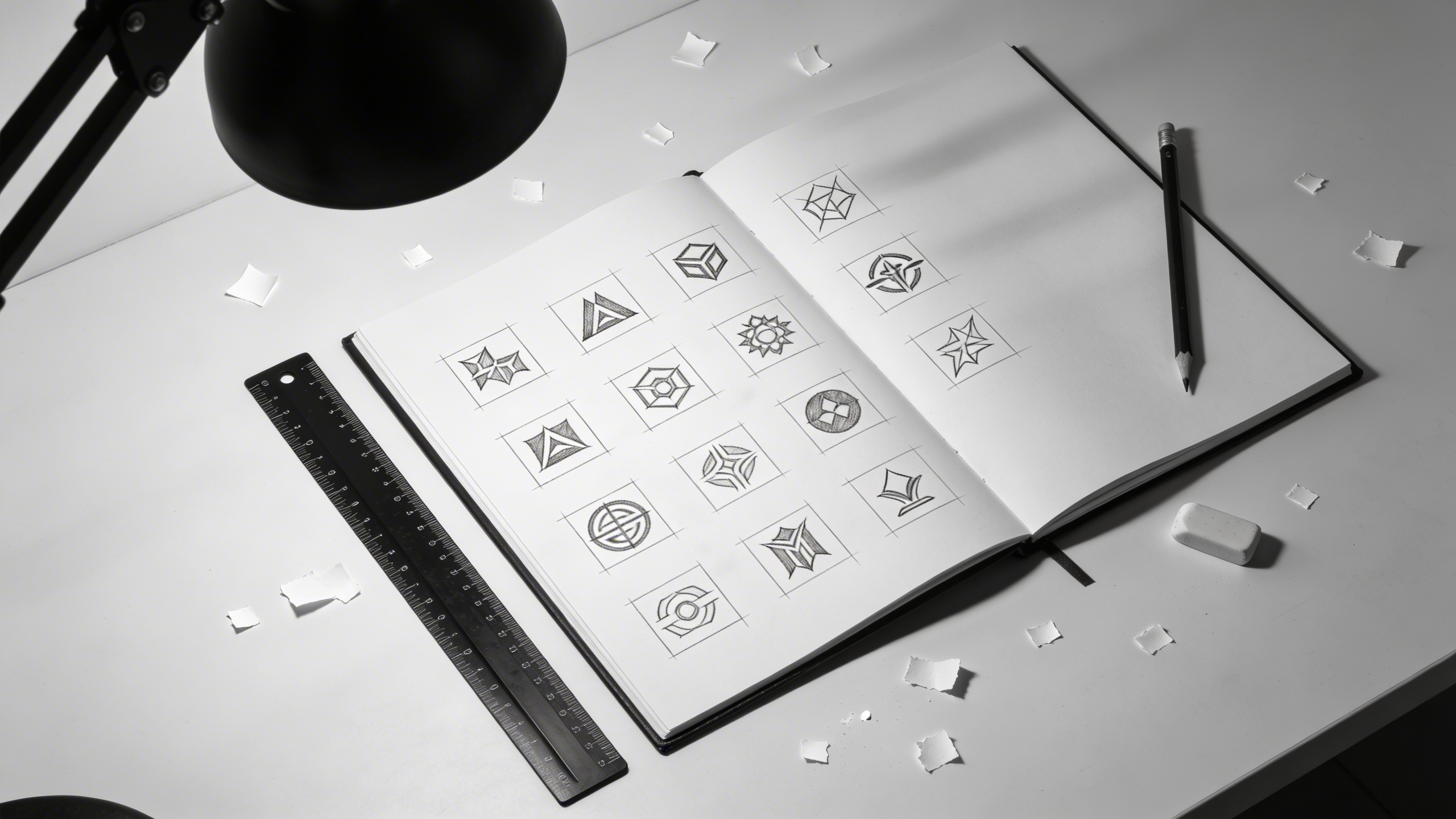
Prompt pack rules (so the results don’t fall apart later)
These are the rules I keep forgetting and re-learning:
- Specify vector style if you want a logo. Otherwise you’ll get a pretty illustration that can’t survive shrink-down.
- Pick one: monoline outline, solid fill, or badge stamp. If you ask for all of them, you get mush.
- Mention negative space if you want that clever premium feel. It pushes the generator toward “logo thinking.”
- Ask for scalability. I literally add “reads at 24px” sometimes. It’s not magic, but it nudges the design simpler.
- Keep it two-tone: black on white. Avoid “gray” unless you really mean it, because gray becomes a crutch.
Now, the actual list.
12 monochrome logo design prompts (with images)
You can use these as-is, but you’ll get better results if you replace the brand noun (studio, cafe, etc.) with your real category and add 1-2 specifics: location vibe, product, audience, or a single metaphor.
1) Negative-space mountain + letterform
Prompt: "monochrome logo design, minimalist vector mark combining a sharp mountain silhouette with the letter A in negative space, solid black fill, clean geometry, balanced symmetry, modern outdoor brand identity, high contrast black on white, scalable icon reads at 24px"
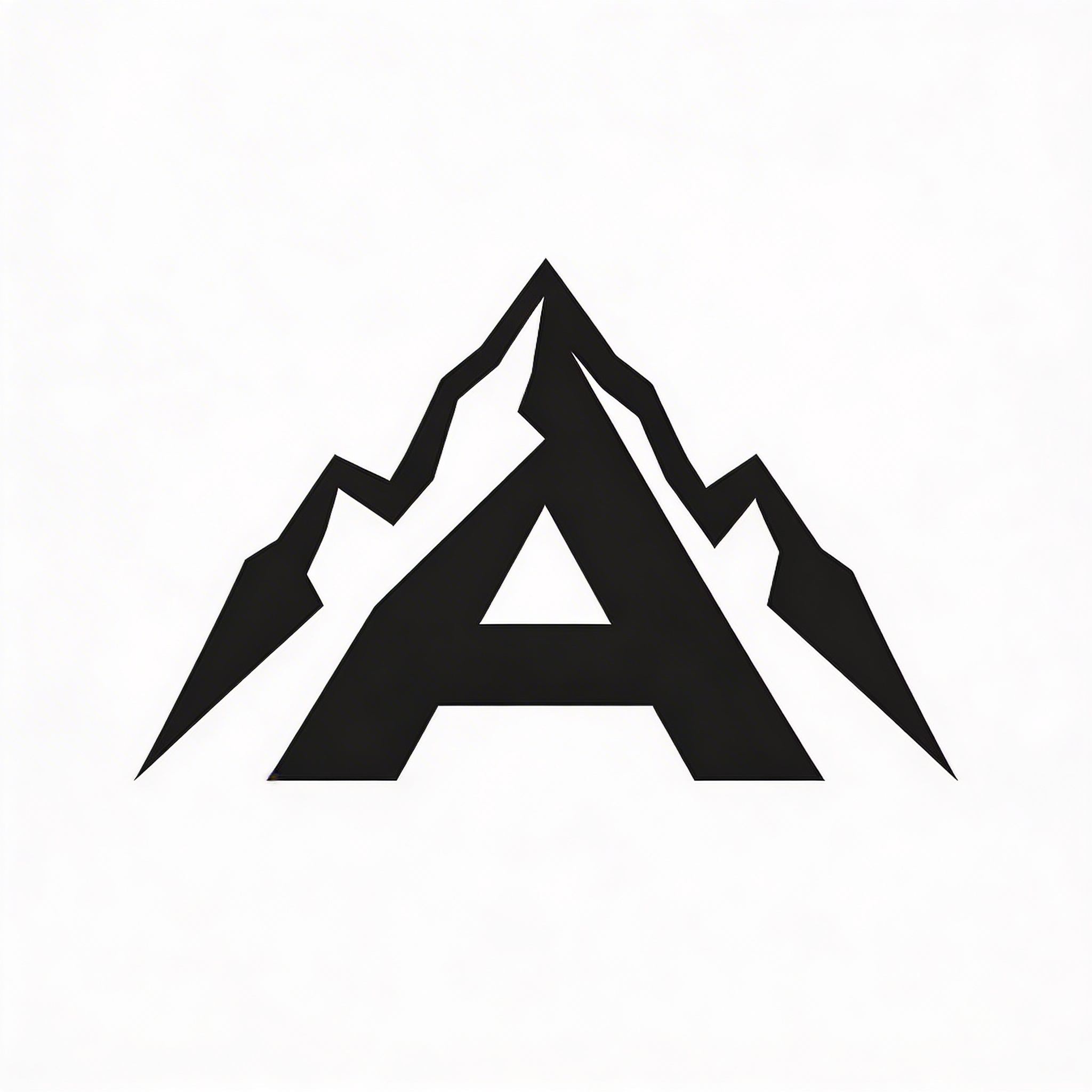
This is the kind of mark you see on a hat and you don’t even think about it, which is the compliment. The “A” can be swapped for any letter, but the trick is keeping the mountain shape simple enough that the negative space still reads clean when it’s tiny. If the generator adds snowcaps or shading, remove those words and explicitly say “no gradients, no textures.”
2) Monoline coffee crest (but not the overdone one)
Prompt: "black and white logo idea, minimalist monoline crest logo for a specialty coffee roaster, thin consistent stroke, simple laurel branch, small coffee bean icon centered, elegant restraint, vector line art, no shading, no gradients, high-end modern branding"
Crests are a trap because you can accidentally generate something that looks like a 2014 barber shop badge. The way out is stroke discipline: one line weight, big breathing room, not too many flourishes. If it starts looking “vintage,” add “contemporary” and “minimal ornament.”
3) Abstract wave icon for a tech product
Prompt: "monochrome logo design, abstract wave icon built from 3 smooth geometric arcs, bold black fill, minimal negative space, tech startup branding, modern and calm, flat vector, centered composition, high contrast black on white"
This prompt is my go-to when I need something that works as an app icon. It’s also what I use when I’m out of ideas and don’t want to admit it. If the wave gets too “loopy,” force the geometry: “circular arcs, precise radius, no irregular hand-drawn lines.”
4) Minimalist cat + lightning bolt (pet brand, but sleek)
Prompt: "simple logo design idea, minimalist black and white logo of a sitting cat silhouette with a subtle lightning bolt cutout in negative space on the chest, solid black vector, rounded corners, friendly but premium, scalable icon for pet accessories brand"
I like these “two ideas in one” marks, but they’re easy to ruin by making them too literal. Keep one element dominant (the cat) and one element subtle (the bolt). If the bolt becomes huge, tell it “small cutout detail, not dominant.”
5) Architectural monogram for a studio
Prompt: "minimalist logo concept, monochrome architectural monogram for a design studio using the letters S and M intertwined, straight lines and right angles, grid-based construction, black on white vector, Swiss modernist feel, consistent stroke and spacing"
Monograms are basically typography problems disguised as logos. The grid language helps. I usually generate a few, then I bring the best one into a vector editor and fix the optical spacing (AI tends to “mathematically” center things that need to be optically centered).
6) Minimal leaf that doesn’t look like every wellness brand
Prompt: "black and white logo idea, minimalist leaf icon formed by two simple teardrop shapes with a thin negative-space vein, bold black fill, modern natural skincare branding, clean vector silhouette, no gradients, no texture, elegant and distinctive"
Yes, leaf logos are everywhere. But monochrome forces you to make it actually good: the vein has to be shaped nicely, the leaf proportions have to feel intentional, and the silhouette has to work alone. If it feels too generic, add a specific twist: “leaf shaped like a droplet” or “leaf with subtle geometric bite.”
7) Circular stamp logo for a bakery (simple, not “rustic”)
Prompt: "monochrome logo design, circular stamp logo for an artisan bakery, clean vector, bold outer ring, inner wheat icon simplified, small star separators, minimal typography feel but no readable text, black ink stamp look, high contrast on white, modern not rustic"
A stamp concept is useful because it naturally fits packaging, labels, and social avatars. The “no readable text” instruction sounds odd, but it helps you avoid the generator producing nonsense words. Later you can add the brand name yourself as real typography.
8) Minimal fish hook for a fishing brand (without looking aggressive)
Prompt: "simple logo design idea, minimalist black and white fish hook icon shaped like the letter J, smooth curves, balanced thickness, small negative-space water drop detail, clean vector mark, calm premium outdoor brand identity, centered composition"
Fishing brands often go full “skull with anchors.” This one stays quiet. The micro-detail (water drop) gives you that “oh nice” moment without messing up the silhouette.
9) Minimalist camera aperture (but abstracted)
Prompt: "monochrome logo design, minimalist camera aperture icon abstracted into 6 simple blades, bold black fill with white negative-space center, geometric symmetry, flat vector, modern creative studio branding, high contrast black on white"
This is a classic for photographers, but it still works if you keep it abstract. Where it goes wrong is when the blades get too detailed. If the generator tries to show realism, remove words like “camera” and keep “aperture icon abstract.”
10) Minimal rooster for a restaurant (one continuous stroke)
Prompt: "logo design prompt, monochrome monoline rooster icon drawn with a single continuous line, consistent thin stroke, minimal details, elegant French bistro branding, vector line art, black on white, readable at small sizes, no shading"
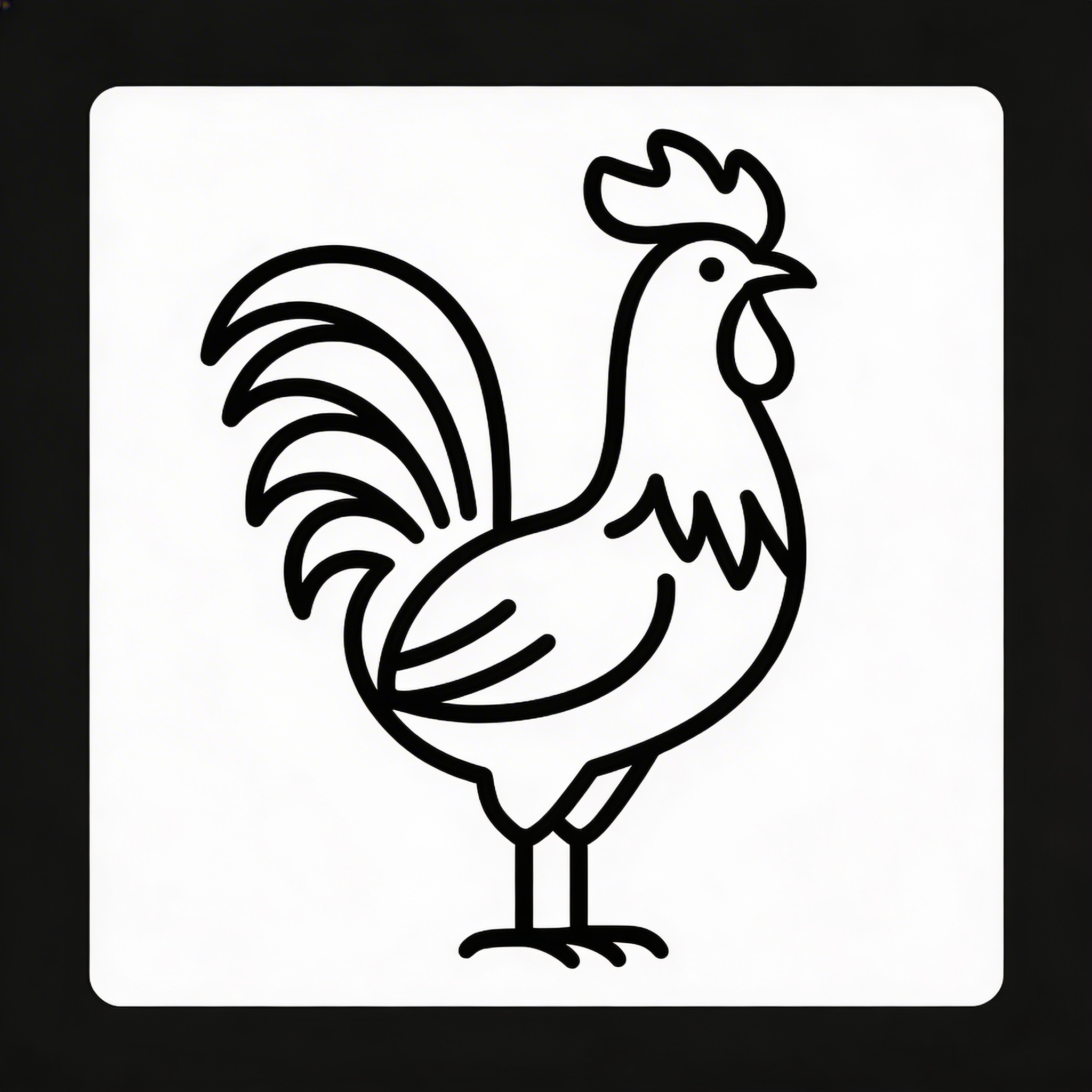
Single-line icons are picky. If you get spaghetti, reduce detail: “simplified rooster silhouette” and drop anything about feathers. Also, don’t be afraid to accept that the first ten generations will be mid. This is one of those.
11) Shield icon for cybersecurity (non-cliché)
Prompt: "monochrome logo design, minimalist shield icon with a subtle circuit path in negative space, bold black fill, clean geometry, no locks, no keys, modern cybersecurity branding, flat vector mark, centered, high contrast black on white"

Saying “no locks, no keys” is the entire point. You’re trying to avoid the stock visual metaphor that everyone else grabbed first. If the circuit path is too busy, tell it “one single line circuit path, minimal nodes.”
12) Minimalist hourglass for a productivity brand (tight geometry)
Prompt: "minimalist logo concept, monochrome hourglass icon constructed from two triangles and a narrow negative-space waist, strict geometric symmetry, bold black fill, modern productivity app branding, flat vector, high contrast black on white, scalable small icon"
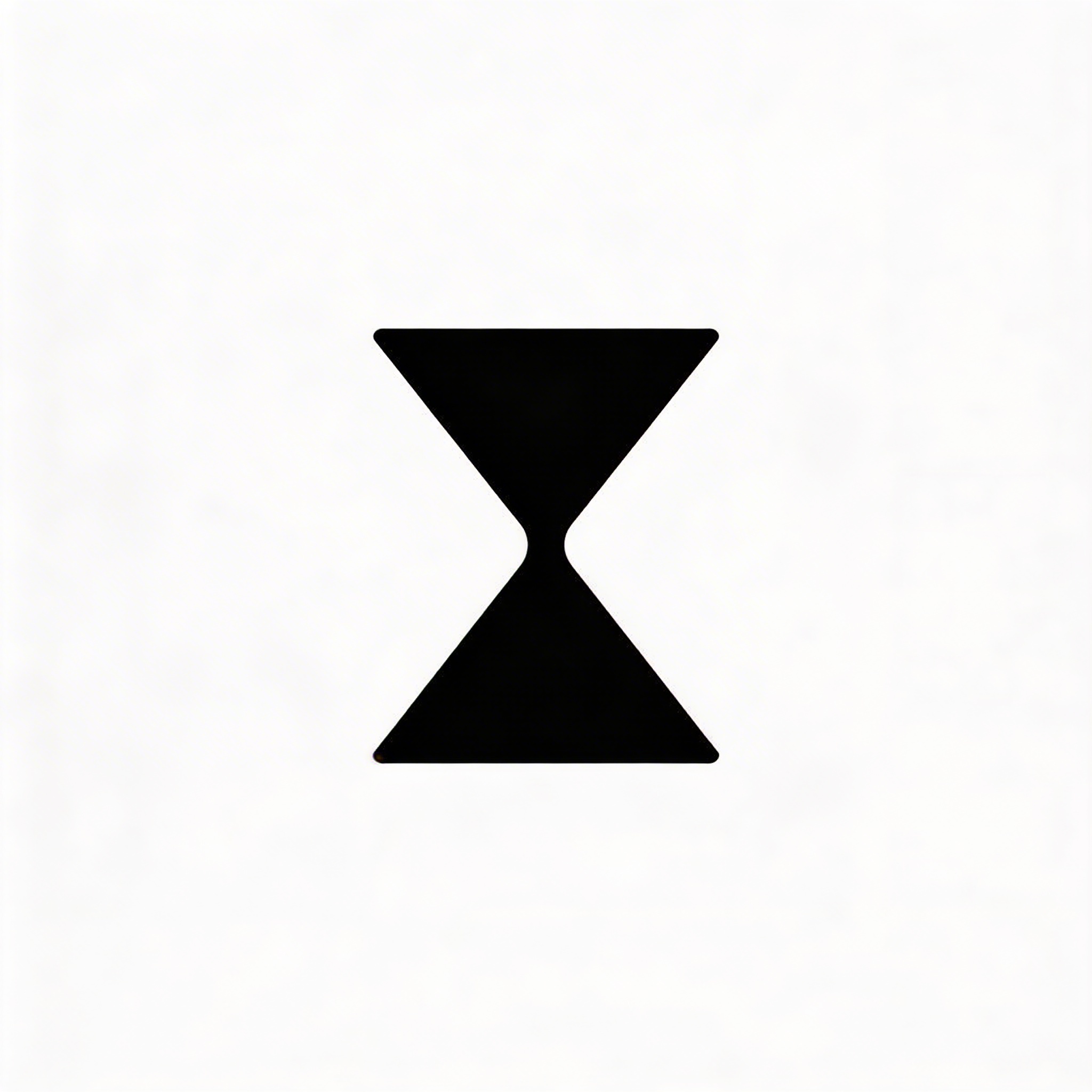
This one is almost a “logo exercise.” If it looks boring, you can introduce one tiny asymmetry later (like a slight tilt) but I’d start perfectly rigid. Monochrome branding loves restraint.
My actual workflow in Stockimg.ai (not fancy, just repeatable)
I’m not going to pretend I have a sacred process. Most days I’m moving too fast, and I only slow down when something looks good enough to be embarrassing if it fails later.
When I use Stockimg.ai for logo ideation, I do it like this:
- Pick a single style constraint first. Either “solid fill geometric” or “monoline consistent stroke.” Don’t bounce between them yet. If you do, you’ll end up liking five unrelated logos that can’t possibly belong to the same brand.
- Generate 12 to 30 options quickly. Yes, it’s a lot. But your brain needs to see bad options so it can recognize the good ones. The first few tend to be generic because your prompt is generic (even if you think it’s not).
- Compete two directions against each other. I usually keep one “boring safe” mark and one “weird risky” mark and I force myself to test both. Half the time, the safe one wins after you actually try it on a website header.
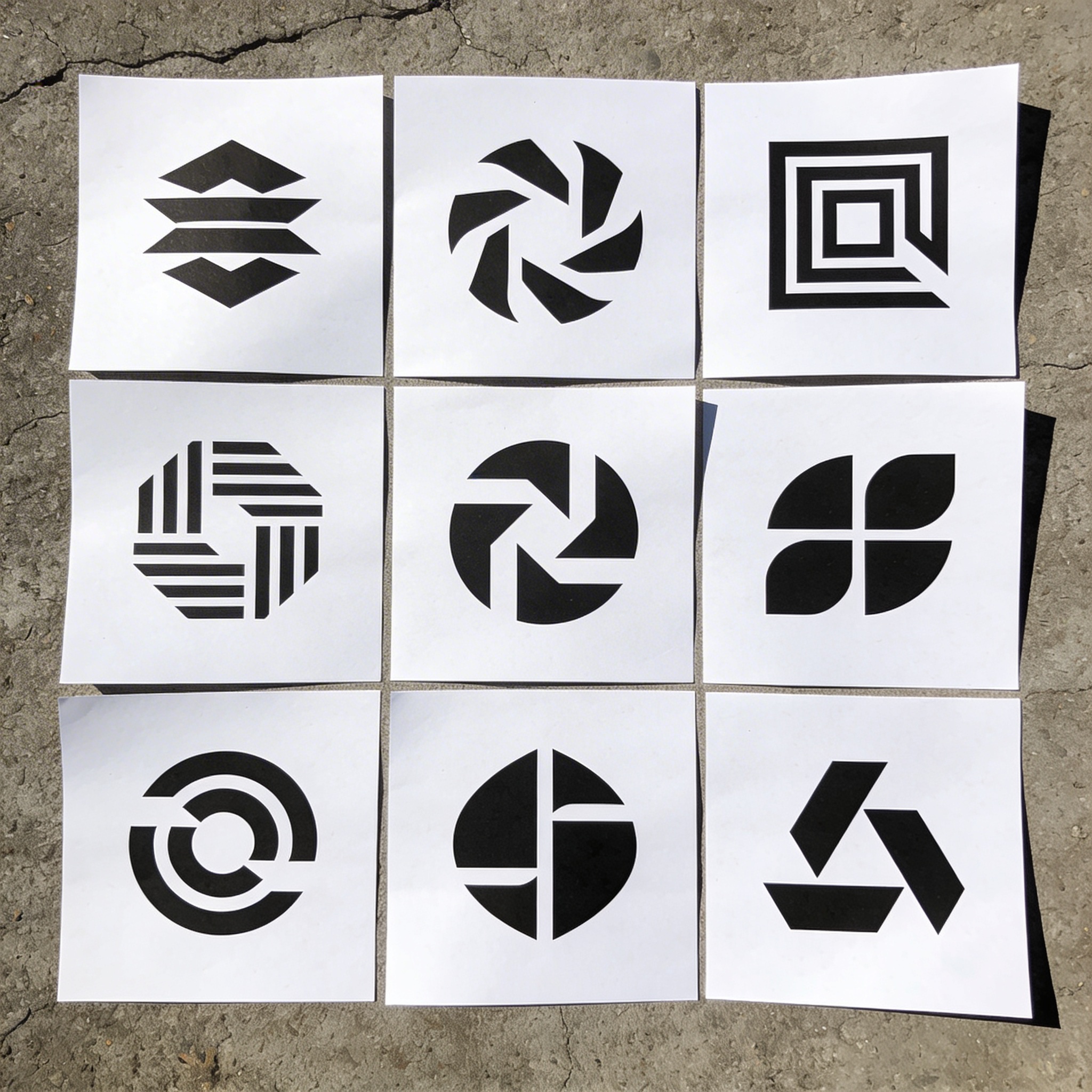
- Stress test immediately: shrink it down, invert it, put it in a circle, put it on a fake label, and if it breaks, it’s not ready.
The “stress test” part sounds like extra work but it saves you from falling in love with something that only works at 1200x1200 on a white artboard.
And yeah, you can do this with other generators. The reason I reach for Stockimg.ai is that it’s straightforward to keep iterating and it tends to stick closer to “logo-like” outputs instead of drifting into poster art. Also, the categories make you think in outputs (logo, poster, social, etc.) which sounds trivial until you realize you’ve been generating beautiful things you can’t actually use.
Monochrome branding tips I wish I listened to earlier
This section is less “inspiration” and more “things I learned the annoying way.”
Your logo probably needs two versions, not one
Even if you swear you only want one mark: you’ll end up with at least two.
- A primary version (icon + wordmark, or a more detailed badge).
- A simple version (just the icon, or a micro-mark that survives at tiny sizes).
Monochrome makes this obvious because there’s nowhere to hide detail. When something gets complicated, it doesn’t become “more premium,” it becomes “harder to read.”
White space is doing more branding than your icon
I keep thinking the icon is the “brand.” It’s not. The spacing decisions are the vibe.
If your mark feels cheap, don’t immediately redraw it. Try these first:
- Increase empty space around it by 20%.
- Thicken or thin the stroke by a small amount (not a full style change).
- Reduce internal details until the silhouette becomes instantly recognizable.
Pick a black. Seriously.
Not all black is the same in print. If you’re doing real print work, you’ll run into rich black vs plain black, paper absorption, and that whole rabbit hole. For most small businesses and basic usage, you can keep it simple:
- On screens, you can use something like #111111 instead of pure #000000 if you want a softer premium look.
- For print, your printer will often manage it, but if you care, ask how they handle black on coated vs uncoated stock.
I’m not even fully consistent on this. Some days I like the harshness of true black because it looks confident. Other days it feels like shouting.
Minimalist logo concepts are not the same as “thin lines”
Minimalism is clarity, not skinniness. Thin lines can look elegant on a retina display and then disappear on a tote bag.
If you love monoline logos, great. Just make sure you have:
- A stroke weight that survives print.
- A solid “filled” variant for tiny sizes if needed (favicon, app icon).
About “logo design trends 2023” and why they still matter (a little)
You’ll see people talk about logo design trends 2023 like it’s ancient history, but a lot of those shifts are still echoing around because brands don’t redesign every year. The last few years pushed a couple of big tendencies that play nicely with monochrome:
- Simplification and flattening: tons of brands moved toward cleaner, reduced forms that work digitally and at small sizes.
- Flexible systems over single marks: icons, submarks, and responsive logos became more common (and monochrome makes those systems easier to keep consistent).
- Nostalgia done carefully: stamp-like marks, badges, and heritage cues came back, but the “modern” version cut the clutter.
The thing nobody wants to admit: trends are basically peer pressure with a better haircut. Still, if you’re designing for a modern startup or a DTC product, the market has trained people to trust certain shapes and certain levels of simplicity. You don’t have to obey it, but you should at least notice it.
Turning a prompt into a usable logo (the boring parts that matter)
Generating the mark is the fun part. Using it is where you get mildly annoyed.
Export formats: what you actually need
If you’re doing anything beyond posting on Instagram, you’re going to need multiple files.
- SVG: best for vector scaling (web, many print workflows).
- PDF (vector): common for printers.
- PNG: transparent background for quick use in slides, websites, mockups.
- JPG: only if you have to, and usually not for logos.
If your generator output isn’t vector, you can still trace it, but tracing a messy mark is a weird kind of punishment, like untangling headphones on purpose.
The “small-size test” that kills most logos
Take your icon and scale it down to:
- 24px (favicon-ish)
- 48px (app icon-ish)
- 128px (social avatar-ish)
If it stops reading at 24px, it’s not automatically bad. It just means you need a micro-mark or an alternate simplified version. Most brands do, even if they pretend they don’t.
Put it on something ugly
White artboards are flattering. Real life is not.
I like to throw the mark on:
- A slightly off-white background (like #F5F5F2)
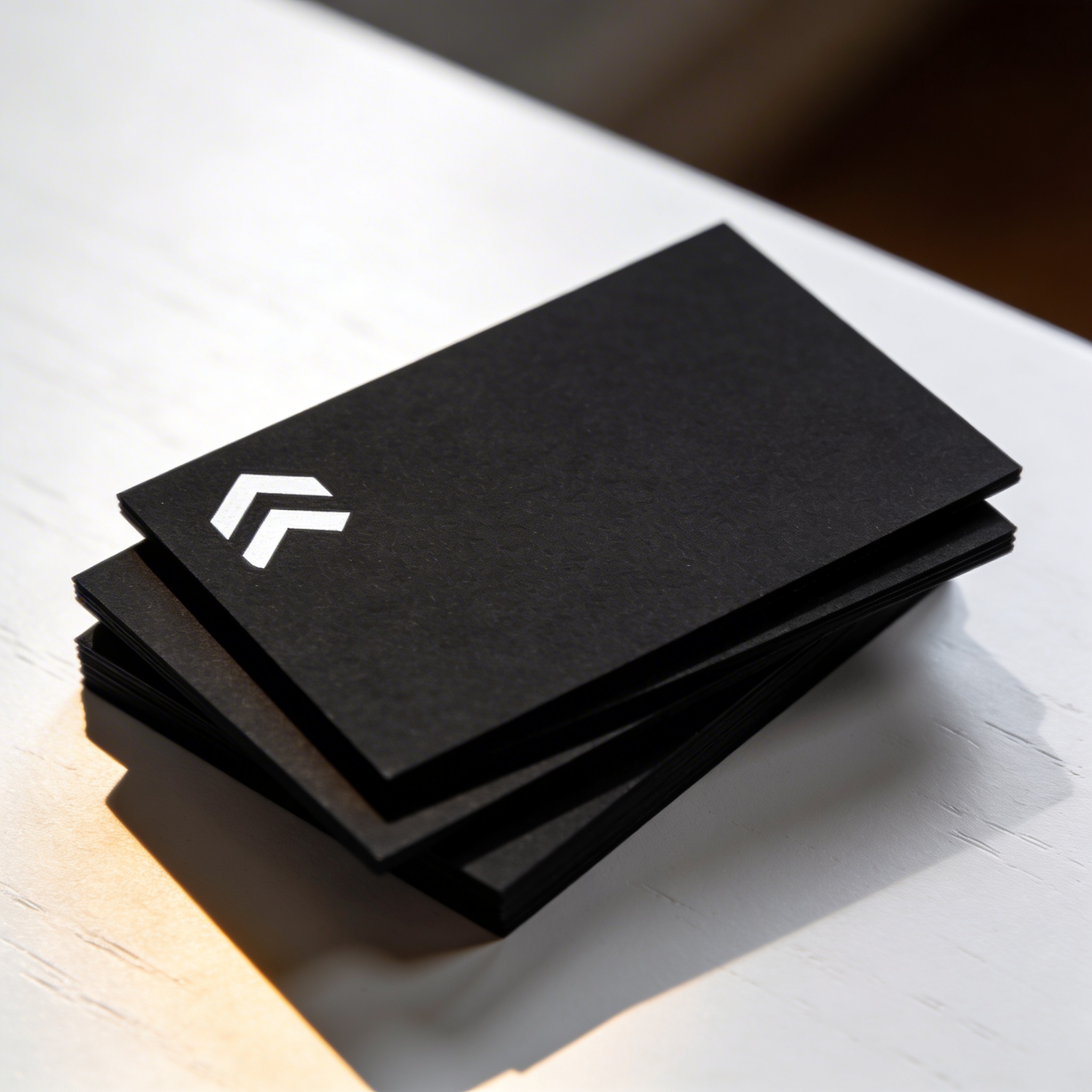
- Matte black card stock mockup
- A shipping label texture
- A wrinkled fabric mockup
A logo that can survive those contexts has a better chance of surviving your customers.
More black and white logo ideas (quick variations that change everything)
If you like the prompts but want to push them, these micro-changes can give you a whole new direction without rewriting your entire concept:
- Swap fill for outline: turn a solid mark into a monoline version and see if it gains elegance.
- Invert the negative space: if the clever part is inside, try making the clever part the silhouette.
- Hard corners vs rounded corners: this changes personality immediately. Sharp feels technical and strict. Rounded feels friendly. Sometimes rounded feels childish. It depends.
- Make one part intentionally imperfect: I don’t always recommend this, but a tiny asymmetry can make a mark feel less “AI-polished” and more alive. It can also just look wrong. You won’t know until you test it.
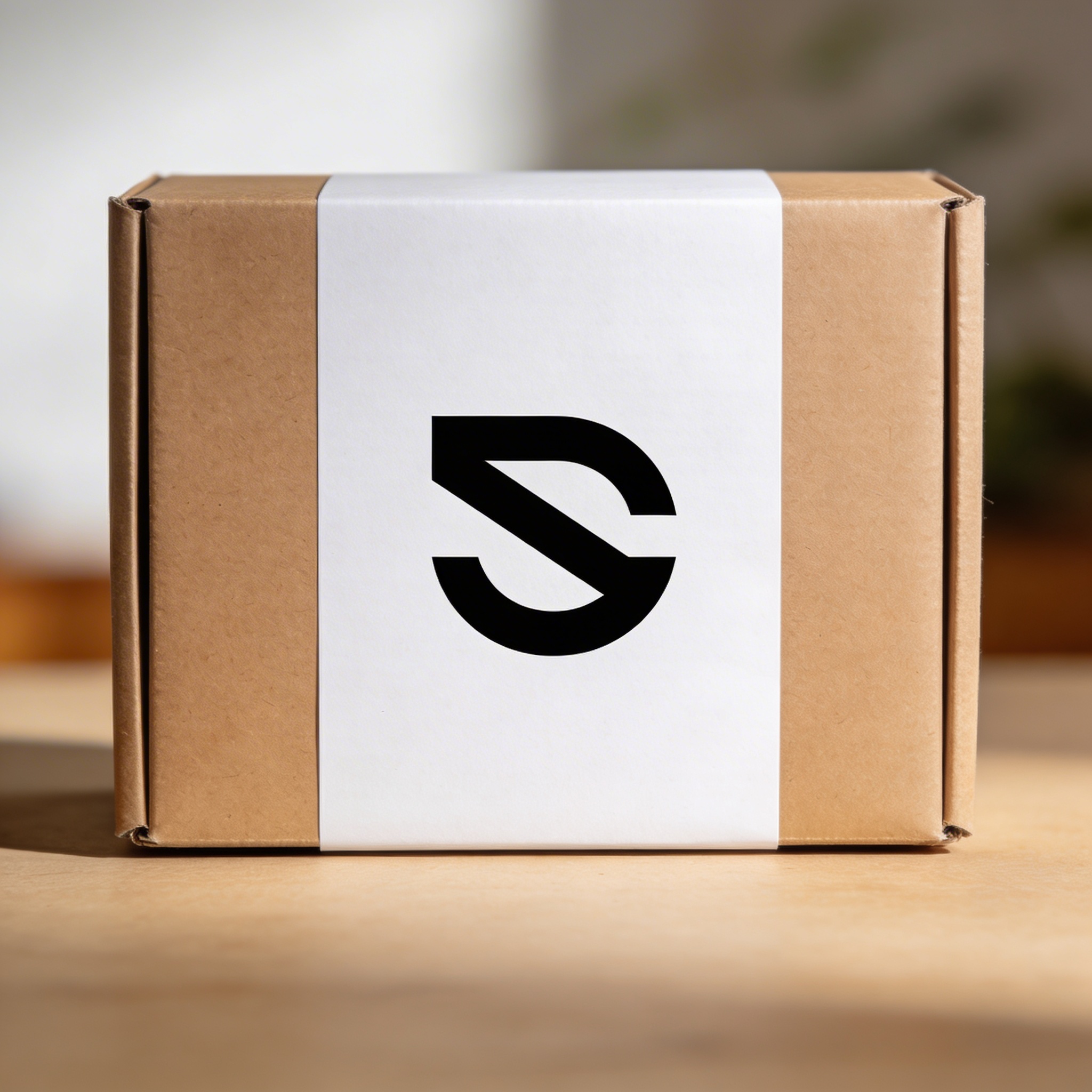
And one more thing I keep forgetting: the brand name matters. If your name is long, maybe you don’t want a detailed symbol. If your name is short, you can lean more into a bold wordmark. Some problems are solved better with typography than with icons, and I still catch myself trying to force an icon because it’s more fun to generate.
When a monochrome logo feels “empty” (and what I do instead)
There’s a moment where minimalism stops being confident and starts being blank. Usually it happens when:
- Your symbol doesn’t have a clear metaphor.
- Your geometry is generic (circles inside circles inside circles).
- Your spacing is too tight, making it look like a temporary placeholder.
- Your wordmark is default.
If that happens, here are three fixes I rotate through:
1) Add a constraint you can keep forever
Not a random detail, a rule.
Examples:
- Always use 90-degree angles (or always avoid them).
- Use a single radius for all curves.
- Only use vertical and horizontal strokes, no diagonals.
- Commit to a specific negative-space trick.
The constraint becomes the identity more than the symbol itself.
2) Make a tiny system, not a single logo
A lot of “premium” brands are just consistent systems.
Try generating:
- Primary mark (icon + wordmark)
- Icon-only mark
- Pattern element (repeating shape derived from the icon)
Suddenly the brand feels richer without adding color.
3) Focus on the wordmark for one hour
This is tedious, which is why it works.
Even if you use Stockimg.ai to get an icon direction, take the time to pair it with a real typeface choice. Font pairing is half the brand. Sometimes it’s 70%.
I once had a black-and-white icon that I loved, and then I paired it with a typeface that looked like default election signage, and it ruined the vibe completely. I kept the icon and changed the letters, and it felt like a new company.
Frequently Asked Questions (FAQs)
Can I use these logo design prompts commercially?
Yes, the prompts themselves are just text instructions. The commercial use question is really about the output and the tool’s license terms, so check the usage rights for the platform you generate with before you put it on packaging or a paid product.
Why does the same prompt give different logo results each time?
Most generators inject randomness (different seeds) so you can explore variations. If you want consistency, keep your prompt identical and iterate in small edits, and save any seed or “variation” settings the tool gives you.
How do I keep a monochrome logo from looking generic?
Add one constraint that forces a decision: a negative-space letter, a strict grid, one continuous line, a single-radius curve rule, or a specific metaphor that is not the first obvious one.
What file format should I export for printing a black and white logo?
SVG or a vector PDF is the safest for print because it scales without losing sharpness. If you must use raster, export a high-resolution PNG at 300 DPI at the final print size.
Can I trademark a logo made with AI?
Sometimes, but it depends on your jurisdiction and whether the mark is considered sufficiently original and tied to human authorship. If it’s a real business asset, you should talk to a trademark attorney before investing in packaging, signage, and ads.
What’s the fastest way to test if my minimalist logo concept actually works?
Shrink it to 24px, invert it to white-on-black, and print it on plain paper. If it still reads immediately and doesn’t turn into a blob, you’re in a good place.
Do I need a separate icon if I already have a wordmark?
Not always. If your wordmark is short and distinctive, you can skip the icon. If it’s long, or you need a social avatar and favicon that still looks like “you,” an icon or monogram saves you.
If my logo only works in black, is that a problem?
Not really. If it’s strong in black and white, it usually adapts to color later, not the other way around. The bigger risk is relying on subtle gray tones that disappear in certain print and screen contexts.