
You probably do not need another “hello world” example.
What you need is the stuff that you keep re-building: the same guardrails, the same “Claude, stop hand-waving and show me the diff” instructions, the same way of asking for tests without getting a novella, the same list of prompts you paste into a terminal at 1:07 AM when the build is red and you are emotionally attached to shipping tonight.
I wrote this after a few months of using Claude in a very unromantic way: small refactors, boring CLI glue, half-awkward documentation, and an embarrassing number of “why is this failing only in CI?” bugs. Some of these examples are for Claude Code (the terminal/IDE agent), some are for the Claude API, and some are just prompt patterns that make Claude behave more like a careful teammate and less like a confident intern.
Best Claude code snippets you will actually reuse
This section is the chunky one. It is “Claude programming tutorials” in micro form: small things you can paste into Claude Code or adapt into your API prompts so you get consistent output.
I am mixing:
- Instruction snippets (how you tell Claude to behave)
- Implementation snippets (code templates you can use)
- Review snippets (how you get a useful answer instead of a lecture)
Snippet 1: “Start by asking me questions” (prevents wrong assumptions)
You want Claude to pause when it is missing context.
Use this verbatim:
Before you write or change any code, ask up to 7 clarifying questions.
If you are at least 80% confident without asking, ask only 1-2 questions, then proceed.
If you proceed, explicitly list assumptions and mark them as ASSUMPTION.
I used to skip this because it felt slow, then I realized I was wasting more time cleaning up incorrect “helpful” changes than I would have spent answering two questions like “Which Node version is this on?” and “Do you use ESM or CJS?”
Snippet 2: “Output a diff or it did not happen” (Claude Code)
If you are using Claude Code in a repo, I have a strong preference: always request a unified diff.
Make the smallest change that solves the problem.
Return only:
1) a brief explanation (max 6 sentences)
2) a unified diff (git style) of the exact changes
Do not include any other commentary.
When Claude replies with a diff, your brain can actually do code review instead of “read a story and hope it matches reality.”
Snippet 3: “No silent behavior changes” (saves you during refactors)
This is a line I paste constantly:
Do not change public behavior unless I explicitly ask.
If behavior must change, list the breaking changes and add migration notes.
The “must” case happens more often than I like. This instruction makes Claude surface it, and it stops the sneaky “I removed the feature because it was inconvenient to implement.”
Snippet 4: Repo onboarding prompt (Claude Code)
When I drop Claude into a new project, I do this first:
Read the repo like a new engineer.
1) Identify the runtime (language, framework, versions if pinned).
2) Identify how to run tests and lint.
3) Identify the main entry points.
4) Summarize the architecture in 10 bullet points.
5) List the 5 files you would read first and why.
Keep it concise and specific to this repo only.
This is where Claude Code feels more useful than a chat tab, because it is sitting next to your actual structure and can point at actual files, not imaginary ones.

Snippet 5: “Make a plan, then do it” (agent workflow)
I like forcing a plan that is short, then executing.
Write a plan with 3-6 steps.
Each step should be a concrete action (edit file X, add test Y, run command Z).
After the plan, start executing steps one by one.
If you get blocked, stop and ask me what to do next.
The “stop” part matters. Otherwise Claude will happily implement half a migration, invent a fake library, then patch around it.
Snippet 6: The test-first nudge (without going full TDD preacher)
Add or update tests for the bug or feature.
Prefer adjusting existing tests over creating new ones unless necessary.
If tests are not possible, explain why and propose a manual check.
This gives you coverage without turning the output into a sermon.
Snippet 7: Ask for the “risk list” (especially on security or auth work)
After proposing the change, list:
- top 5 risks (security, performance, correctness)
- how to mitigate each risk
- what monitoring/logs would help catch regressions
Half the time the risks list is more valuable than the code, because it acts like a mini checklist before you merge.
Snippet 8: “When you do not know, say so” (stops fictional APIs)
If you are not sure a library function exists, say "UNSURE" and propose two options:
A) check docs / grep codebase
B) implement a small helper locally
Do not invent APIs.
I wish I had tattooed this into every AI coding tool a year ago. I do not need confident hallucinations about config flags that never existed.
Claude programming tutorials (mini): three real workflows I keep repeating
These are not “build an app.” They are three small loops that happen constantly.
Workflow A: Fix a single failing test without touching unrelated files
I literally paste this:
Goal: green test suite with minimal diff.
1) Identify the failing test(s) and the assertion.
2) Identify the root cause.
3) Fix production code OR fix the test, but justify which.
4) Keep changes limited to the fewest files possible.
5) Show the unified diff and the exact command to rerun the failing test.
If Claude tries to “improve the architecture” while doing this, it is a red flag. Fix the test. Move on.
Workflow B: Refactor a file to be readable, but do not change behavior
This is where Claude can quietly break stuff, so I constrain it hard:
Refactor for readability only.
Constraints:
- no new dependencies
- no behavior changes
- keep function signatures stable
- keep logs and error messages stable
Return:
- diff
- note any edge cases you verified mentally
The “keep logs and error messages stable” part sounds picky, but your dashboards and alerting probably parse those.
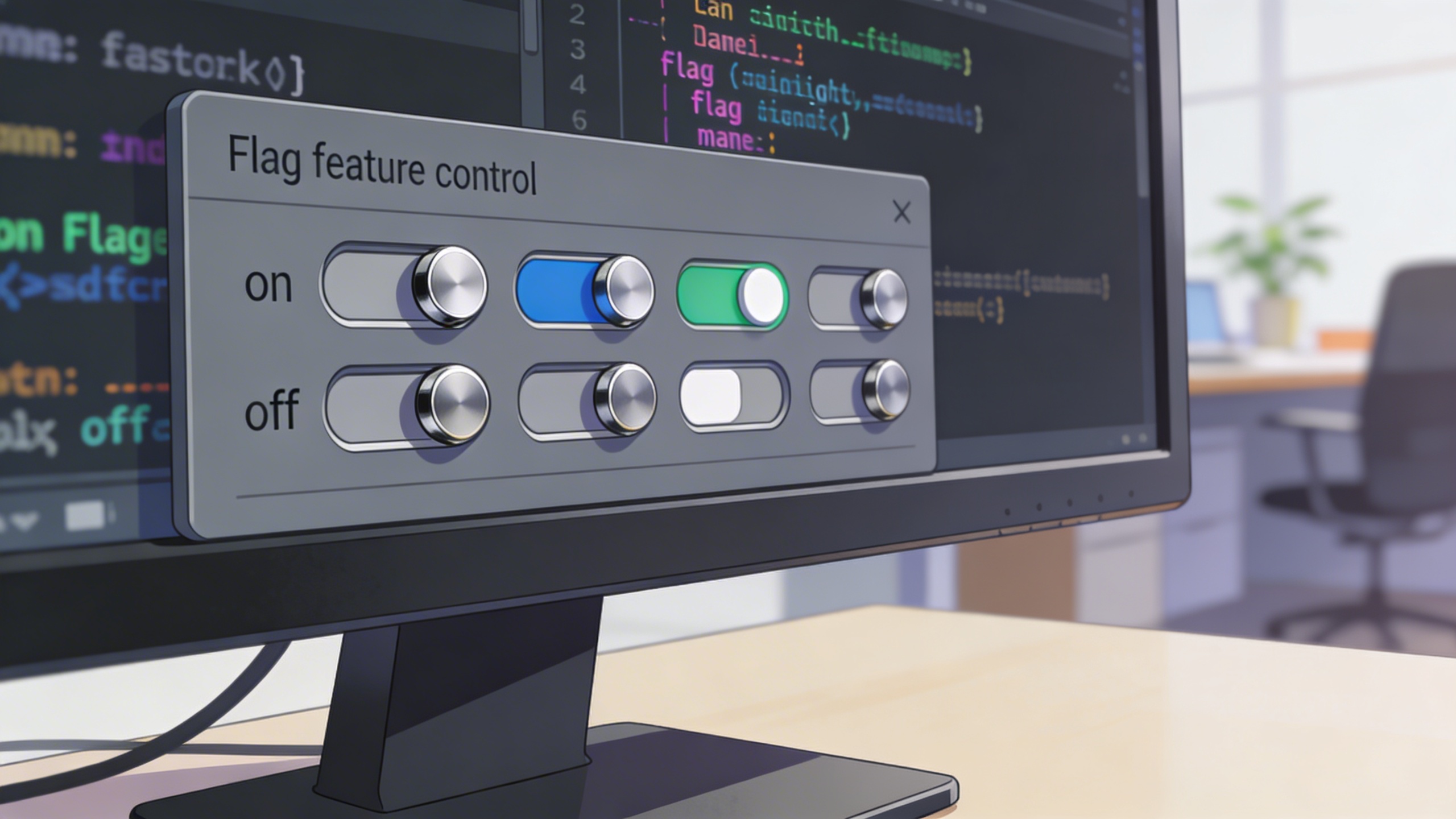
Workflow C: Add one small feature behind a flag
Add feature behind a flag named FEATURE_X (default off).
- Implement the flag check
- Add tests for both paths
- Add docs: where to set the flag and what it does
- Do not remove the old behavior
This is how you ship safely when you are not 100% sure.
Claude language examples (not the model, the way you phrase tasks)
This is the weird part: the best Claude coding best practices I have are about language, not code.
“Small diff” language that works
- “Make the smallest possible diff that solves this.”
- “Do not touch formatting unless necessary.”
- “Prefer local changes to refactors.”
“Show your work” without getting a wall of text
- “Explain in 3-6 sentences, then show diff.”
- “List assumptions as bullets, then proceed.”
“You are not allowed to be vague” language
- “If you say ‘optimize’, define what metric changes and how you would measure it.”
- “If you say ‘secure’, name the threat model.”
A silly thing I noticed: if you ask Claude to “improve” code, it will improvise. If you ask it to “remove duplication in function X without changing outputs,” it behaves like a careful engineer.
Prompt examples you can copy (15 total) + images
These are “Claude code examples” in the sense that you paste them into Claude Code (or into your own wrapper) and you get output you can act on. I grouped them the way I actually use them: debugging, refactor, testing, docs, and tooling.
Debugging prompts
Prompt: "You are in a Node.js monorepo. A test named userService.test.ts fails only in CI with a timezone-related assertion. Ask 3 clarifying questions max, then propose the smallest diff to make tests deterministic across timezones. Include the unified diff and the command to rerun the test."

Prompt: "Given this stack trace, identify the most likely root cause and 2 secondary suspects. Then propose a step-by-step reproduction plan. Do not write code yet. Format as: Root cause, Suspects, Repro steps."

Prompt: "Act like a senior engineer doing incident triage. I will paste logs next. First, ask me 5 questions that reduce the search space quickly. Keep each question under 120 characters."

Refactor prompts
Prompt: "Refactor src/payment/charge.ts for readability only: no behavior changes, no signature changes, no new deps. Output: (1) 6-sentence max rationale (2) unified diff (3) list of edge cases you considered."

Prompt: "Find duplicated logic across the following 3 functions and extract one helper. Constraints: keep exports unchanged, keep error messages unchanged, update tests if needed. Provide diff only."

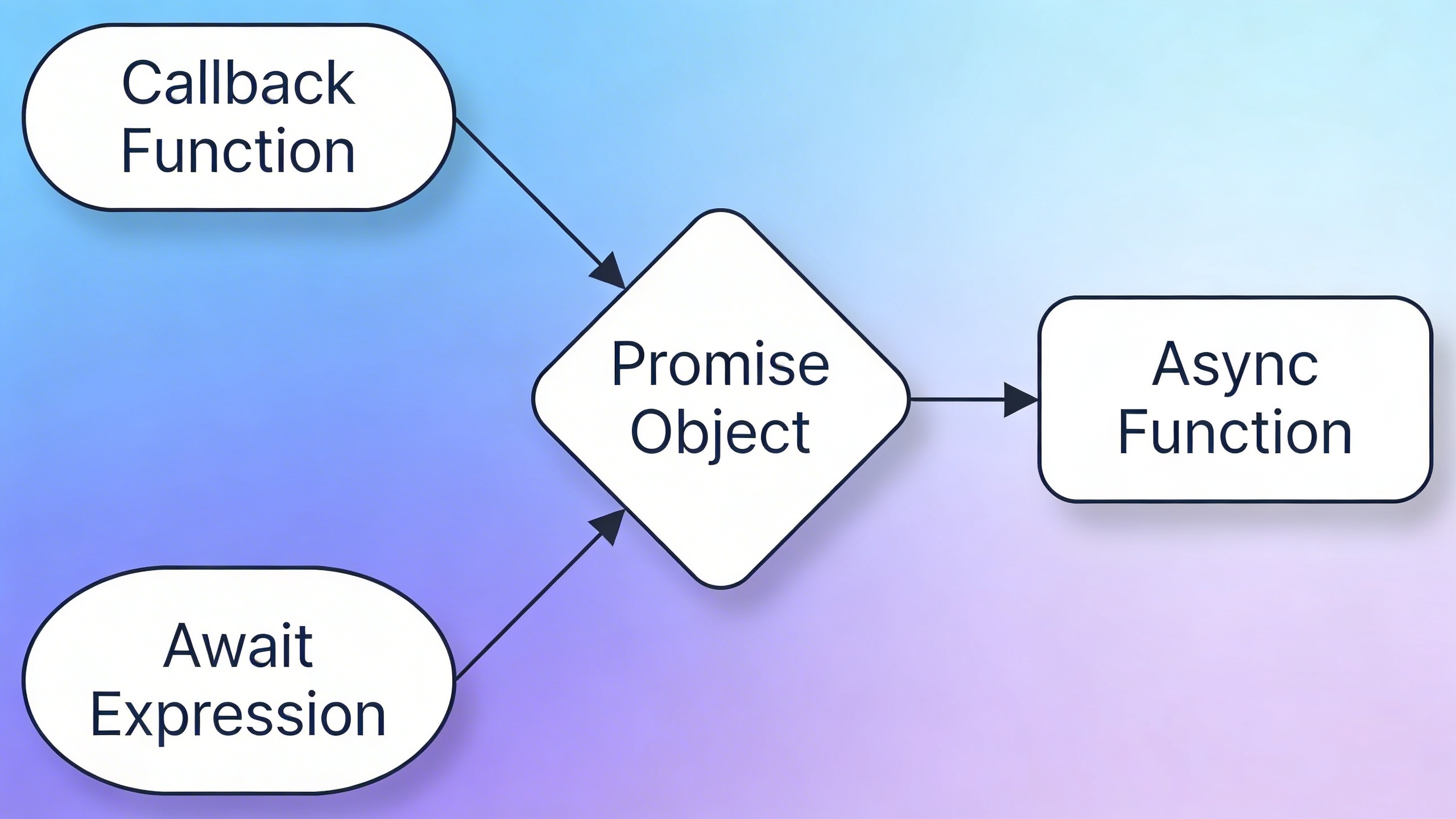
Prompt: "Convert this callback-based function to async/await. Keep the same external API and error handling. After the diff, show 3 example calls with expected outputs."
Testing prompts
Prompt: "Write tests first for a bug: 'discount applies twice when user changes quantity quickly'. Use Jest. Provide: test description list, then code. Keep the tests deterministic. Ask me for any missing details."

Prompt: "Given this function, generate property-based tests (fast-check) that validate invariants. Explain the invariants in plain English first, then show the test code."

Prompt: "I have flaky E2E tests in Playwright. Propose a stabilization plan with 10 concrete actions ranked by impact. Do not suggest 'add sleeps' unless it is last resort."

Docs and “developer experience” prompts
Prompt: "Write a README section called 'Local Setup (15 minutes)' for this repo. Assume a new engineer. Keep it tight, include exact commands, and add a troubleshooting section for the 3 most common failures."

Prompt: "Generate inline code comments only where the intent is non-obvious. Do not comment obvious code. Return a diff with comments added in place."
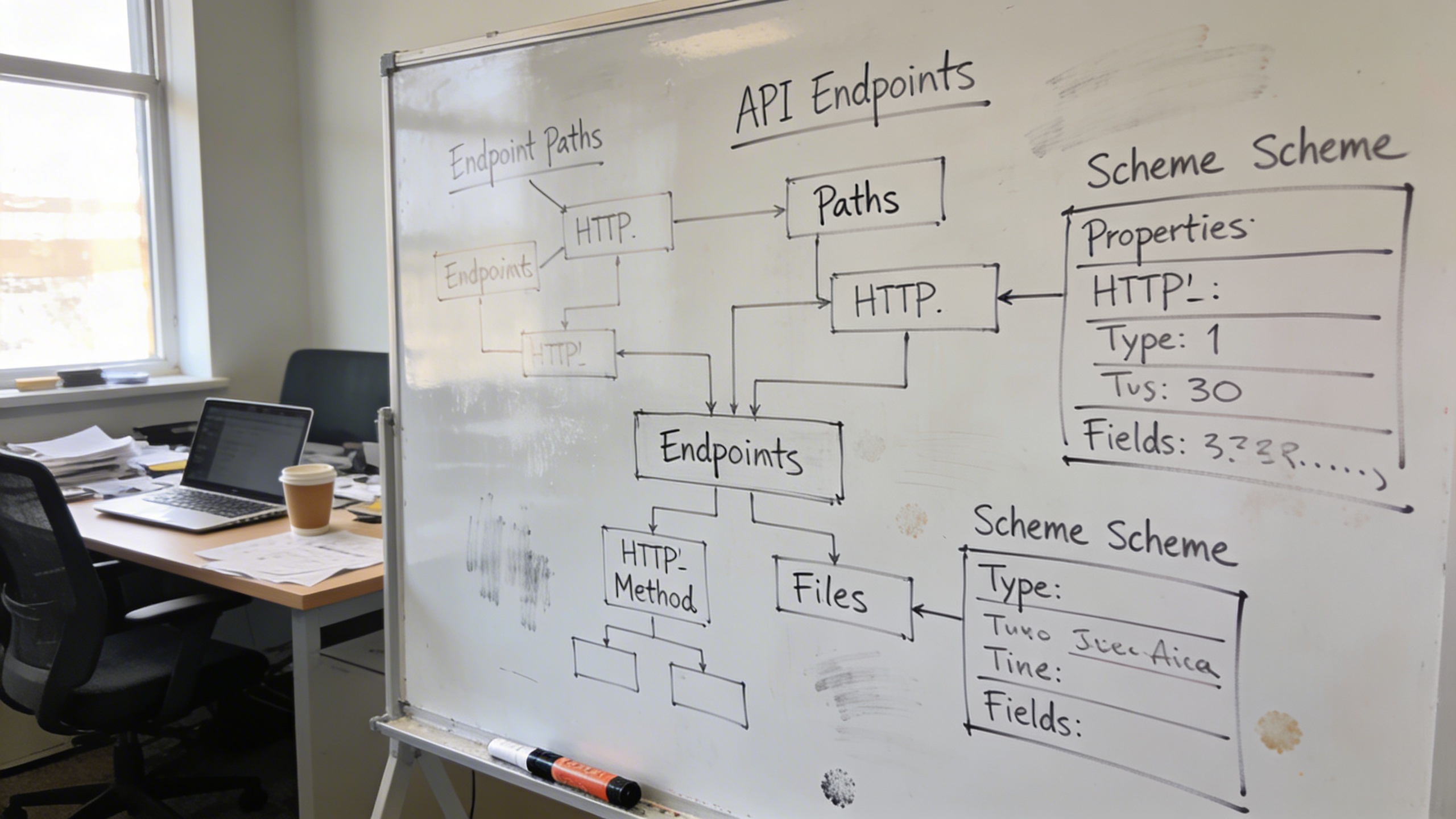
Prompt: "Turn this API endpoint spec into OpenAPI YAML with request/response schemas and examples. Ask clarifying questions about status codes and error shapes first."
Tooling and automation prompts
Prompt: "Create a pre-commit hook config that runs lint, unit tests for changed packages only, and blocks if formatting is off. Keep it fast. Provide the config and explain how to install it."

Prompt: "Write a small CLI tool in Python that scans a repo for TODO comments, outputs JSON, and supports flags: --path, --ext, --max. Include argument parsing, tests, and a usage example."

Prompt: "Propose a commit message style guide for this team. It should be strict enough to keep history clean but not so strict people rebel. Include 8 example commits for common changes."

Claude Code implementation: two API snippets you can actually build on
Even if you are mainly using Claude Code, you will probably end up gluing the API into something: a Slack bot for on-call, an internal code reviewer, a doc generator, whatever.
These are not complete apps. They are good “starting points that do not embarrass you later.”
Example 1: Minimal Messages API call (JavaScript) with guardrails
This shows the shape I like: explicit model, explicit max tokens, deterministic structure, and a “return format” that makes logging easier.
import Anthropic from "@anthropic-ai/sdk";

const client = new Anthropic({ apiKey: process.env.ANTHROPIC_API_KEY });

export async function askClaude({ system, user, model = "claude-sonnet-4-5" }) {
 const resp = await client.messages.create({
 model,
 max_tokens: 800,
 system,
 messages: [{ role: "user", content: user }],
 });

 const text = resp.content
 .filter((c) => c.type === "text")
 .map((c) => c.text)
 .join("\n");

 return {
 id: resp.id,
 model: resp.model,
 stop_reason: resp.stop_reason,
 text,
 };
}

// Example usage:
const system = [
 "You are a careful coding assistant.",
 "If unsure about an API, say UNSURE and propose verification steps.",
 "Output format: (1) Summary (2) Risks (3) Diff or code block."
].join("\n");

askClaude({
 system,
 user: "Refactor this function for readability, no behavior change:\n\n<PASTE CODE>",
}).(.);
A nit: you probably want better retry logic (429s happen), but this is the kernel that does not produce a spaghetti response.
Example 2: Function calling (tool use) pattern for “generate and validate”
I like a two-step loop: Claude generates some output, then you run a validator tool, then Claude revises.
Pseudo-ish JavaScript:
const tools = [
 {
 name: "validate_json",
 description: "Validate JSON against a schema and return errors.",
 input_schema: {
 type: "object",
 properties: {
 json: { type: "string" },
 schemaName: { type: "string" }
 },
 required: ["json", "schemaName"]
 }
 }
];

async function run() {
 const system = "Generate strict JSON only. No markdown. No extra keys.";
 const user = "Create a JSON config for a release pipeline with stages: lint, test, build, deploy.";

 let message = await client.messages.create({
 model: "claude-sonnet-4-5",
 max_tokens: 1200,
 system,
 tools,
 messages: [{ role: "user", content: user }],
 });

 // If Claude calls validate_json, execute it, then continue.
 // Your validate_json implementation should return a compact error list.
}
If you have never done tool use before, the trick is not the tool. The trick is deciding what you will not accept. The moment you say “strict JSON only,” you have a measurable outcome and a tool can enforce it.
Where Stockimg.ai fits (without making your repo feel like an ad)
This is the part I did not expect: when I started making internal developer docs and little utilities around Claude, I needed visuals constantly. Not cute visuals. Useful ones. A diagram for a README, a banner for an internal portal, a crisp cover image for a “how to run the on-call bot locally” page that otherwise looks like a wall of text.
I ended up using Stockimg.ai for that kind of thing, because it is fast to generate “documentation-grade” images that look intentional, and it saves you from rummaging through random icon packs that almost match your style but not quite.
A very practical workflow:
- You write your doc or tutorial.
- You choose 2-3 spots that need a visual break (architecture sketch, workflow diagram, “what success looks like” image).
- You generate those visuals with the same style prompt so your internal docs do not feel like they were assembled from five different universes.
And if you are building a Claude-powered internal tool and you need a simple landing page (even just for your team), having a consistent hero image and a couple of section visuals weirdly increases adoption. People trust a thing more when it looks like it was on purpose.

The part that still annoys me (and what I do anyway)
Claude is really good at the middle of the work. It is less good at the boundaries.
- It will happily “solve” something without confirming versions.
- It sometimes overfits to the code you paste, instead of the repo conventions you forgot to mention.
- It can write tests that look plausible but do not actually fail before the fix (that one is brutal because you feel productive until you realize the test never exercised the bug).
What I do to compensate is boring:
- I enforce outputs (diff, commands, assumptions).
- I ask for one failure case: “Show me how this breaks.”
- I make it name files, line numbers, commands. If it cannot, it probably does not know.
Also, if you are using Claude Code specifically, you will occasionally get pulled into meta-work: “Why did it touch this file?” “Why did it reformat that?” It is not always wrong, but it adds mental overhead. Sometimes I just tell it: “Stop. Revert formatting changes. Only fix the bug.”
It feels rude. It is fine.
Claude coding best practices I wish I followed earlier
I am not consistent with these. That is why I am writing them down.
Treat prompts like code
Prompts are artifacts. Version them. Stick good ones in /docs/ai-prompts/ or whatever. Put them in the repo if they are important to how work gets done. Your future self will not remember the Perfect Phrase that made Claude produce the perfect patch.
Make “done” explicit
“Implement X” is a trap because X has no shape.
“Done means: tests added, passing command is pnpm test, no new deps, diff under 80 lines, no behavior changes outside endpoint Y.” That is a request Claude can actually satisfy.
Ask for negative testing
If you are dealing with auth, payments, permissions, or user data, always ask for the “bad path.” Claude can go straight into happy-path tunnel vision.
Budget tokens like you budget time
Long prompts become mush. If your instruction is 900 lines, do not be shocked when output is inconsistent. If you keep a “house style” instruction, try to keep it sharp and stable.
Frequently Asked Questions (FAQs)
How do I use these Claude code examples with Claude Code in the terminal?
Paste the prompt as-is, then add the exact file names or snippets you want Claude to touch. If you can, always ask for a unified diff so you are reviewing changes, not reading a narrative.
Why does Claude sometimes invent library APIs or config flags?
It is optimizing for being helpful under uncertainty. Add a constraint like “If you are unsure, write UNSURE and propose verification steps,” and it will usually switch into a more grounded mode.
What is the fastest way to get better results from Claude programming tutorials?
Stop asking for “build X.” Ask for “make the smallest diff that does Y, keep behavior stable, show commands, add tests.” The win is specificity, not cleverness.
Can I use Claude AI examples to generate production code directly?
Yes, but you should treat the first output as a draft. Make Claude propose a plan, produce a diff, and then ask it to self-review for risks and edge cases before you merge.
How do I keep Claude from rewriting half my file during a tiny change?
Be explicit: “Minimal diff, do not reformat, no renames.” Also tell it to avoid “drive-by refactors” unless they are required to fix the issue.
Which is better for learning: Claude language examples (prompts) or code snippets?
Prompts, because they control the quality of every snippet you get afterward. A good instruction pattern keeps paying you back.
Can I swap between Claude Code and the Claude API without changing my prompt style?
Mostly, yes, if your prompt is structured and your output format is strict. The main difference is that tool use and file access are more natural in Claude Code, while the API needs you to wire up tools and validation logic yourself.
What is one small habit that improves Claude code implementation quality immediately?
Always require “assumptions + diff + rerun command,” because it forces Claude to be concrete and makes it easier for you to verify the change quickly.